A PSU (power supply) is the one part that can quietly destabilize or even damage an entire PC if you pick the wrong wattage class, weak 12V delivery, poor regulation, or missing cables. Choose by continuous (real) output, 80 Plus tier matched to your workload, correct PCIe/CPU connectors, and safe installation checks-not by the biggest number on the box.
Must-Know Rules Before Buying a PSU
- Prioritize continuous 12V capability and protections (OCP/OVP/OTP/SCP) over marketing wattage.
- Use 80 Plus as an efficiency/heat/noise hint, not as a quality guarantee.
- Confirm native connectors for your GPU/CPU; avoid "adapter stacking" as a default plan.
- Size for transient spikes and upgrades (GPU jumps, pump/fan spin-up), not average gaming draw.
- Choose modular only when it solves routing/airflow; modular doesn't automatically mean better electronics.
- Buy from a seller with clear warranty and return policy-PSU issues can be intermittent.
Understanding Real vs. Rated Wattage
This section is for builders who want to avoid "wattage traps" when you ซื้อพาวเวอร์ซัพพลาย PSU-especially with mid/high GPUs, many drives, or compact cases where heat rises fast.
- Good fit: gaming PCs, creator rigs, small servers/NAS, and any build where stability matters more than raw peak performance.
- Don't do it this way: if you can't verify connectors, warranty, or protections; in that case, choose a known reputable model line even if it costs more.
Rule of thumb (practical): treat "rated watts" as a starting point; your real decision is whether the PSU can deliver stable 12V power continuously with safe temperatures and protections enabled.
Comparison table you can actually use while shopping
| Advertised wattage on box | Measured continuous wattage (what to verify) | 80 Plus level (what it implies) | Native connectors to look for | Typical use case |
|---|---|---|---|---|
| "500-600W" class | Confirm it's rated for continuous output at realistic temps; check PSU label for 12V total and protections | White/Bronze often = more heat; can be fine if well-built | 1× EPS (CPU), 2× PCIe 8-pin (or fewer), enough SATA for your drives | Entry/mid GPU, office + light gaming, fewer drives |
| "650W" class (common shortlist) | Verify strong 12V rail(s) and complete protection set; avoid "peak-only" branding | Bronze/Gold commonly available; Gold usually runs cooler/quieter | 1-2× EPS, 2-3× PCIe 8-pin, 4-8× SATA | Mid/high single-GPU gaming; moderate upgrades |
| "750-850W" class | Confirm transient handling notes/reviews; ensure 12V delivery isn't split awkwardly for your GPU | Gold/Platinum often target efficiency and acoustics under load | 2× EPS, 3-5× PCIe 8-pin or 12VHPWR/12V-2x6 (if supported), ample SATA | High-end GPU, heavy CPU boost, future upgrades |
Shoppers often compare พาวเวอร์ซัพพลาย 650W 750W 850W ราคา; use the rows above to compare capability and connectors first, then price.
Interpreting 80 Plus Certifications and Efficiency Curves
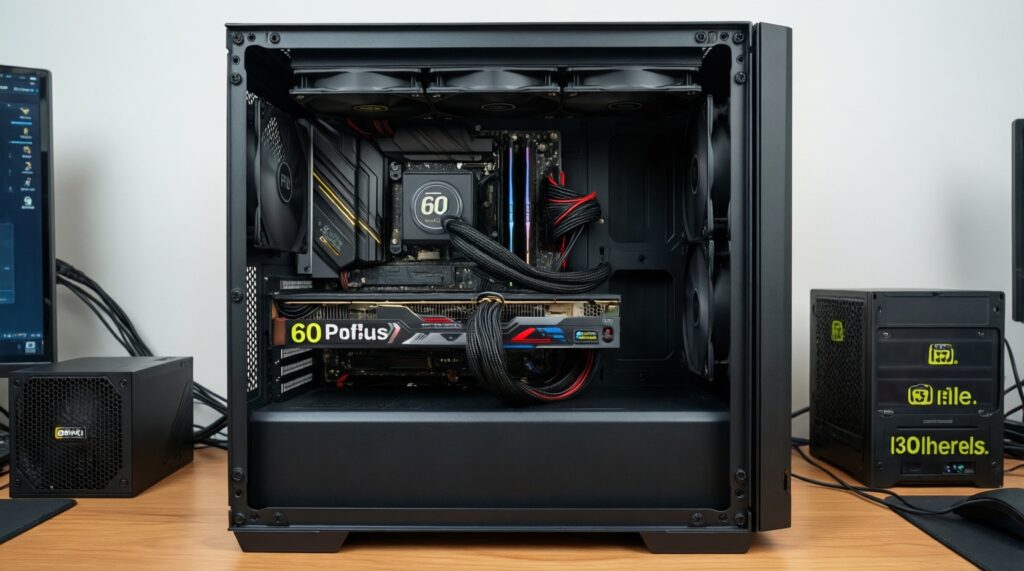
To interpret 80 Plus in a way that helps your build (and your budget when comparing พาวเวอร์ซัพพลาย 80 Plus ราคา), you need a few inputs before you shop:
- Your realistic load range: idle, gaming, and "worst-case" (CPU+GPU heavy) scenarios.
- Case airflow constraints: restricted intakes and small cases amplify heat from inefficient PSUs.
- Noise expectations: fan curve differences matter more when the PSU runs hotter.
- Outlet/power stability considerations: use a surge protector; a UPS is helpful if you see frequent brownouts.
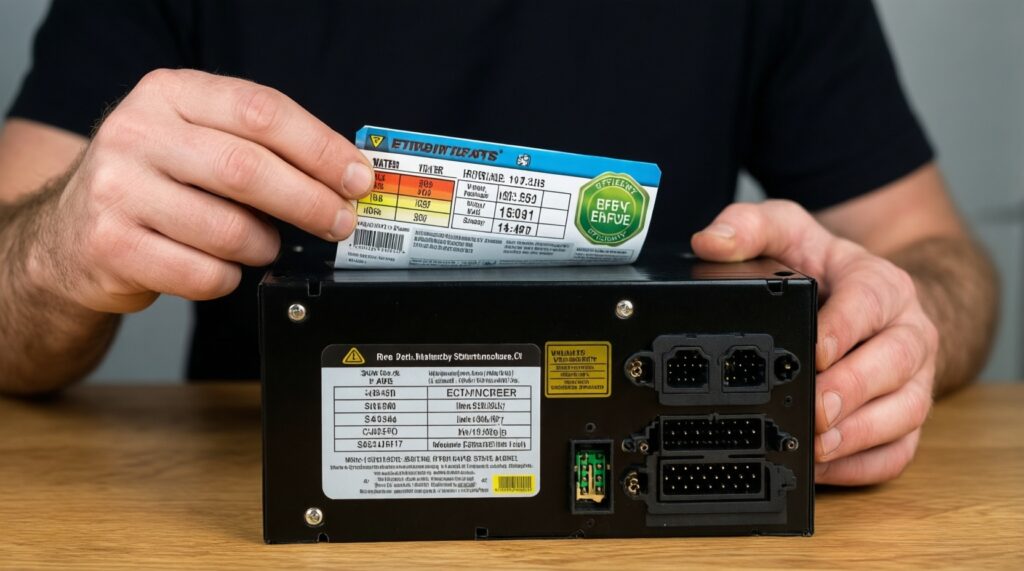
- Access to PSU label details: 12V rating, protection list, connector count, and cable types.
How to read it: higher 80 Plus tiers typically waste less power as heat at common loads, which can reduce fan noise. It does not guarantee capacitor quality, transient response, or long-term reliability-so treat it as one filter, not the final verdict.
Why Rail Design and Voltage Regulation Matter
-
Start from the 12V reality, not the headline watts.
Modern CPUs and GPUs pull primarily from 12V. Check the PSU label/spec for total 12V output and whether it's constrained by multiple rails or limits that can trip under GPU spikes.
- If specs are unclear or look "too good to be explained," skip the model.
-
Check protections and their purpose.
Look for OCP (over-current), OVP (over-voltage), UVP (under-voltage), OTP (over-temperature), and SCP (short-circuit). These are practical safeguards when something goes wrong (faulty cable, short, sudden load spike).
-
Match rail setup to your GPU/CPU power paths.
Single-rail designs simplify cable planning; multi-rail can be excellent but requires correct connector distribution to avoid nuisance OCP trips under transient loads.
- When in doubt, avoid mixing many high-draw connectors on one cable chain if the PSU manual warns against it.
-
Demand regulation clarity: stable output under changing load.
Good regulation reduces crashes, USB dropouts, random reboots, and storage errors under load changes. Use reputable reviews for ripple/regulation if available; otherwise prioritize established product lines with clear specs and warranty.
-
Plan cabling for low resistance and safe temperatures.
Use the PSU's native PCIe cables; avoid thin, unknown adapters. Heat at connectors is a real risk when contacts are poor or loads are concentrated on one plug.
Fast mode: 5-step buying checklist
- Pick the wattage class based on your GPU/CPU tier and upgrade plan (don't shop by box watt alone).
- Confirm 12V capability + protections on the label/spec sheet.
- Validate native EPS/PCIe/12VHPWR connectors for your exact parts.
- Use 80 Plus tier to manage heat/noise expectations, not as a quality stamp.
- Buy only with clear warranty/returns; avoid no-name listings with vague specs.
Essential Power Connectors and Cable Requirements
Use this checklist before you pay-missing connectors is one of the most common "it boots but crashes" causes, and it's where พาวเวอร์ซัพพลาย modular ราคา can mislead (modular helps routing, but does not fix missing native cables).
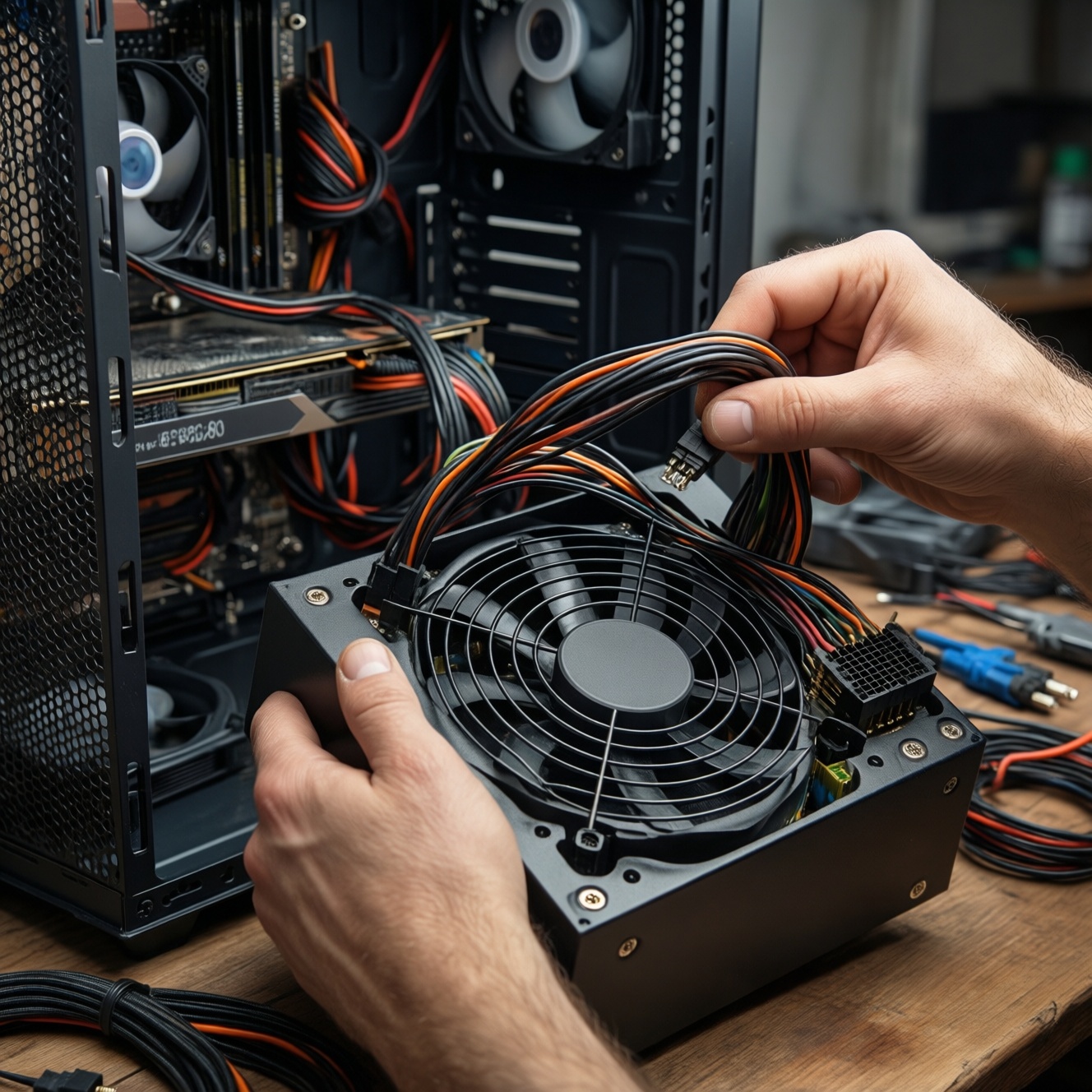
- 24-pin ATX cable present and long enough for your case routing.
- CPU EPS connector(s): at least 1× 8-pin; verify if your motherboard needs 8+4 or 8+8.
- GPU power: enough PCIe 8-pin connectors without relying on splitters as the main plan.
- If your GPU uses 12VHPWR/12V-2x6: confirm the PSU provides a native cable (and follow the GPU vendor bend/seat guidance).
- SATA power count matches your drives, AIO hub, RGB controller, and fan hubs.
- Molex only if you truly need it (older fan controllers/accessories); avoid chaining many loads on one string.
- Cable gauge/quality feels robust; connectors fit snugly (no wobble or half-seating).
- PSU fits your case (ATX/SFX length) with room for cable bend radius.
Sizing a PSU for Peak Loads, Startup Currents and Future Upgrades
These mistakes are why people ask PSU วัตต์แท้ กี่วัตต์ดี after the system starts rebooting under load:
- Buying "just enough" for average gaming draw and ignoring transient spikes (GPU boost behavior can trip weak PSUs).
- Assuming two PSUs with the same watt number behave the same (12V limits and protections differ).
- Relying on cheap PCIe splitters/adapters as a permanent solution.
- Underestimating startup current: many fans, pumps, and multiple drives can spike at boot.
- Forgetting future upgrades (GPU class jump, more drives, faster CPU boosting) and then replacing the PSU twice.
- Choosing an oversized PSU without considering low-load efficiency/noise behavior for your usage pattern.
- Ignoring local conditions: dust/heat and restricted airflow raise PSU temperature and reduce stability headroom.
- Mixing modular cables between brands/models (dangerous; pinouts differ).
Practical Tests, Diagnostics and Safe Installation Steps
Alternatives you can use depending on tools, time, and risk tolerance:
- Paper check (no tools): verify label specs, protections, connectors, and warranty; best before purchase and for quick elimination.
- Software + symptom-based diagnostics: track reboots under GPU load, USB dropouts, and coil/fan anomalies; useful when you suspect the PSU but can't measure rails directly.
- Basic measurement (multimeter): check 12V/5V/3.3V at idle and under a controlled load; only if you know safe probing and can avoid shorts.
- Swap test with a known-good PSU: the fastest practical confirmation when you have access to a reliable spare.
Safe installation essentials (do not skip)
- Switch PSU off and unplug AC before touching internal cables; discharge by pressing the PC power button once.
- Mount PSU firmly; ensure fan orientation matches case airflow and filter placement.
- Seat 24-pin, EPS, and PCIe connectors fully until the latch clicks; partial insertion causes heat and instability.
- Route cables to avoid sharp bends, especially near GPU/12VHPWR-type connectors; don't compress side panels onto plugs.
- Never reuse modular cables from another PSU, even if they "fit."
Common Practical Concerns and Quick Answers
Is 80 Plus Gold always better than Bronze?
Gold is usually more efficient (less heat) at common loads, but overall quality still depends on platform design, protections, and regulation. Use 80 Plus to estimate heat/noise, then verify connectors and protections.
Should I choose single-rail or multi-rail?
Single-rail is simpler for high transient GPUs; multi-rail can be excellent if connectors are distributed correctly. If you don't want to think about rail allocation, single-rail is the safer choice.
Can I power a high-end GPU with one split PCIe cable?
Avoid making it your default. Prefer separate native PCIe cables from the PSU to reduce connector heat and voltage drop under spikes.
Do modular PSUs improve performance?
Modular mainly improves cable management and airflow. Performance and stability depend on internal design, protections, and 12V delivery-not modularity.
Why does the PC reboot only when gaming or rendering?
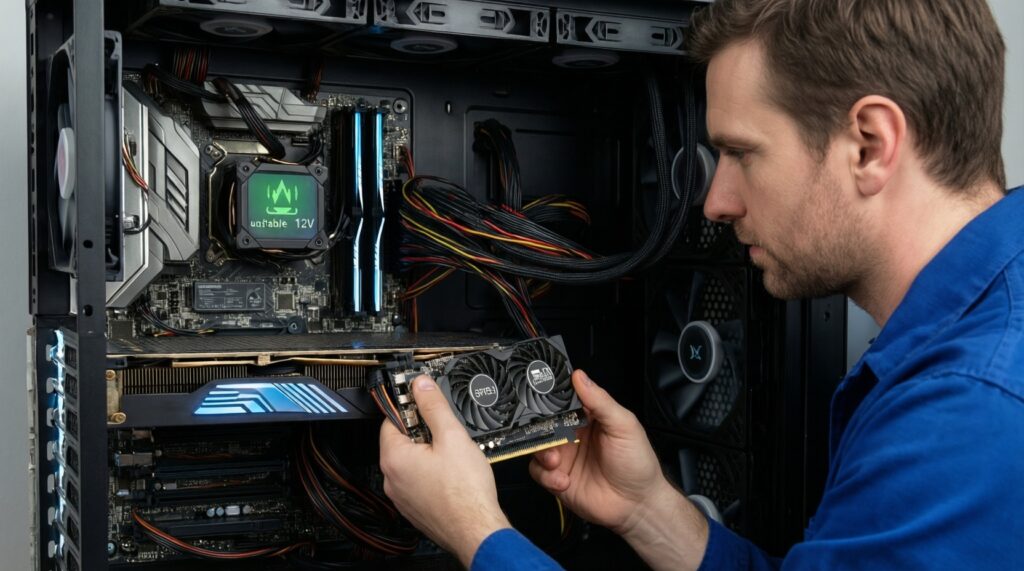
That pattern often points to transient load handling, weak 12V delivery, overheating, or connector issues. Check GPU/CPU power cables first, then consider swapping to a known-good PSU.
Is it safe to reuse old PSU cables after upgrading?
No-never mix modular cables across PSU models/brands. Pinouts can differ and may damage the motherboard, GPU, or drives.
What's the fastest way to choose between 650W and 750W?
If you're near the limit or planning a GPU upgrade, pick the higher class from a reputable line with the right native connectors. If your build is stable and connectors are sufficient, 650W can be appropriate.