To choose a motherboard safely and efficiently, match the chipset to your CPU socket first, then validate VRM strength for your power draw, confirm M.2 slot count and lane sharing for your SSD plan, and finally audit ports and form factor against your case and peripherals. This guide helps you ซื้อเมนบอร์ด without costly compatibility surprises.
Essential Specs Snapshot for Quick Comparison
- Start with CPU socket/platform: เมนบอร์ด AM5 (Ryzen) or เมนบอร์ด LGA1700 (Intel) before anything else.
- VRM quality matters more than "features" for high-boost CPUs and เมนบอร์ดเล่นเกม builds.
- Count M.2 slots you can use at once and check which SATA/PCIe slots get disabled by lane sharing.
- Ports should match your real devices: front USB-C header, enough rear USB-A, 2.5GbE if you use fast LAN/NAS.
- Pick form factor to fit the case and expansion needs (GPU clearance, PCIe slots, header layout).
| Build goal (prep checklist) | Chipset direction | VRM target (practical rating) | M.2 target | USB/IO target | Form factor default |
|---|---|---|---|---|---|
| Budget, everyday use (watching เมนบอร์ดราคา) | Mainstream chipset on your socket | Heatsinked VRM; prioritize stability over extras | 1-2 usable NVMe slots | Enough USB for mouse/keyboard/webcam; front USB header if needed | mATX for value |
| Gaming + mid/high CPU | Mid/high-tier chipset for stronger IO | Robust heatsinks; choose boards known for strong sustained power delivery | 2+ NVMe with clear lane behavior | 2.5GbE preferred; USB-C if you use modern storage | ATX for airflow + slots |
| Small form factor (SFF) | ITX-capable chipset on your socket | Don't underspec VRM; heat density is higher in SFF | 1-2 NVMe; plan thermals | Count rear USB carefully (fewer ports is normal) | Mini-ITX |
| Creator / storage-heavy | Higher IO chipset for lanes/USB | Stable VRM under sustained loads | 3+ NVMe if the platform supports it without severe trade-offs | More high-speed USB; consider Thunderbolt/USB4 only if you truly need it | ATX/E-ATX (space permitting) |
Choosing the Right Chipset for Your CPU and Workload
Pick the platform first: the motherboard must match your CPU socket and generation, then the chipset determines IO flexibility (USB, PCIe lanes, storage options) and how painless upgrades are. If you're deciding between เมนบอร์ด AM5 and เมนบอร์ด LGA1700, treat it as a platform choice, not a features checklist.
- Decision rule: If you need multiple NVMe drives plus lots of USB/high-speed networking, lean toward a higher-IO chipset on your chosen socket.
- Good fit: Mainstream chipsets for single-GPU systems with 1-2 NVMe drives.
- When not to do it: Don't buy a low-end chipset board for a high-power CPU if you expect sustained boost clocks (gaming sessions, rendering, compiling) or future CPU upgrades.
Evaluating VRM Quality: Phases, Cooling and Power Delivery
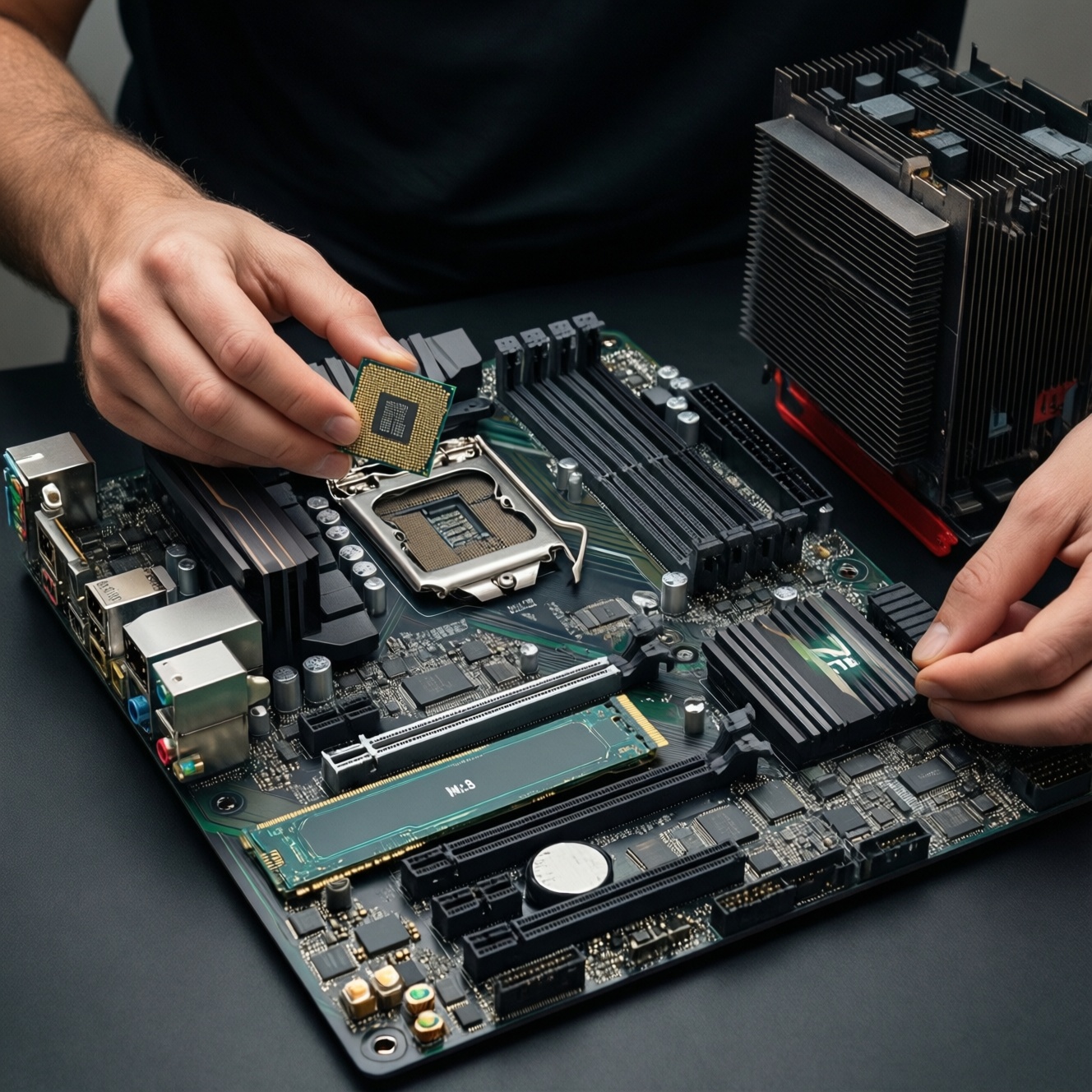
To assess VRM quality you'll need the product spec sheet, clear photos of the VRM area (top/left of the CPU socket), and ideally a review that includes VRM thermals. You're checking whether the power delivery can handle your CPU under sustained load without overheating or throttling.
- Have ready: your exact CPU model, planned cooler type (air/AIO), case airflow notes, and whether you will enable power limits/boost features.
- What to inspect: VRM heatsink size/coverage, presence of thermal pads, and whether both "sides" of the CPU power stages are heatsinked (varies by layout).
- Decision rule: For เมนบอร์ดเล่นเกม with mid/high CPUs, prefer boards with substantial VRM heatsinks and a track record of stable sustained power delivery over boards that spend budget on cosmetic features.
- Safety note: Avoid "blind buys" where the listing hides VRM details; stability problems can look like random crashes and are hard to diagnose later.
M.2 Slots and PCIe Lanes: Capacity, Bandwidth and Thermal Considerations
Preparation mini-checklist (before comparing boards):
- List how many NVMe drives you need now and within 12-24 months (OS, games, scratch/projects, backup).
- Decide whether you need SATA drives; SATA ports can be disabled by certain M.2 slots on some boards.
- Confirm your GPU plan (single GPU vs additional PCIe cards like capture/10GbE).
- Check your case has airflow over M.2 areas; plan for heatsinks if drives run hot.
- Download the motherboard manual for the exact model; don't rely on storefront bullet points.
-
Count "usable at the same time" M.2 slots
Some boards advertise multiple M.2 connectors, but enabling one can disable SATA ports or reduce PCIe slot bandwidth. In the manual, look for tables showing M.2_1/M.2_2 behavior and shared resources.
- Prefer boards that clearly document lane sharing per slot.
- If you need several drives, avoid designs where adding a second NVMe cripples the only extra PCIe slot you planned to use.
-
Verify PCIe generation where it matters
Prioritize PCIe generation for the GPU primary slot and your main OS/game NVMe slot. Extra storage drives often don't need the very highest link speed, but they do benefit from stable sustained performance and cooling.
- Make sure the primary GPU slot runs at its intended speed with your CPU (some secondary slots are chipset-fed and slower).
- Check whether any M.2 slot is wired through the chipset versus directly to the CPU; either can be fine, but the trade-offs must match your use.
-
Map lane sharing to your build plan
Open the manual section for "Expansion slots" and "Storage configuration" and create a simple map: which M.2 slot disables which SATA port(s), and whether any PCIe slot drops lanes when M.2 is populated.
- If you run multiple SATA drives, choose a board with enough SATA ports that remain active with all planned M.2 drives installed.
- If you need a capture card, avoid boards where populating the second M.2 turns the only usable PCIe x1/x4 slot off.
-
Plan M.2 thermals and placement
High-performance NVMe drives can throttle when they heat up, especially under a GPU. Prefer boards with M.2 heatsinks for the primary slots and position the hottest drive away from the GPU backplate when possible.
- If your case has limited airflow, treat M.2 heatsinks as a functional feature, not decoration.
- Leave room for double-sided NVMe drives if you might use them; some heatsinks/clearances are tight.
Ports and Connectivity: USB, Networking, Audio and Display Outputs
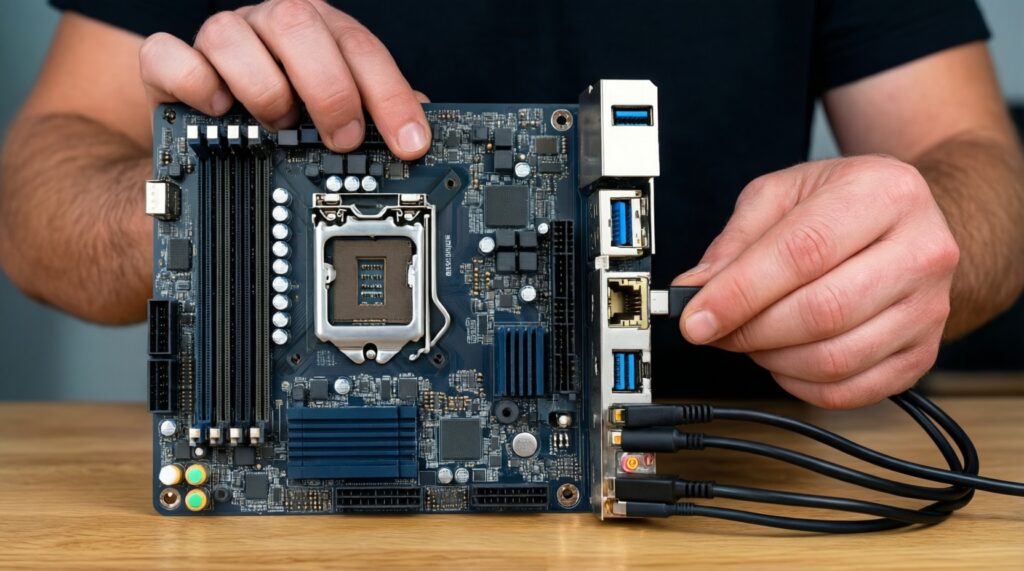
- Rear USB count matches your devices (keyboard, mouse, headset DAC, webcam, controller, printer, etc.).
- Front-panel headers match your case (especially front USB-C header if your case has USB-C).
- Network: pick the Ethernet speed/features you actually use (home LAN, NAS, streaming); confirm Wi‑Fi/Bluetooth is included only if you need it.
- Audio: confirm the outputs you need (line-out, optical, mic-in) and plan for an external DAC if you're picky about headphones.
- Display outputs only matter if you will use the CPU's integrated graphics; otherwise don't pay extra for them.
- BIOS Flashback / Q-Flash-type feature is valuable if you might pair an older board stock with a newer CPU.
- Fan headers: ensure you have enough headers for case fans + CPU cooler + AIO pump (if used).
Form Factor and Expansion: ATX/ITX Trade-offs and Slot Layout
- Buying ATX for "future expansion" but your case only supports mATX.
- Choosing Mini-ITX without planning for fewer USB ports, fewer fan headers, and higher heat density.
- Ignoring GPU thickness: a large GPU can block nearby PCIe slots and even some headers.
- Assuming every PCIe x16-length slot runs at x16 electrically (many are x4 via chipset).
- Not checking where M.2 slots sit: an M.2 under the GPU often runs hotter.
- Overpaying for reinforced PCIe slots and RGB while VRM heatsinks are minimal.
- Forgetting internal headers (ARGB/RGB, front audio, USB 2.0 for AIO controllers).
- Misreading board photos: some "heatsinks" are decorative covers; confirm what they actually cool.
Compatibility Checklist: Memory, BIOS, and Peripheral Interoperability
Use these alternatives when your first-choice board doesn't fit budget, availability, or your upgrade plan.
- Choose a stronger VRM board on a simpler chipset if you care about sustained CPU performance more than having the maximum number of high-speed ports.
- Pick a board with fewer features but better documented lane sharing if your build includes multiple drives/cards and you want predictable behavior.
- Switch to a different form factor within the same platform (mATX ↔ ATX) if your case and expansion needs changed; it often fixes clearance/header issues without changing CPU/RAM.
- Buy from a seller with clear BIOS support and return policy if you're mixing newer CPUs with older board stock and want to minimize "won't boot" risks.
- Decision rule: If you cannot verify BIOS/CPU support and you don't have BIOS Flashback, don't proceed-pick a board with explicit support or a safer update path.
- When comparing เมนบอร์ดราคา, prioritize: socket/BIOS support → VRM/cooling → lane sharing clarity → ports → aesthetics.
Common Practical Concerns and Their Short Answers
Do I need a high-end chipset for gaming?
Not always. For most เมนบอร์ดเล่นเกม builds, VRM quality and the right ports/storage layout matter more than the highest chipset tier.
How can I tell if a board will handle my CPU without VRM issues?
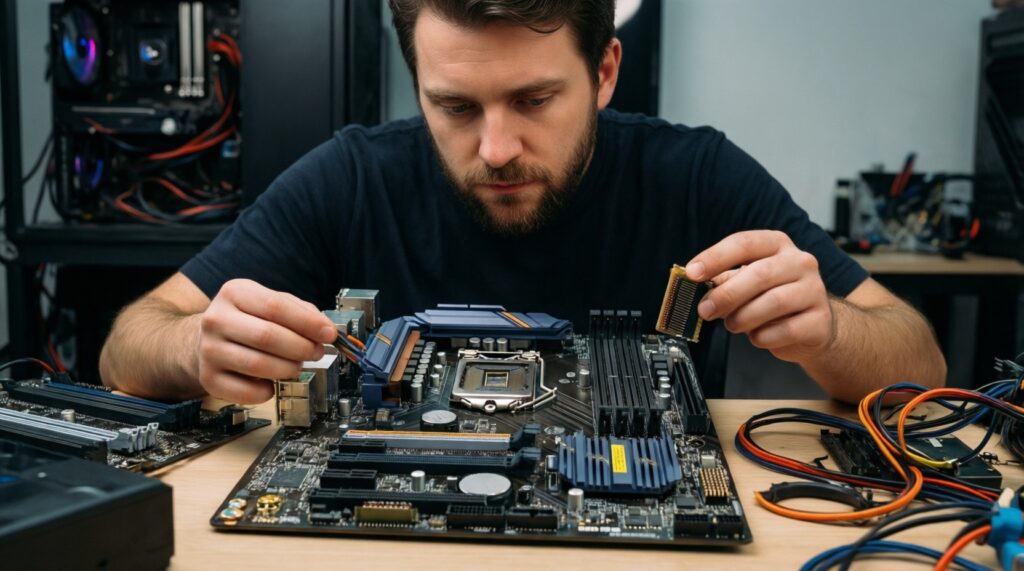
Look for substantial VRM heatsinks, clear VRM component disclosure, and reputable reviews showing stable sustained performance. If the listing hides VRM details, treat it as a risk.
Will adding a second M.2 SSD disable SATA ports?
It can, depending on the board's lane sharing. Confirm in the manual's storage configuration table for the exact model.
Is Wi‑Fi on the motherboard worth paying for?
Pay for it only if you will use Wi‑Fi/Bluetooth regularly or can't run Ethernet cleanly. Otherwise, a wired connection plus a separate adapter later can be more flexible.
What's the safest way to avoid BIOS incompatibility when I buy?
Choose boards with BIOS Flashback and confirm CPU support on the manufacturer's CPU support list. If you can't verify, buy from a shop that can update BIOS or offers easy returns.
Should I choose AM5 or LGA1700 purely based on motherboard features?
No. Decide the CPU platform first (เมนบอร์ด AM5 vs เมนบอร์ด LGA1700), then pick a board that matches your storage/ports and VRM needs on that platform.
What should I check right after unboxing, before building?
Inspect for bent pins (if applicable), verify included M.2 screws/standoffs, and cross-check the manual for slot/port behavior. This reduces the chance of damaging parts during troubleshooting.