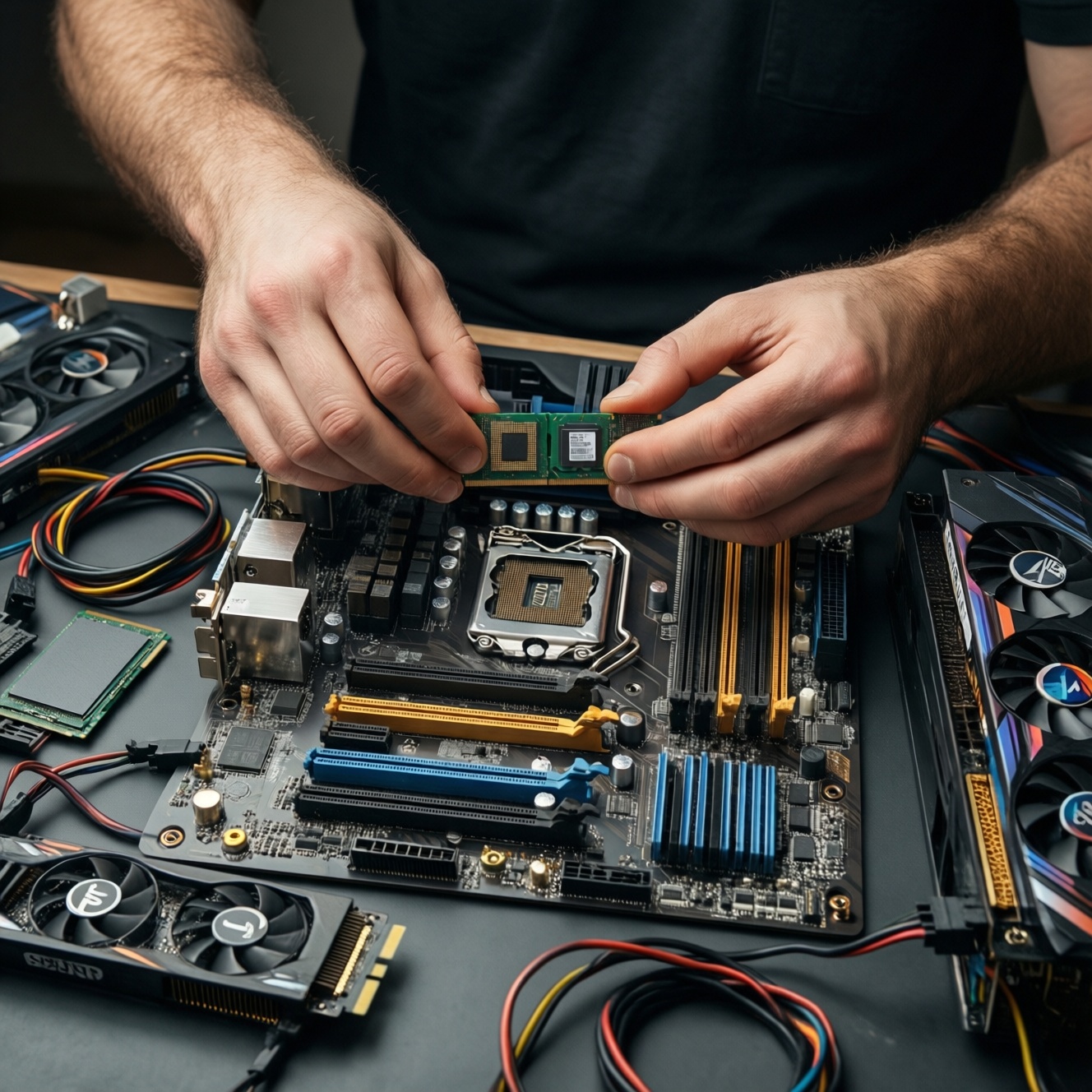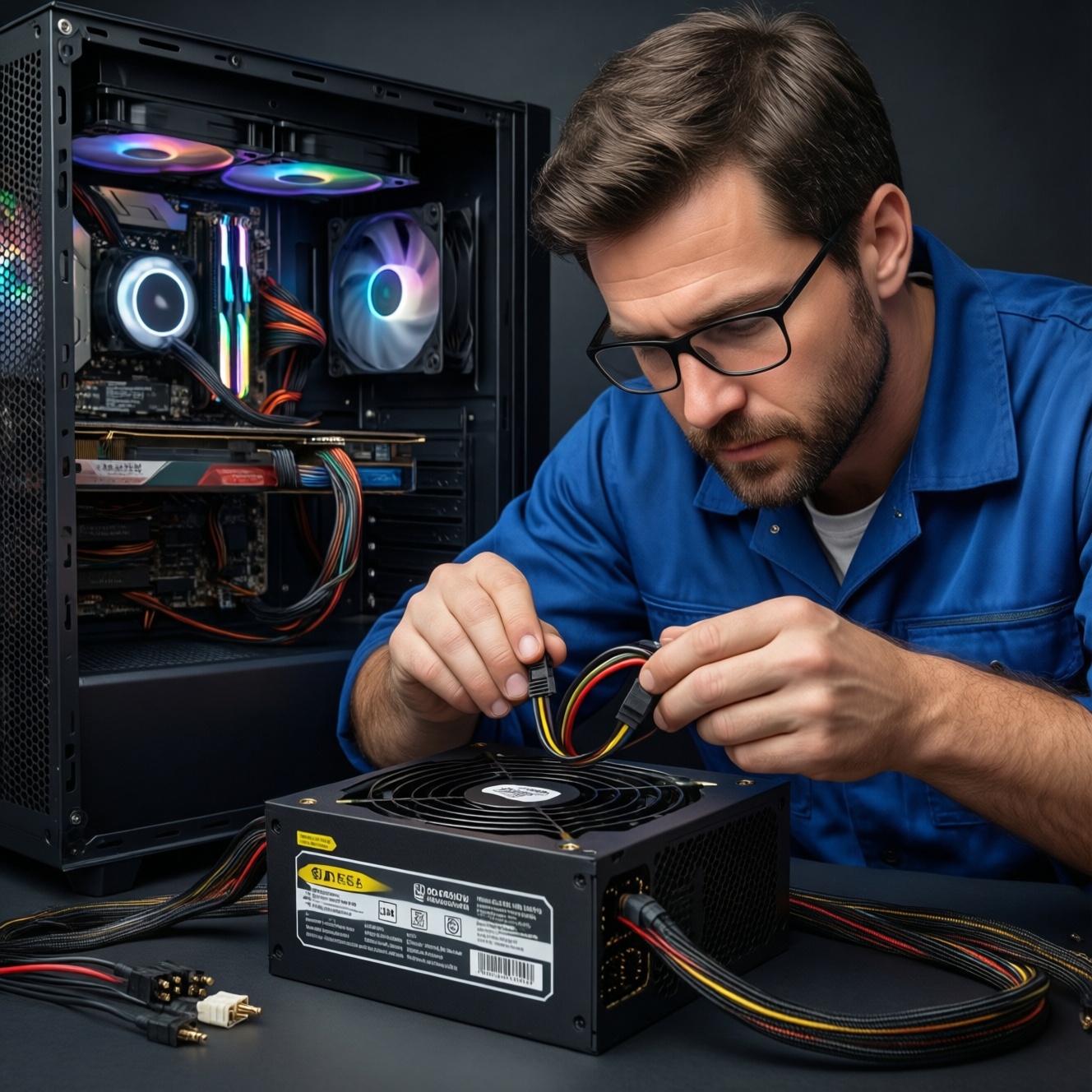
A PSU is the one PC part you should not cheap out on: pick wattage based on GPU/CPU peaks, ensure strong +12V delivery, choose an appropriate 80 Plus tier, and verify cables/connectors match your build. This guide shows how to calculate watts safely, interpret 80 Plus labels, spot wiring red flags, and diagnose unstable power before it damages components.
Power Essentials Snapshot
- Size for real peaks (GPU spikes + CPU boost), not just average draw; leave practical headroom for transient loads and upgrades.
- Prioritize +12V capacity and connector availability over marketing wattage.
- Use 80 Plus as an efficiency clue, not a quality guarantee; platform and protections still matter.
- Confirm you have the right PCIe/CPU connectors and sane cable runs before installation.
- Unstable power symptoms can mimic GPU/CPU/RAM issues; verify rails under load before blaming other parts.
- If you're asking "ซื้อ PSU วัตต์เท่าไหร่ดี", decide based on your exact GPU/CPU class and connectors, not a one-size recommendation.
How to Calculate Required PSU Wattage for Your System
This fits intermediate builders who already know their CPU/GPU models and want a defensible PSU choice (including upgrades). Skip DIY sizing if you're building a mission-critical workstation, running unknown used GPUs, or you cannot verify connectors/rail limits-buy a higher-tier, higher-wattage unit from a reputable platform instead.
- Use this when you want to คำนวณวัตต์ PSU ให้เหมาะกับคอม with room for GPU transient spikes and future parts.
- Don't use simplistic "PC wattage calculators" alone; they often ignore short spikes and connector constraints.
Decoding 80 Plus Certifications and Real-World Efficiency
To answer PSU 80 Plus ต่างกันยังไง in a practical way, you need a few basics before you shop or test:
- Your mains context (TH): stable wall power, correct grounding, and a known-good outlet or UPS/AVR if your area is noisy.
- Build list: exact GPU, CPU, motherboard, storage count, and any high-draw USB devices.
- Connector requirements: GPU power plugs (PCIe 6/8-pin or 12VHPWR/12V-2x6) and CPU EPS (4+4 / 8+8).
- Tools (safe): a plug-in power meter for AC draw, monitoring software (HWInfo-class), and optionally a quality multimeter (only if you know how to probe safely).
- Expectation setting: 80 Plus describes efficiency, not voltage stability, ripple control, protections, or component quality.
| What you want to decide | Best tool/approach | What it tells you | What it does NOT guarantee |
|---|---|---|---|
| Is my PSU wattage enough? | AC power meter + stress test (GPU + CPU) | Wall draw trend, whether shutdowns occur under combined load | Exact DC rail headroom; transient handling quality |
| Should I pay for higher 80 Plus? | Compare efficiency tier + platform reputation | Likely lower heat/noise and better efficiency at typical loads | Protection quality, low ripple, tight regulation |
| Is +12V stable under load? | Monitoring + event logs; multimeter only if trained | Clues of droop/instability; correlation with crashes | Ripple measurement (needs oscilloscope) |
| Are my cables/connectors safe? | Physical inspection + correct routing | Overheating risk, connector seating, strain, bend radius | Internal PSU build quality |
If your budget allows, many users search for แนะนำ PSU 80 Plus Gold ราคา because Gold often lands in a sensible efficiency/noise zone for mid-to-high builds. Treat it as a filter, then evaluate +12V capacity, protections, connectors, and warranty.
+12V Rails, Current Distribution and Handling Peak Loads
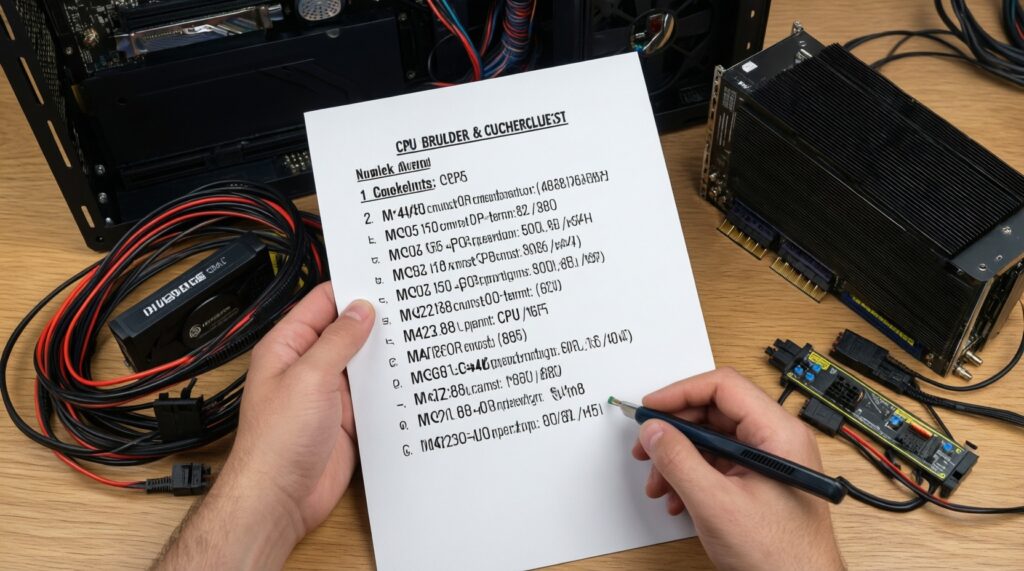
Preparation checklist (do this first):
- Write down your CPU and GPU exact model and whether you plan to overclock/undervolt.
- Count all power-hungry devices: additional SSD/HDDs, pumps/fans, capture cards, USB-powered peripherals.
- Confirm required connectors: GPU plugs and CPU EPS plugs; note if your GPU uses 12VHPWR/12V-2x6.
- Plan for case airflow: a PSU running hot is more likely to be noisy and throttle/age faster.
- Decide your upgrade horizon (next GPU tier within the same case/cables or not).
-
Estimate a realistic peak budget (not average)
Start with GPU peak + CPU peak, then add the rest (motherboard, drives, fans). If you don't know peaks, use conservative assumptions and size up; transient spikes are the common "surprise" load that triggers black screens.
- Rule of thumb: the GPU is usually the dominant +12V load; size around it first.
- If you run aggressive boost/PL settings, treat your CPU as a meaningful second peak contributor.
-
Convert watts to +12V current where it matters
Most modern PC load is on +12V. Use the simple relation: Current (A) = Power (W) / 12. This helps you sanity-check whether the PSU's +12V output and cabling match your GPU/CPU demands.
- Focus on the PSU label/spec: +12V total watts/amps, not only "total wattage".
- For multi-rail designs, understand per-rail limits so you don't overload one rail with a single GPU cable set.
-
Add headroom for transient spikes, aging, and upgrades
Don't size to a razor-thin margin. Headroom reduces shutdowns during spikes and keeps the PSU in a more efficient, cooler operating range.
- Prefer headroom when using high-end GPUs, small cases, or warm rooms (common in TH climate).
- If you plan a GPU upgrade within one generation, size for the next tier now.
-
Validate connector and rail distribution (before buying)
Wattage is meaningless if you lack the right connectors or if you must use unsafe adapters. Match the PSU's native cables to your GPU requirement and avoid questionable splitters for high-draw cards.
- Use separate PCIe cable runs where recommended (don't daisy-chain high draw on one cable unless the PSU/cable set is designed for it).
- For 12VHPWR/12V-2x6, prioritize a native cable from the PSU brand/model line when available.
-
Stress-test behavior after installation (safe, observable pass/fail)
Run a combined CPU+GPU load for stability checking. Pass if the system stays stable with no sudden power loss, no repeated driver resets, and no burning smell/hot connectors. Fail if you see hard shutdowns/black screens under combined load.
- Keep the case closed in the final test to reflect real thermals.
- Stop immediately if you detect melting plastic smell, visible arcing, or abnormally hot connectors.
Connector Types, Cable Gauge and Modularity Checklist
- GPU power: correct number/type of PCIe 8-pin (6+2) or 12VHPWR/12V-2x6; avoid unknown-brand adapters.
- CPU power: at least one EPS 8-pin (4+4) as your motherboard requires; high-end boards may need two.
- No forced bends: keep a gentle bend radius near GPU/PSU connectors; avoid sideways tension on the plug.
- Separate runs: prefer separate PCIe cables to the GPU instead of a single daisy-chain for high-draw cards.
- Connector seating: fully insert until it clicks; verify no visible gap between plug and socket.
- Cable condition: no nicks, crushed insulation, or discoloration; replace damaged cables immediately.
- Modular safety: use only cables made for that exact PSU model/series; never mix modular cables across brands/series.
- Airflow clearance: PSU fan intake not blocked; dust filter clean enough to avoid heat soak.
Symptoms and Diagnostics of Unstable or Fluctuating Power
- Random black screen + reboot under GPU load: common sign of insufficient transient handling or overloaded PCIe cabling.
- Instant shutdown (power cut) during combined CPU+GPU load: often PSU protection tripping, rail overload, or bad PSU.
- GPU driver crash/reset during gaming (with stable temps): can be power-related, especially if it correlates with spikes.
- Coil whine changing sharply with load and accompanied by instability: not definitive, but can indicate poor filtering or stress.
- USB devices disconnecting under load: can happen with borderline PSU regulation or motherboard VRM stress.
- Hot-to-touch GPU power connectors/cables: indicates high resistance from poor seating, bad adapter, or overload-stop and recheck.
- System stable after undervolting GPU but unstable at stock: suggests PSU/cabling headroom problem rather than pure GPU defect.
- Event Viewer logs show Kernel-Power critical events after sudden power loss: points toward power delivery or protection trips.
- Burning smell, discoloration, or melting around connectors: immediate shutdown and replace affected parts; do not keep testing.
When users ask PSU ไฟไม่นิ่ง อาการและวิธีแก้, the safest path is: re-seat connectors, remove adapters, split PCIe cables, retest under combined load, and if symptoms persist, swap to a known-good PSU rather than "tuning around" the issue.
Selecting, Bench-Testing and Verifying a Trustworthy PSU
- Option A: Overspec with a higher-tier PSU - Use when you run a high-end GPU, plan upgrades, or your area has inconsistent mains. You're buying transient headroom, quieter operation, and usually better internal protections.
- Option B: Choose 80 Plus Gold from a reputable platform, then verify connectors and warranty - Useful when searching "แนะนำ PSU 80 Plus Gold ราคา" but you still want a reliability-first shortlist: check +12V capacity, native cables, protections, and after-sales support in TH.
- Option C: Temporary known-good PSU swap test - The fastest diagnostic: borrow a quality PSU of adequate wattage and rerun the same load. If the issue disappears, stop blaming GPU/RAM first.
- Option D: UPS/AVR for dirty mains (not as a PSU substitute) - Helps with brownouts/surges, but it won't fix a weak PSU or bad GPU cabling.
Common Practical Concerns - Short Answers
"ซื้อ PSU วัตต์เท่าไหร่ดี" if I game at 1440p with a modern GPU?
Pick based on your exact GPU/CPU and required connectors, then add headroom for spikes. If you're near the edge on paper, move up a tier rather than relying on adapters or daisy-chained PCIe cables.
How do I "คำนวณวัตต์ PSU ให้เหมาะกับคอม" without overpaying?
Budget for realistic peak CPU+GPU load, then add practical headroom and verify +12V capacity plus connectors. Overpaying is usually buying wattage you can't use; avoid that by matching connectors and rail delivery first.
"PSU 80 Plus ต่างกันยังไง" in daily use?
Higher 80 Plus tiers mainly reduce wasted power (heat), which can lower fan noise and improve efficiency. It does not automatically mean better voltage stability, protections, or long-term reliability.
Is it smart to follow "แนะนำ PSU 80 Plus Gold ราคา" lists?
Use them only as a starting filter, then confirm the model has sufficient +12V output, the right PCIe/EPS connectors, and a warranty/support path in Thailand. Avoid unknown revisions and cable-mix mistakes with modular PSUs.
What are the fastest checks for "PSU ไฟไม่นิ่ง อาการและวิธีแก้"?
Re-seat every power connector, remove questionable adapters, and run a combined CPU+GPU load test. If hard shutdowns persist, swap to a known-good PSU rather than repeatedly tweaking GPU settings.
Can a bigger wattage PSU fix crashes even if my old PSU "should be enough"?
Yes, if crashes are caused by transient spikes, weak +12V delivery, or overloaded cabling/rails. Bigger wattage alone isn't the cure-platform quality and correct cable distribution matter.
Should I use modular cables from another PSU brand if the connector fits?
No. Modular PSU pinouts are not standardized across brands/series; mixing cables can destroy hardware. Use only the exact cable set specified for your PSU model/series.