If you want the best long-term value with the least risk, a quality tower air cooler is usually the safer pick; choose an AIO only when you specifically need radiator-based heat dumping, tighter CPU clearance, or a certain look. This page helps you decide by budget, noise goals, reliability tolerance, and upgrade plans in Thailand.
Quick Comparison Snapshot
- Best for lowest long-term hassle: tower air heatsink (fewer failure points, simpler maintenance).
- Best when CPU area is cramped: AIO (moves the bulk to a radiator, but adds pump risk).
- Noise character differs: air = fan-only; AIO = fans + possible pump hum/whine.
- Ownership risk: air failures are usually gradual (fan); AIO can be sudden (pump) and may require full replacement.
- Case planning matters more for AIO: radiator thickness, top/front clearance, hose routing.
- Price shopping in TH: compare total platform cost, not only "ชุดน้ำปิด AIO ราคา" vs "ซิงก์ลม CPU ราคา".
| Metric | AIO (Closed-loop liquid) | Air (Tower heatsink) |
|---|---|---|
| Upfront cost pressure | Often higher for similar real-world results | Often better value per baht |
| Peak heat dumping | Strong when radiator has good airflow and enough surface area | Strong with a big tower + good case airflow |
| Noise sources | Fans + pump tone (varies by unit) | Fans only (easier to tune) |
| Maintenance | Dust + radiator cleaning; monitor pump behavior | Dust + fan cleaning/replacement |
| Reliability profile | More components: pump, seals, hoses | Mostly metal + one/two fans |
| Compatibility constraints | Radiator mount positions, thickness, hose reach | RAM/VRM clearance, cooler height |
How AIO Liquid Coolers Work
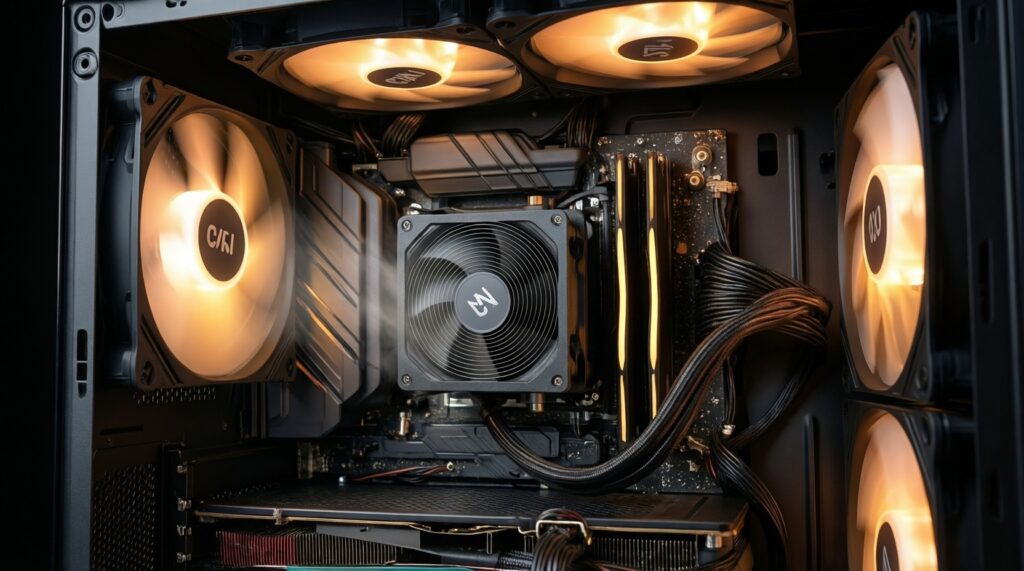
An AIO uses a pump block on the CPU to move coolant to a radiator, where fans dump heat out of the case. That "separates" the heat exchanger from the CPU area, but adds moving parts and mounting constraints.
Selection criteria (use these as your checklist):
- Radiator location: top mount favors exhausting heat; front mount may feed the CPU cooler with cooler air but warms GPU intake.
- Radiator size and thickness: your case clearance matters as much as the nominal size.
- Fan quality and control: PWM range, bearing type, and how well it behaves at low RPM.
- Pump acoustics and control: some boards allow pump curves; otherwise ensure the default pump speed isn't annoyingly audible.
- Tube routing and reach: avoid tight bends and strain; plan for your mount position.
- Warranty and local support: in Thailand, RMA convenience can be the difference between "fine" and "painful".
- Cold-plate and mounting pressure: consistent contact matters; prefer designs with stable brackets and clear torque guidance.
- Case airflow strategy: radiator performance depends heavily on intake/exhaust balance and dust filtration.
Persona fit:
Enthusiast/overclocker: consider AIO when you can give the radiator clean airflow and you accept pump risk for the layout/looks.
Quiet/home office: only pick AIO if you're confident you won't be bothered by pump tone; otherwise air is easier to make "inaudible-ish".
How Air (Tower) Heatsinks Work
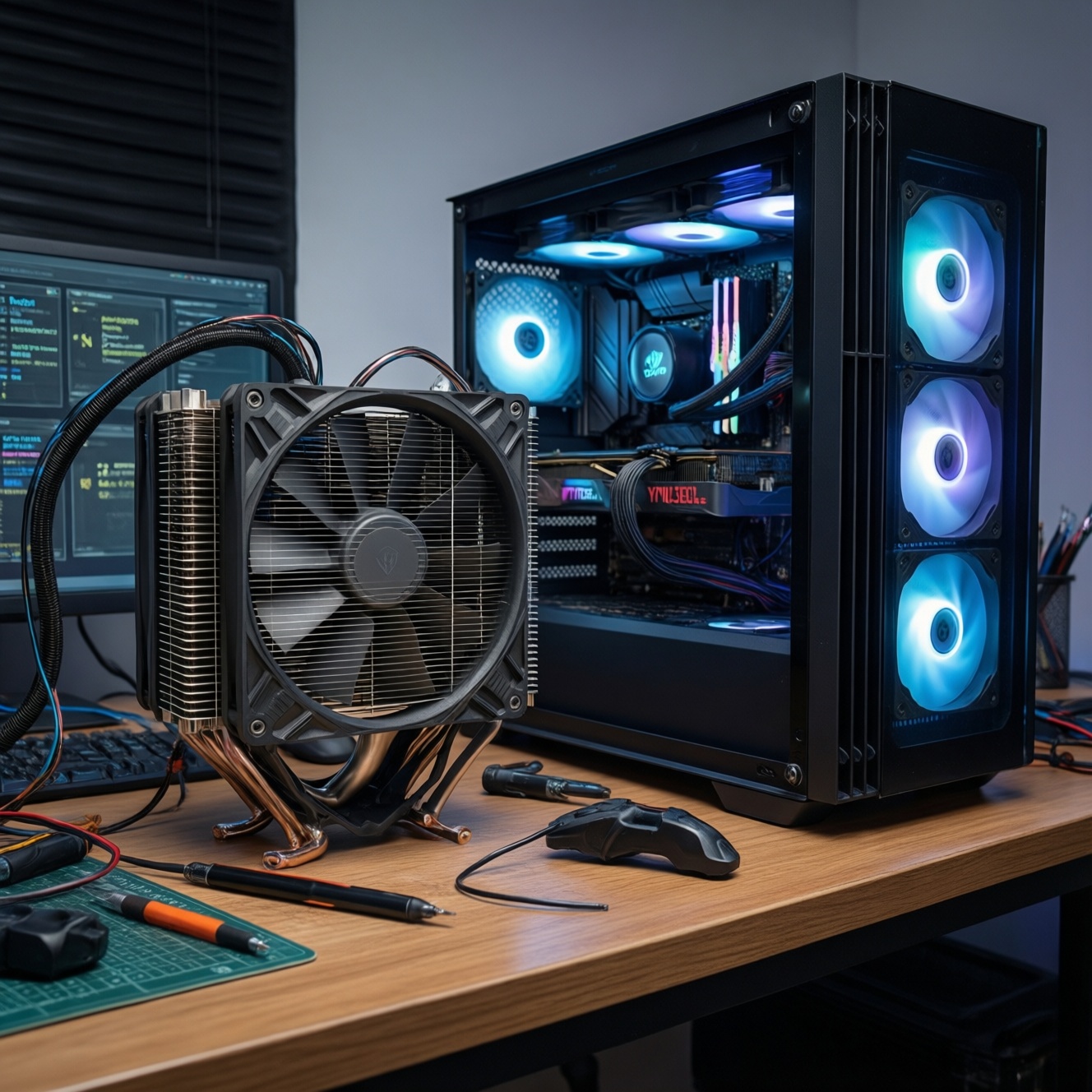
A tower heatsink pulls heat from the CPU into heatpipes and a fin stack; one or two fans move air through the fins. It's mechanically simple, typically easy to service, and performance is heavily tied to case airflow and heatsink mass.
| Variant | Who it fits | Pros | Cons | When to choose |
|---|---|---|---|---|
| 120mm single-tower, 1 fan | Budget builder, mid-power CPUs | Good value, easy installation, usually good RAM clearance | Less headroom for sustained heavy loads | When "ซิงก์ลม CPU ราคา" must stay low but you still want a meaningful upgrade over stock cooling |
| 120mm single-tower, 2 fans (push-pull) | Balanced builds | Better sustained cooling than 1 fan, still compact | More noise potential; can complicate RAM clearance | When you want extra margin without moving to very large coolers |
| 140mm single-tower (taller, wider fins) | Quiet/home office | Can run lower RPM for similar cooling | Height can block smaller cases | When your priority is low fan RPM and smooth acoustics |
| Dual-tower, 2 fans | High-power CPUs, productivity workloads | High thermal capacity, often rivals mid-size AIOs in practice | Heavy; RAM/VRM clearance needs planning | When you want strong sustained performance with minimal long-term complexity |
| Low-profile (top-down) cooler | SFF/compact cases | Fits tight height limits; can help cool VRM area | Limited peak performance; sensitive to case airflow | When case height is the hard constraint and you need a predictable fit |
| 240/280mm AIO (as an alternative "variant") | Builders chasing clean aesthetics or CPU-socket clearance | Moves bulk to radiator; frees RAM area | Pump is a single point of failure; radiator compatibility required | When you've done case checks and "เปรียบเทียบ ชุดน้ำปิด AIO กับ ซิงก์ลม CPU" still favors your layout goals |
Persona fit:
Budget builder: start with a 120mm single-tower; upgrade fans later if needed.
Enthusiast/overclocker: a dual-tower can be the "set-and-forget" path if your case and RAM clearance allow it.
SFF upgrader: low-profile is often more realistic than forcing an AIO into poor airflow.
Performance: Temperatures, Thermal Throttling, and Overclocking
Pick based on the load you actually sustain: short gaming bursts, long rendering, or all-core stress. The cooler that maintains stable clocks with acceptable noise in your case is the "best", not the one with the most marketing.
- If your CPU frequently hits power limits or throttles in long renders, then prioritize a large dual-tower air cooler or a properly-mounted 240/280mm AIO with strong case airflow.
- If you mostly game and your case airflow is average, then a good single/dual-tower air cooler is often enough; invest savings into case fans and a clean airflow path.
- If you want all-core overclocking/undervolting experiments, then choose the option that stays quiet at sustained load: large air for simplicity, AIO only if the radiator can exhaust cleanly and you accept pump acoustics.
- If your case has limited CPU cooler height but supports a top/front radiator properly, then an AIO can outperform a compromised small air cooler.
- If GPU temps are your main problem, then avoid front-mounting a radiator that preheats GPU intake; consider top exhaust radiator or stick with air on CPU.
Buying reality in TH: when you search "ชุดน้ำปิด AIO ยี่ห้อไหนดี" or "ซิงก์ลม CPU ยี่ห้อไหนดี", filter results by your case constraints first; brand reputation won't fix a bad mount position or blocked airflow.
Noise, Reliability, and Long‑Term Maintenance
- Decide your tolerance for continuous tones: if pump hum would annoy you, lean air first.
- Map your failure risk preference: if you want the fewest single points of failure, choose air; if you accept pump risk for layout/looks, AIO is viable.
- Check your cleaning habits: if you rarely open the PC, avoid radiator-heavy builds that clog and spike noise.
- Plan fan strategy: set a quiet idle profile; reserve high RPM only for sustained loads (both AIO and air benefit).
- Verify mount orientation and hose routing: avoid stressed tubes; keep the install tidy to prevent long-term vibration noise.
- Pick for serviceability: if you want easy fixes, choose a cooler where replacing a fan is straightforward.
Simple maintenance checklist (both types):
- Blow dust from fins/radiator and filters on a schedule that matches your room dust level.
- Re-check fan curves after a BIOS update.
- Listen for new rattles/hums; address loose screws and cable contact early.
- If temps rise over time, reseat the cooler and replace thermal paste rather than immediately buying a new unit.
Total Cost Analysis: Purchase, Replacement Parts, and Ownership
- Comparing only sticker price: "ชุดน้ำปิด AIO ราคา" vs "ซิงก์ลม CPU ราคา" is incomplete-include potential replacement downtime and parts availability.
- Overbuying radiator size for a low-power CPU: you pay extra but still run fans for case airflow; the benefit may be marginal in your actual use.
- Underestimating case-fan needs: a strong cooler can't compensate for a poorly ventilated case; budgeting for airflow often beats upgrading the cooler tier.
- Ignoring RAM/VRM clearance costs: a huge air cooler might force low-profile RAM or case changes-hidden upgrade friction.
- Assuming AIO is maintenance-free: dust buildup on radiators increases noise; pumps can develop audible behavior over time.
- Buying the quietest cooler but leaving default aggressive fan curves: tuning matters as much as hardware.
- Not planning for future platform swaps: ensure mounting hardware availability for your likely next socket.
- Choosing aesthetics over support: in Thailand, smoother local warranty handling can outweigh small performance differences.
Installation, Case Compatibility, and Future Upgrades
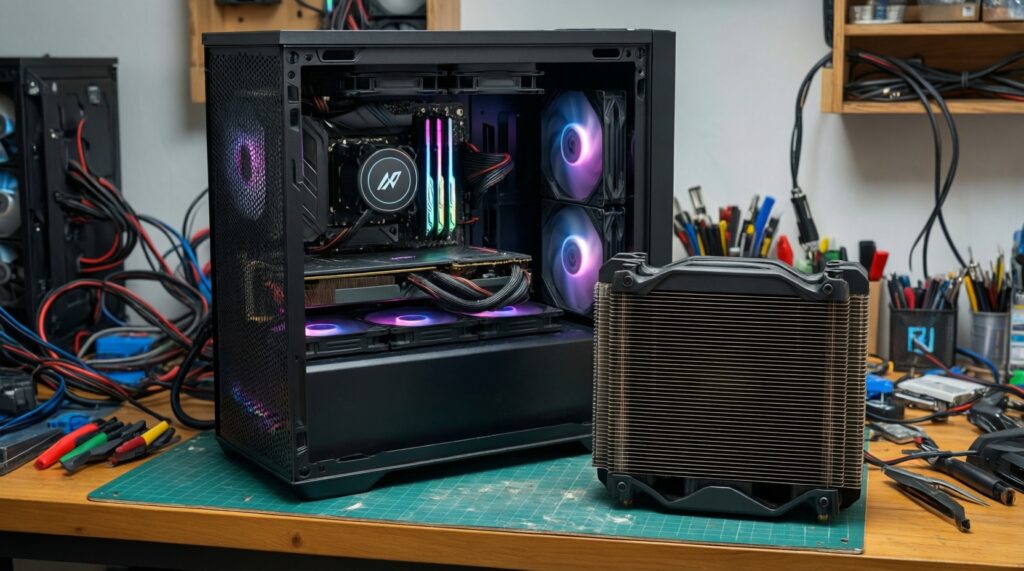
Best for budget builders and low-drama ownership is usually a tower air cooler that fits your case height and RAM clearance. Best for socket-area clearance or a radiator-focused layout is an AIO that your case can mount without compromises (radiator thickness, hoses, and airflow). For SFF upgraders, pick the cooler that fits first, then optimize airflow.
Common Buyer Concerns and Direct Answers
Is an AIO always cooler than a big air tower?
No. In real builds, case airflow and mounting quality can let a large dual-tower match or beat a mid-size AIO on sustained loads.
What fails more often long-term: AIO or air?
Air coolers mainly rely on fans, which are cheap and replaceable. AIOs add a pump and sealed loop; if the pump degrades, replacement is usually the whole unit.
Will an AIO reduce CPU area heat and help RAM/VRM clearance?
Yes for physical clearance around the socket, because the bulky fins move to the radiator. VRM temps can still depend on case airflow since a tower cooler often provides incidental airflow over nearby components.
How do I decide between top-mount and front-mount radiator?
Top-mount often helps exhaust CPU heat without warming GPU intake. Front-mount can give the radiator cooler intake air but may increase GPU temps in many cases.
Which is easier for a first-time builder to install?
Most mid-size air towers are simpler: fewer parts and less routing. AIOs are manageable, but require planning radiator clearance, hose path, and fan orientation.
What should I prioritize when searching "ชุดน้ำปิด AIO ยี่ห้อไหนดี" or "ซิงก์ลม CPU ยี่ห้อไหนดี"?
Prioritize compatibility (case mounts/height, RAM clearance), warranty/RMA convenience in Thailand, and predictable noise behavior over brand hype.