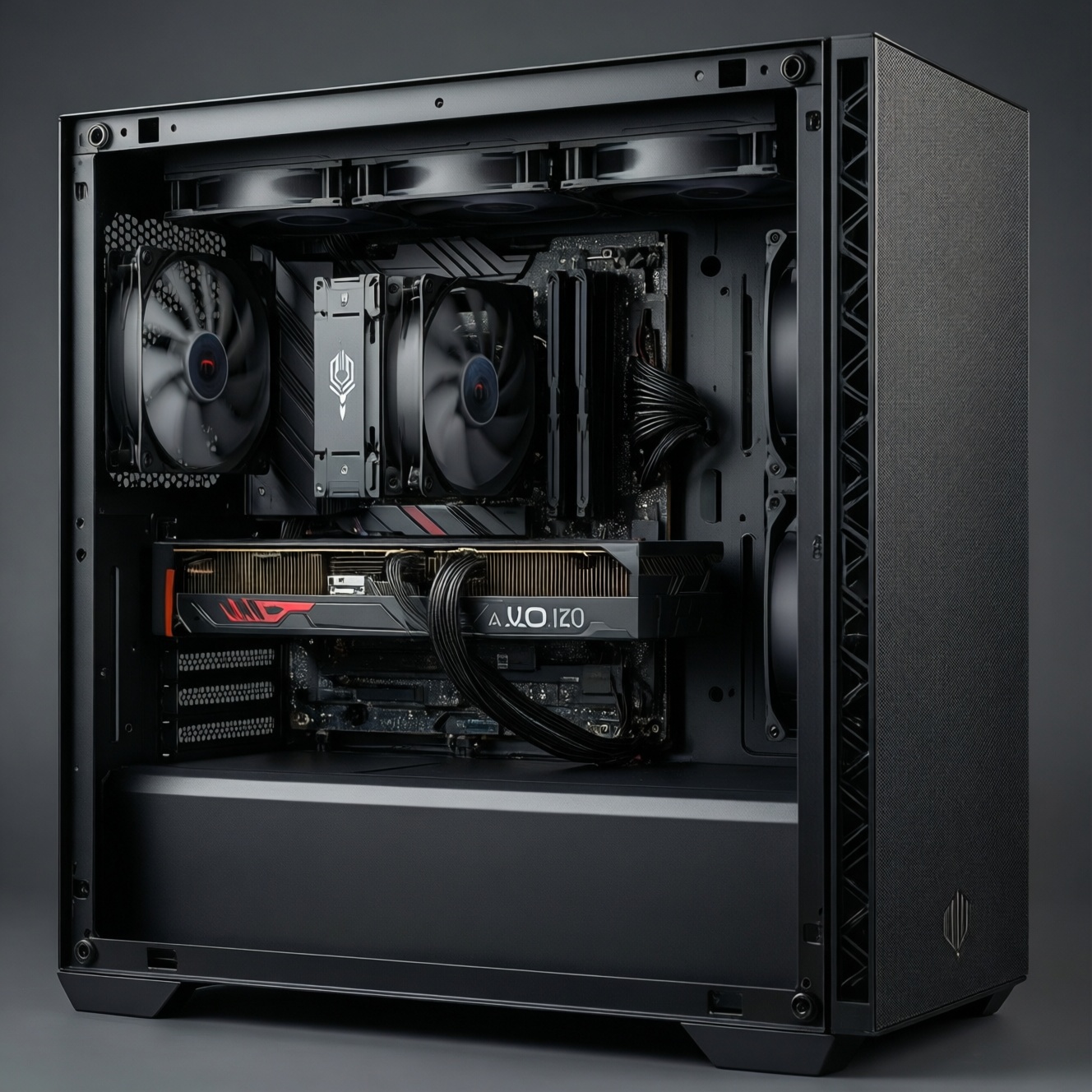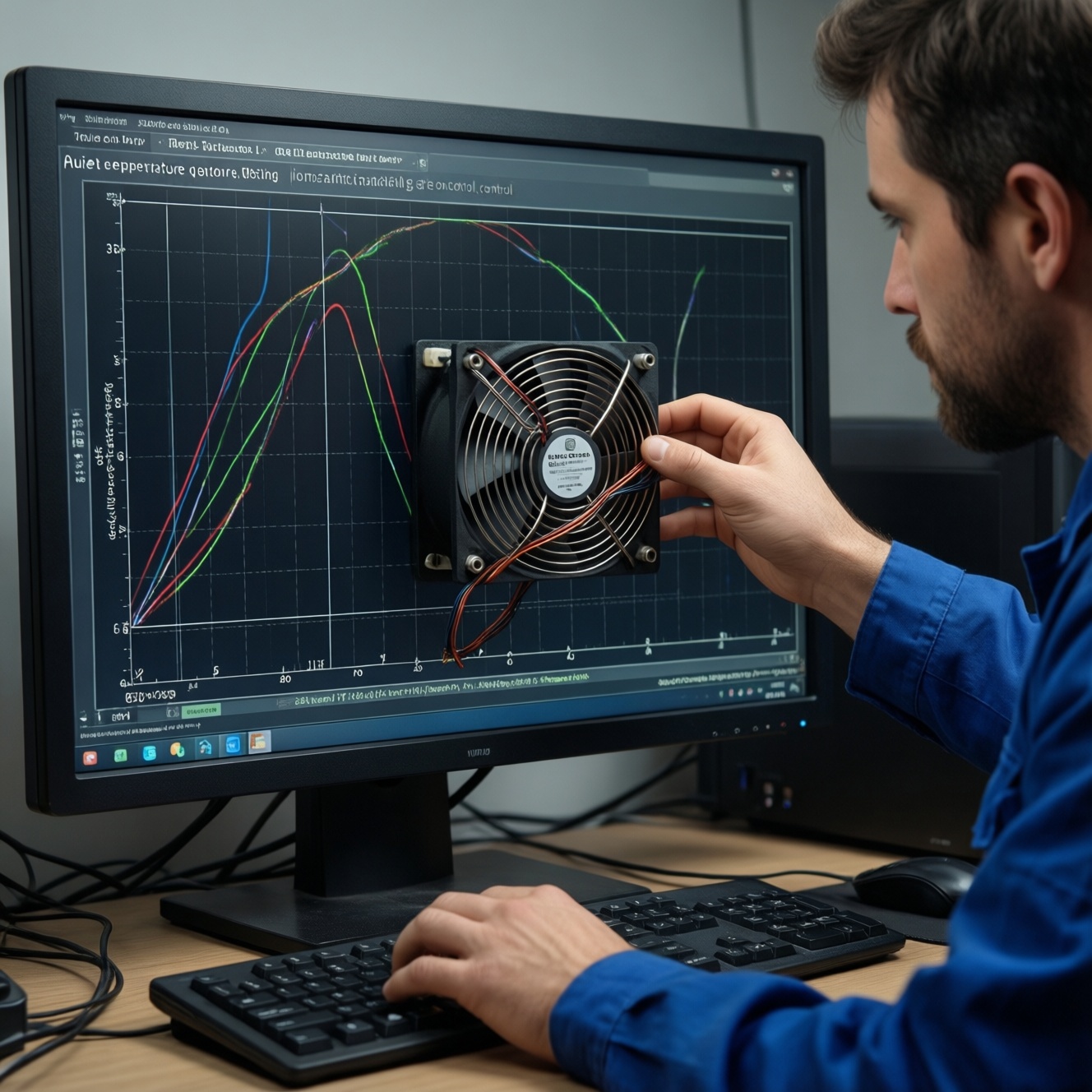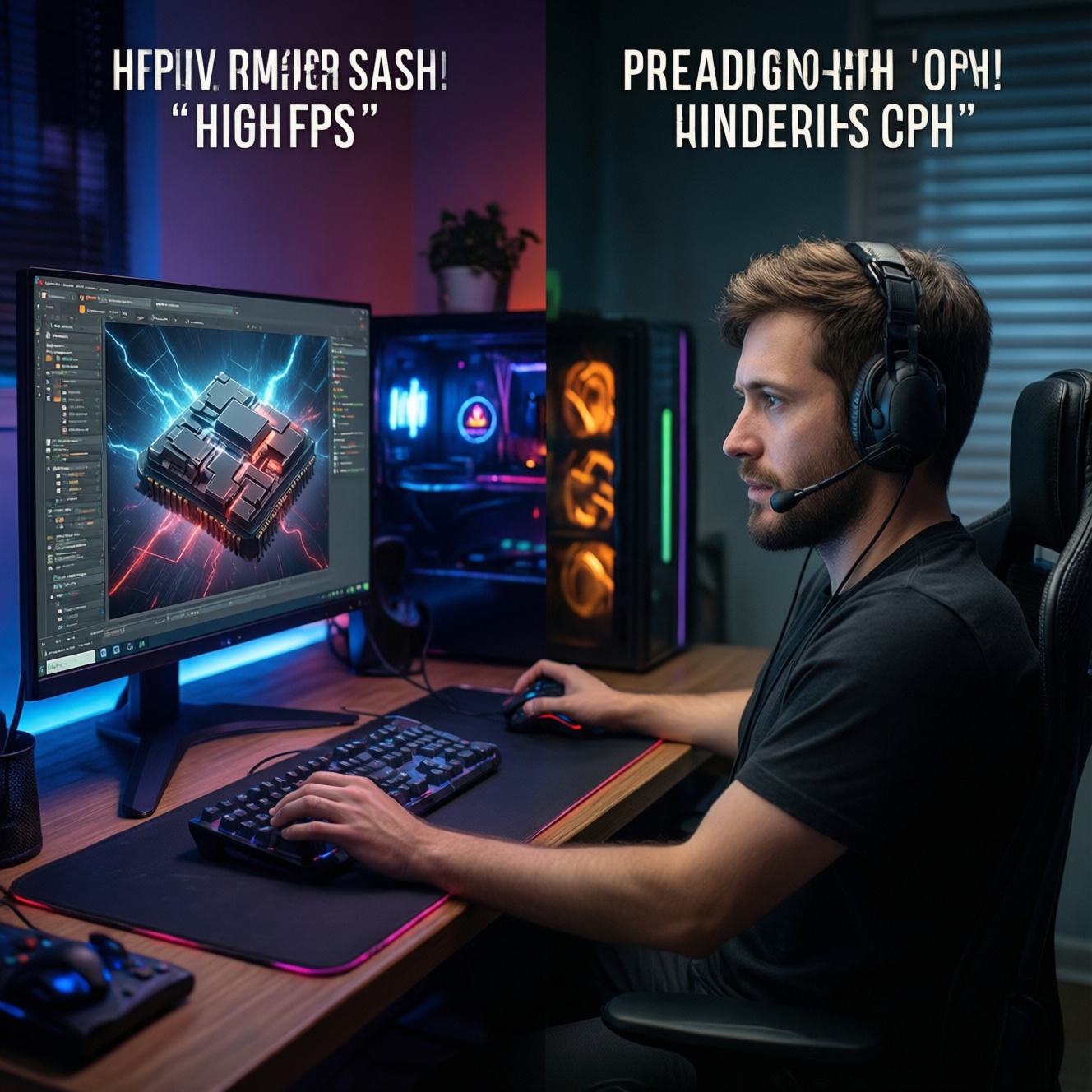
For gaming, prioritize high single-core performance (IPC), strong boost clocks, and low memory/mesh latency because most frames are limited by short, spiky CPU bursts. For creator workloads, prioritize more cores/threads and sustained power/thermals because renders, encodes, and compiles scale with parallelism. The "best" CPU is the one matching your dominant workload and platform constraints.
Decision essentials at a glance
- Gaming-first builds usually benefit more from higher boost clocks, cache/latency, and stable 1% lows than from extra cores beyond a practical baseline.
- Creator-first builds (editing/3D/encoding) gain measurable time savings from additional cores/threads-if your software actually scales.
- For mixed use, aim for "enough cores" plus strong single-core: balanced SKUs often beat extreme gaming-only or workstation-only picks.
- Sustained performance depends on cooling, motherboard power limits, and long-load boost behavior-not just advertised clocks.
- Platform I/O (PCIe lanes, DDR4/DDR5, NVMe count, USB/Thunderbolt needs) can shift total value more than small CPU deltas.
Why clock speed still wins short bursts: gaming microarchitecture explained
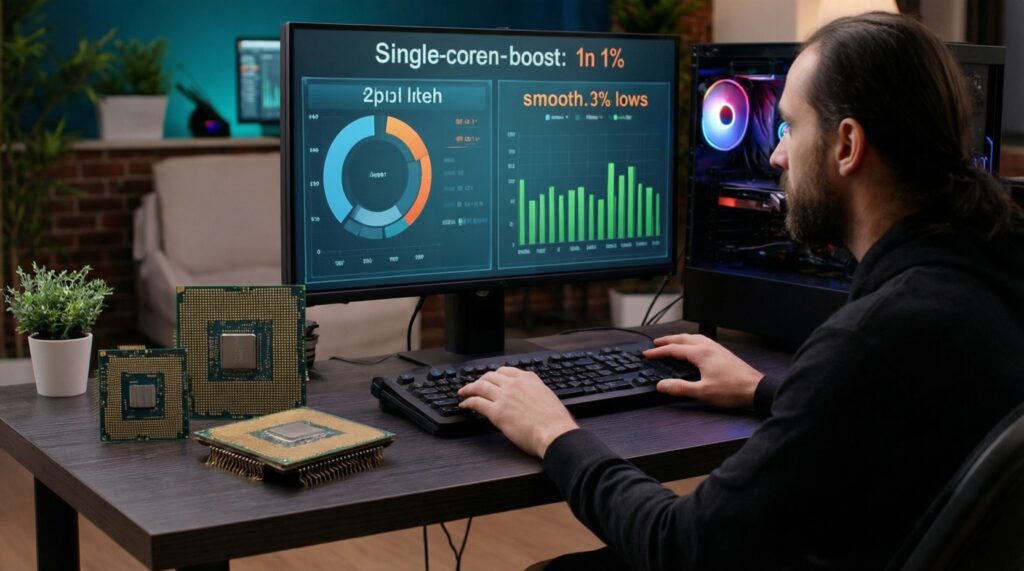
Use these criteria when your primary question is effectively ซื้อ CPU เล่นเกม รุ่นไหนดี (which CPU model should I buy for gaming?):
- Single-core IPC and boost behavior: modern games still lean heavily on the fastest few cores for main thread, draw calls, and simulation spikes.
- 1% lows (frame-time consistency): prioritize CPUs that keep frame times stable under AI, physics, and background tasks.
- Latency (core-to-cache-to-RAM): memory latency, fabric/mesh design, and cache hierarchy often matter more than peak all-core throughput for FPS.
- Cache size and effective cache: larger L3 (or stacked cache designs) can reduce RAM round-trips in many game engines.
- Boost residency under real load: how long the CPU holds high clocks in a typical gaming session (not just a 1-2 second spike).
- Background workload headroom: Discord, browser, capture tools, anti-cheat, and Windows tasks can steal time; extra cores help only after single-core is already strong.
- Memory support: stable DDR5 EXPO/XMP (or DDR4 if platform dictates), and the ability to tune without instability.
- GPU pairing and resolution: at 1080p high-refresh, CPU differences show; at higher resolutions you can become GPU-limited faster.
When cores and threads scale: creator workloads that benefit from parallelism
If your main question is CPU สำหรับงานตัดต่อวิดีโอ รุ่นไหนดี (which CPU for video editing?), focus on how your apps scale and whether you need fast exports, smooth timelines, or both. This section is a practical เปรียบเทียบ CPU เล่นเกมกับทำงานครีเอเตอร์ (gaming vs creator CPU comparison) using CPU "classes" you can map to current Intel Core Ultra / Core i and AMD Ryzen lines.
| Option | Who it fits | Pros | Cons | When to choose |
|---|---|---|---|---|
| High-clock 6-8 cores (gaming-leaning) | Competitive gamers; light creator work | Great FPS/1% lows potential; easier to cool; often best value per gaming performance | Long renders/encodes take longer; less headroom for heavy multitasking | If gaming is >70% of usage and creator tasks are occasional (short exports, light edits) |
| Balanced 8-12 cores (mixed use) | Gaming + regular editing/streaming | Strong single-core plus meaningful parallel gains; smoother multitasking | Needs better cooling/VRM to sustain boost; costs can rise with platform | If you routinely edit, export, and also care about high-refresh gaming |
| 12-16+ cores (creator-leaning) | Heavy editing, 3D, code builds, batch exports | Big throughput uplift in well-threaded workloads; better "minutes per render" potential | Diminishing gaming gains; can hit power/thermal limits; higher total system cost | If render/encode/compile time directly impacts work delivery |
| Cache-optimized gaming CPUs (large L3 / stacked cache class) | FPS-focused gamers who also do moderate creator work | Often excellent game performance at the same GPU; can improve 1% lows in CPU-bound titles | Not always the fastest for sustained all-core renders; SKU pricing can be volatile | If you're CPU-limited at 1080p/1440p high refresh and want smoother frame pacing |
| Hybrid-core designs (P-cores + E-cores class) | Streamers and multitaskers on modern Intel platforms | Good foreground gaming while background tasks run on efficiency cores; strong productivity in many apps | Scheduling quirks in edge cases; performance depends on power limits and board defaults | If you game, stream, and run background apps concurrently and want separation of workloads |
| Workstation/HEDT class (many cores, lots of PCIe) | Professional creators with multiple GPUs/NVMe, heavy compute | Maximum parallelism and I/O flexibility; best for sustained multi-hour loads | Higher platform cost; not optimized for pure gaming value | If you need more PCIe lanes/storage and your workload is consistently CPU-saturated |
Rule of thumb for the common mixed scenario: when asking CPU กี่คอร์ถึงพอสำหรับเล่นเกมและสตรีม (how many cores are enough for gaming and streaming), most intermediate users should target a balanced class that preserves strong single-core while adding enough threads for OBS, browser tabs, and background tools.
Interpreting benchmarks: which tests reflect real-world gaming and content creation
- If your target is high-refresh 1080p/1440p with a strong GPU, then prioritize game benchmarks reporting 1% lows and CPU-bound settings (lower resolution or competitive presets), not just average FPS.
- If you mainly export videos and batch transcode, then prioritize sustained multi-core benchmarks and application-specific export tests (same codec, same effects stack) over short synthetic bursts.
- If you spend time on the editing timeline (scrubbing, playback, effects preview), then prioritize responsiveness tests and mixed workloads; a CPU with better boost residency can "feel" faster even when all-core results look similar.
- If you render 3D or CPU ray-trace scenes, then multi-thread scaling matters most; this is where the question CPU ความเร็วสูงหรือคอร์เยอะ แบบไหนเหมาะกับงานเรนเดอร์ (high clock or many cores for render?) usually resolves in favor of more cores-assuming cooling and power are adequate.
- If you stream while gaming, then test with your actual encoder choice (software x264 vs hardware encoder) and your usual background apps; avoid conclusions from "clean bench" runs only.
Sustained performance: thermals, power limits and boost behavior under load
- Identify your longest typical load: long render/encode, compilation, or "just gaming" (spiky loads).
- Check whether your chosen CPU class is likely to be power-limited or thermally limited in your case and cooler.
- Pick a cooling target that matches the load: tower air/AIO sized for sustained all-core if you do creator work regularly.
- Confirm motherboard VRM and default power limits are appropriate; avoid boards that silently clamp sustained performance.
- Plan airflow and case constraints first, then CPU; a faster SKU that can't sustain boost often loses to a slightly lower SKU running at stable clocks.
- Validate with a 10-20 minute real workload (your encoder/render project) and watch clocks, temperatures, and "wattage plateau" behavior.
Platform and I/O: how PCIe, memory and motherboards shift CPU value
- Overpaying for cores you can't cool: a hot-running many-core CPU in a compact case can downclock and erase the expected render gains.
- Ignoring memory stability: unstable XMP/EXPO profiles cause crashes during long exports; prioritize stable kits and compatible boards.
- Assuming PCIe version changes FPS: GPU performance is rarely limited by PCIe generation in typical gaming; storage and capture cards can matter more.
- Too few NVMe slots or lanes: creator workflows often need multiple fast drives (OS/apps, project files, cache/scratch, archive).
- Forgetting USB/Thunderbolt needs: external SSDs, audio interfaces, and docks can dictate motherboard choice more than minor CPU differences.
- Mismatching GPU and CPU tier: a top-tier GPU paired with a weak single-core CPU can cap FPS at 1080p; the reverse wastes money at high resolutions.
- Underestimating PSU and transient behavior: creator-class CPUs plus high-end GPUs can stress power delivery under simultaneous loads.
- Buying into a dead-end upgrade path unintentionally: platform longevity, BIOS support, and next-gen CPU compatibility affect total cost more than small benchmark wins.
Buying map and decision tree: pick by budget, workload and upgrade path
A compact decision tree you can follow in 3 minutes
- Is gaming your clear priority (high-refresh, competitive)?
- Yes → choose high-clock 6-8 cores or a cache-optimized gaming class; spend more on GPU and a stable DDR5/DDR4 setup.
- No → go to step 2.
- Do you frequently run sustained exports/renders (10+ minutes) or batch workloads?
- Yes → choose 12-16+ cores (or workstation/HEDT if you also need lots of PCIe/NVMe); budget for cooling and a stronger motherboard.
- No → go to step 3.
- Do you stream or multitask heavily while gaming?
- Yes → choose a balanced 8-12 cores or hybrid-core class to keep foreground FPS stable while background tasks run.
- No → default to balanced 8-12 cores for the best "one PC for everything" experience.
- Are you platform-constrained (existing motherboard/RAM)?
- Yes → prioritize the best CPU your current platform can support without forcing a full rebuild.
- No → choose the platform based on I/O needs (NVMe count, USB/Thunderbolt, future upgrade path), then pick the CPU class above.
Practical "best fit" summary: for gaming-first (the typical ซื้อ CPU เล่นเกม รุ่นไหนดี case), a high-clock or cache-optimized gaming class tends to deliver the most FPS and smoother 1% lows per baht when paired with a strong GPU. For creator-first (the CPU สำหรับงานตัดต่อวิดีโอ รุ่นไหนดี case), a 12-16+ core class usually shortens renders/exports if cooling and power limits allow sustained boost. For mixed gaming+creator, a balanced 8-12 core class is commonly the safest pick without overpaying for unused throughput.
Concise answers to common CPU selection doubts
Is higher clock speed always better for games?
No. High boost clocks help, but IPC, cache, and latency strongly affect 1% lows; a slightly lower-clock CPU with better cache/latency can feel smoother in CPU-bound titles.
How many cores are enough for gaming and streaming?
For the typical CPU กี่คอร์ถึงพอสำหรับเล่นเกมและสตรีม scenario, aim for a balanced core count with strong single-core so the game stays responsive while OBS and background apps run without contention.
For rendering, should I choose high frequency or more cores?
In the common CPU ความเร็วสูงหรือคอร์เยอะ แบบไหนเหมาะกับงานเรนเดอร์ dilemma, rendering usually favors more cores/threads because it scales well-if your cooling and power limits let the CPU sustain all-core boost.
Why do two CPUs with similar average FPS feel different?
Frame-time consistency (1% lows) is often the difference. Scheduling, cache, memory latency, and background task handling can change how smooth the game feels even when averages match.
Do I need DDR5 to get good gaming performance?
Not always. DDR5 can help on some platforms and titles, but stability and tuning matter more than the label; a stable memory setup is preferable to an unstable "faster" kit.
Should creators always buy the highest core count they can afford?
No. If your apps don't scale well or your system can't sustain power/thermals, you may pay for cores that sit underutilized or downclock under load.
Can motherboard choice reduce CPU performance?
Yes. VRM quality and default power limits can cap sustained boost, which especially hurts long encodes/renders; pick a board that matches your CPU class and cooling plan.