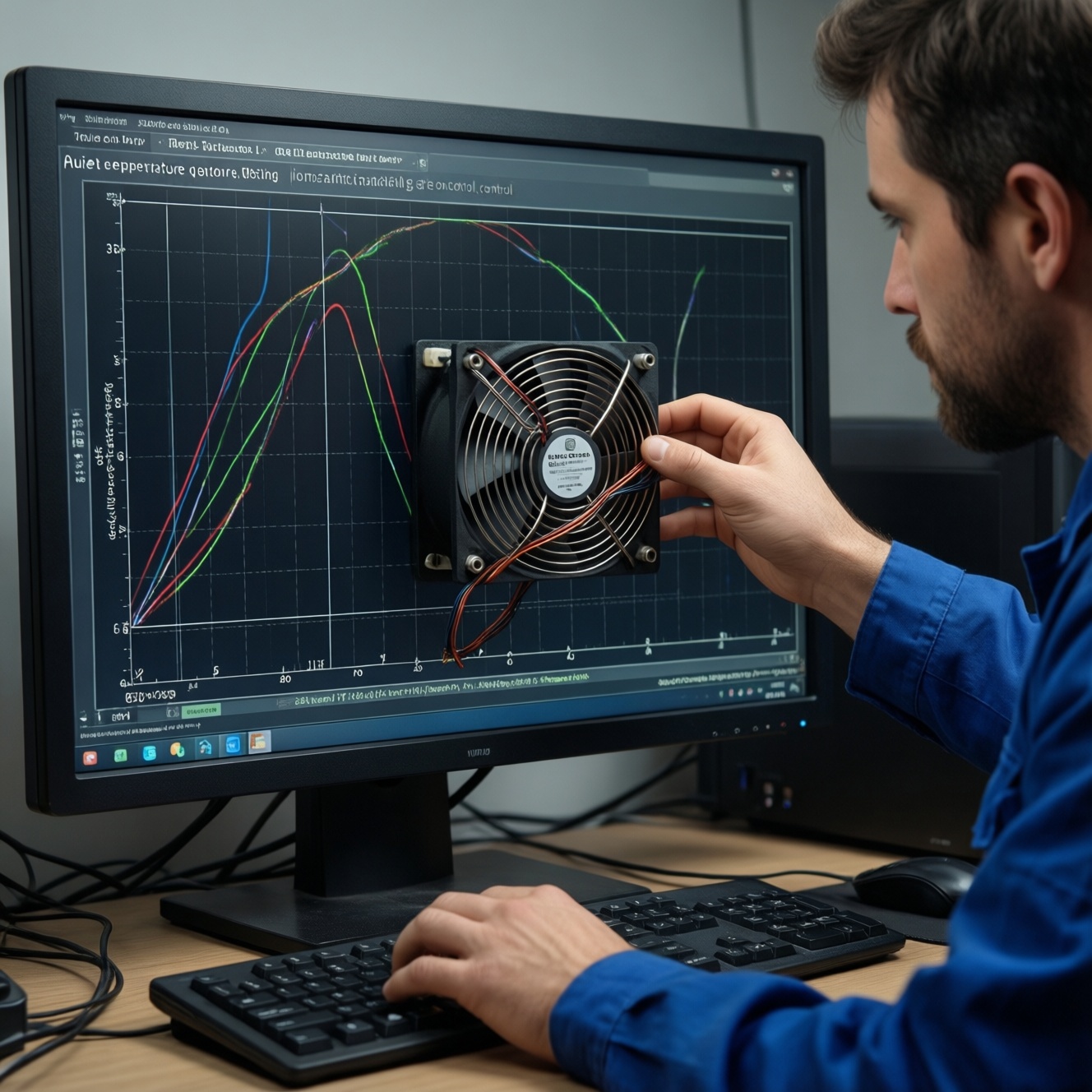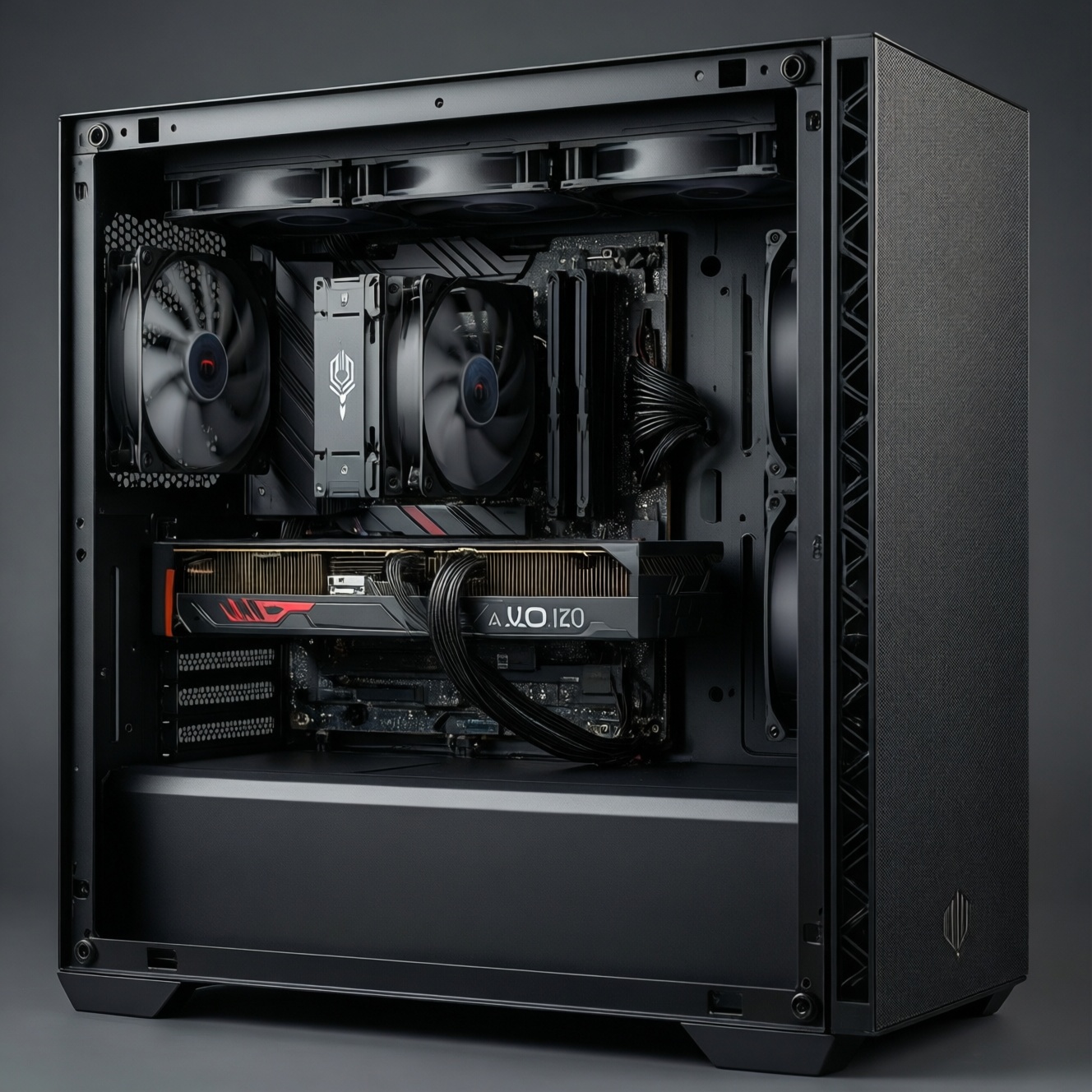
Choose an air cooler if you want the best value, simpler installation, and long-term reliability in most mid-tower builds. Choose an AIO (closed-loop liquid) if your case supports a radiator cleanly and you need extra headroom for sustained high load, tighter CPU clearance, or specific aesthetics. Fit constraints and noise goals should decide first.
Snapshot: when air wins and when AIO is preferable
- Air wins when you want low hassle, fewer failure points, and strong performance per baht-ideal if you're shopping พัดลมซีพียู ระบายความร้อน ราคาถูก.
- AIO wins when your case airflow is good and radiator mounting is straightforward (top/front), especially for long renders and hot CPUs.
- Small cases: low-profile air often beats "forced-fit" AIO routing; ITX needs careful clearance planning.
- Noise-sensitive builds: large air coolers can be quieter at moderate loads; AIO can be quiet too, but pump tuning matters.
- Budget uncertainty: treat ชุดน้ำปิด AIO ราคา as "cooler + risk premium"; a top-tier air cooler often competes with mid-range AIO.
- Maintenance tolerance: air = dust cleaning; AIO = dust + pump behavior + long-term wear monitoring.
How each system moves heat: air-coolers vs closed-loop liquid
- Case compatibility: air needs CPU cooler height clearance; AIO needs radiator size (120/240/280/360) + thickness + hose path.
- Heat capacity and burst handling: AIO liquid mass can smooth short spikes; big air coolers rely on heatsink mass and heatpipes.
- Sustained load behavior: radiator surface area (AIO) vs fin-stack area (air) decides steady-state temps more than marketing.
- Airflow interaction: air coolers dump heat into the case; AIO can exhaust heat directly if mounted as top exhaust.
- Noise profile: air = fan noise only; AIO = fan noise + possible pump tone (especially at certain RPM ranges).
- Reliability and failure modes: air failures are usually fan-related; AIO adds pump wear, permeation, and rare leak risk.
- Installation complexity: large air coolers can be physically awkward; AIO adds radiator mounting, tube routing, and pump header setup.
- RAM/VRM clearance: tall RAM can conflict with some dual-tower air coolers; AIO block frees RAM area but needs VRM airflow consideration.
Real-world cooling outcomes by CPU/GPU load and overclocking tier
| Option | Who it fits | Pros | Cons | When to choose |
|---|---|---|---|---|
| Budget tower air (120mm class) | Mainstream gaming, stock CPU power limits | Best value; simple; usually enough for typical loads | Less headroom for sustained all-core; depends heavily on case airflow | If you're optimizing for พัดลมซีพียู ระบายความร้อน ราคาถูก and your case supports decent front-to-back airflow |
| Large dual-tower air (140mm class) | High-end gaming + productivity, moderate tuning | Strong sustained cooling; no pump noise; good longevity | Heavy; can block RAM/PCIe access; needs cooler height clearance | If you're asking ฮีตซิงค์ลม CPU รุ่นไหนดี and your case has enough CPU cooler height and RAM clearance |
| 120mm AIO | Space-limited cases that only support 120mm radiators | Frees CPU socket area; can fit where tall air can't | Often not better than decent air; pump adds complexity | Only if case constraints force it; otherwise consider air or a larger AIO |
| 240mm AIO | Balanced builds, sustained load, cleaner socket area | Good headroom; flexible mounting; widely compatible | Needs proper radiator placement; pump tuning required | If your case supports it and you want a practical ชุดน้ำปิด AIO 240mm แนะนำ-type direction without going oversized |
| 280/360mm AIO | High sustained CPU loads, hotter CPUs, aggressive tuning | Best sustained cooling potential (with good case airflow); can keep boost clocks steadier | Fit is the hardest (thickness + RAM/VRM clearance + top mount conflicts); more fan area to manage | If you have a roomy case and your priority is thermals during long renders/compiles rather than minimum complexity |
| Low-profile air (SFF/ITX) | ITX, compact cases, travel builds | Predictable, fewer parts; no tube routing | Limited thermal capacity; needs disciplined case airflow | If SFF fit is tight and you can't guarantee clean radiator routing or adequate radiator intake |
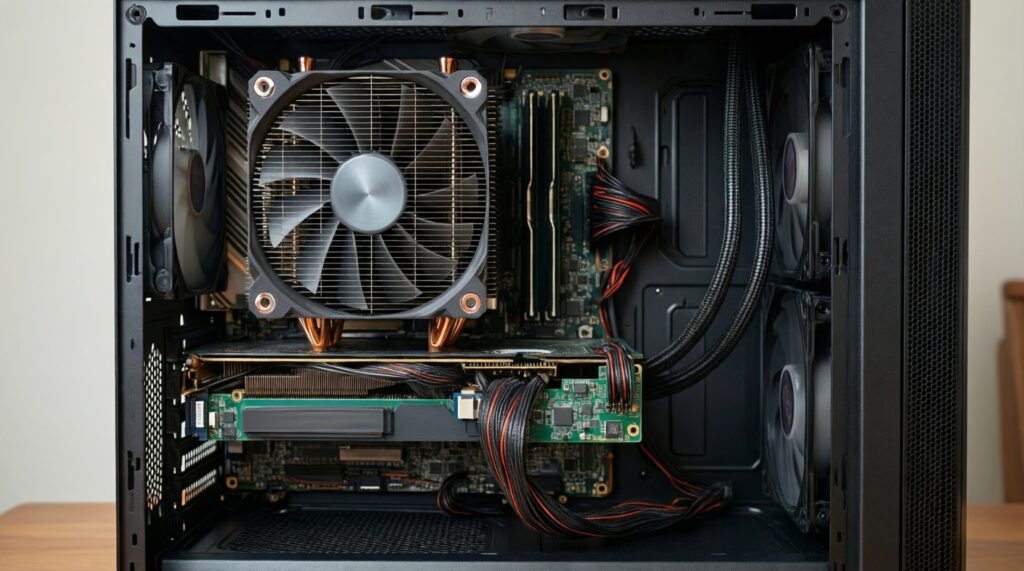
Decision-tree table (fit-first, ends with a recommendation)
| Your constraint (start here) | Check this next | Recommendation |
|---|---|---|
| Case only supports 120mm radiator | Can you fit a mid-height tower air cooler instead? | If tower fits: choose budget/large air (better value). If not: choose 120mm AIO (only if necessary). |
| Top mount planned | Will radiator + fans clear RAM/VRM heatsinks? | If clearance is tight: choose large air or front-mount 240mm AIO. If clear: choose 240/280mm top AIO as exhaust. |
| Front mount planned | Will GPU length conflict with radiator thickness? | If conflict: choose large air or top 240mm AIO. If no conflict: front 240/280mm AIO as intake. |
| Noise is the top priority | Are you sensitive to tonal pump noise? | If yes: choose large dual-tower air. If no: choose 240/280mm AIO and tune pump/fan curves. |
| Lowest long-term risk / simplest upkeep | Can you fit a large dual-tower without blocking RAM? | If yes: large dual-tower air. If no: mid tower air, or 240mm AIO if you must avoid height/RAM conflicts. |
| You're comparing price first | Does your CPU run sustained heavy workloads? | If not: air cooler (value). If yes: compare ชุดน้ำปิด AIO ราคา for 240mm vs large dual-tower; pick by case fit and noise preference. |
For buyers who specifically want to เปรียบเทียบ ชุดน้ำปิด AIO กับ ฮีตซิงค์ลม, the most repeatable method is: decide mounting/clearance first, then choose the largest cooling surface your case supports without compromising GPU space and airflow.
Case fit checklist: radiator sizes, clearance, and front/top mounting
- If your case CPU cooler height limit is tight (or you use tall RGB RAM), then a 240mm AIO can be easier than a large dual-tower air cooler.
- If you can top-mount a 240/280mm radiator without hitting RAM/VRM heatsinks, then prefer top exhaust AIO for cleaner internal temps and cable management.
- If front-mounting a radiator would shorten GPU clearance (radiator + fan thickness), then choose a large air cooler or move to top-mount 240mm AIO.
- If you run a hot GPU and your case has limited intake area, then avoid front AIO intake that preheats the case; use top AIO exhaust or air cooling with strong front intake.
- If you're building ITX/SFF and tubes must bend sharply, then prioritize low-profile air (or only use AIO if routing is proven for that exact case layout).
Acoustics and airflow: tuning fans and pump noise for your use case
- Set your target: quiet gaming, quiet desktop, or quiet sustained productivity.
- Verify airflow basics first: at least one clear intake path and one exhaust path; avoid cable-blocked intakes.
- For air coolers: set a gentle fan curve up to mid-load, then a steeper ramp near heavy load to prevent heat soak.
- For AIO: keep pump at a stable, non-resonant speed; use radiator fans to react to CPU temperature, not pump RPM swings.
- Choose fan orientation based on case: top AIO usually works best as exhaust; front AIO as intake needs matching exhaust capacity.
- Stress-test the specific workload you actually run (game + voice chat, render, compile) and adjust for the noise frequency you notice most.
Failure modes, upkeep and longevity: what maintenance looks like
- Buying an AIO without confirmed radiator clearance (top mount vs RAM/VRM) and then forcing it with poor tube routing.
- Mounting a front radiator without considering GPU length and airflow restriction, leading to hotter GPU or noisy fans.
- Assuming 120mm AIO is automatically "better than air"; many setups perform similarly to a decent tower air cooler.
- Ignoring VRM airflow when switching to AIO: the CPU socket area loses the downdraft some air coolers provide.
- Setting the pump to an aggressive curve (constant RPM hunting), which can create tonal noise and perceived rattling.
- Using mismatched case pressure (too much exhaust, not enough intake) causing dust ingress and worse thermals over time.
- Overpaying for looks: the best "value cooling" choice often isn't the most aesthetic, especially when comparing ชุดน้ำปิด AIO ราคา against a strong air cooler.
- Skipping periodic dust cleaning: both radiators and heatsinks lose performance when fins clog.
Budget map and upgrade paths: from entry builds to high-performance rigs
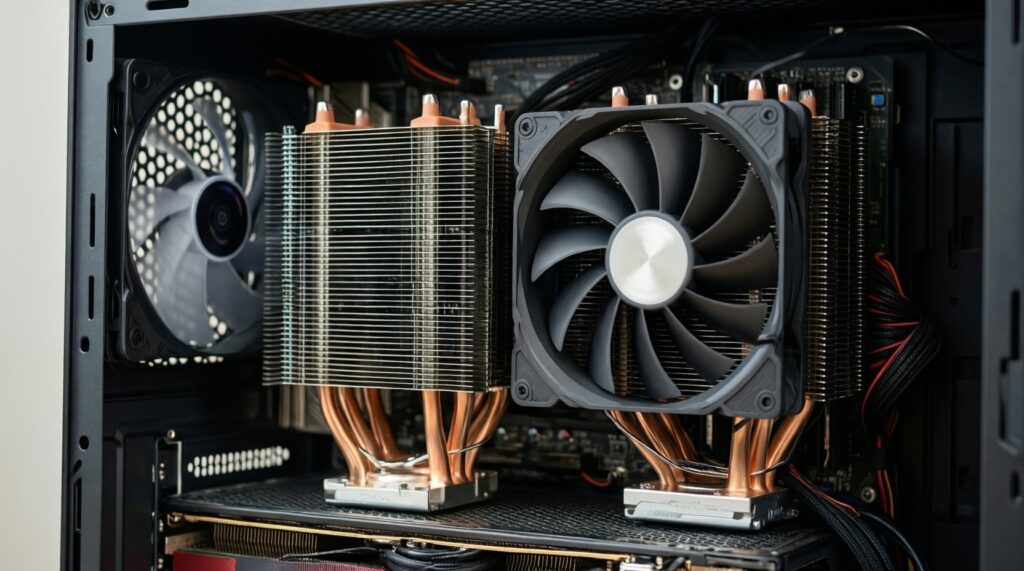
- If you want minimum spend and easy ownership → budget tower air; it's the safest answer for "พัดลมซีพียู ระบายความร้อน ราคาถูก".
- If you want a long-life high performer without pump complexity → large dual-tower air, provided your case and RAM clearance allow it.
- If your case fit or aesthetics push you to liquid → a 240mm AIO is the most broadly sensible step (the typical "ชุดน้ำปิด AIO 240mm แนะนำ" category), then scale to 280/360mm only when your case mounting is clearly supported.
In practice, the "best" choice is the one your case can mount cleanly while meeting your noise target: air coolers are the value baseline, while AIO makes sense when your build benefits from radiator placement and sustained-load headroom more than simplicity.
Common selection dilemmas and quick resolutions
Is a 240mm AIO always better than a big air cooler?
No. A 240mm AIO can win in sustained loads, but a large dual-tower air cooler can be close while being simpler and avoiding pump noise.
My case supports front 240mm AIO-should I mount it as intake?
Usually yes for CPU temps, but confirm your GPU temps and exhaust capacity don't suffer; otherwise use top exhaust AIO or air cooling.
I'm worried about pump failure-should I avoid AIO entirely?
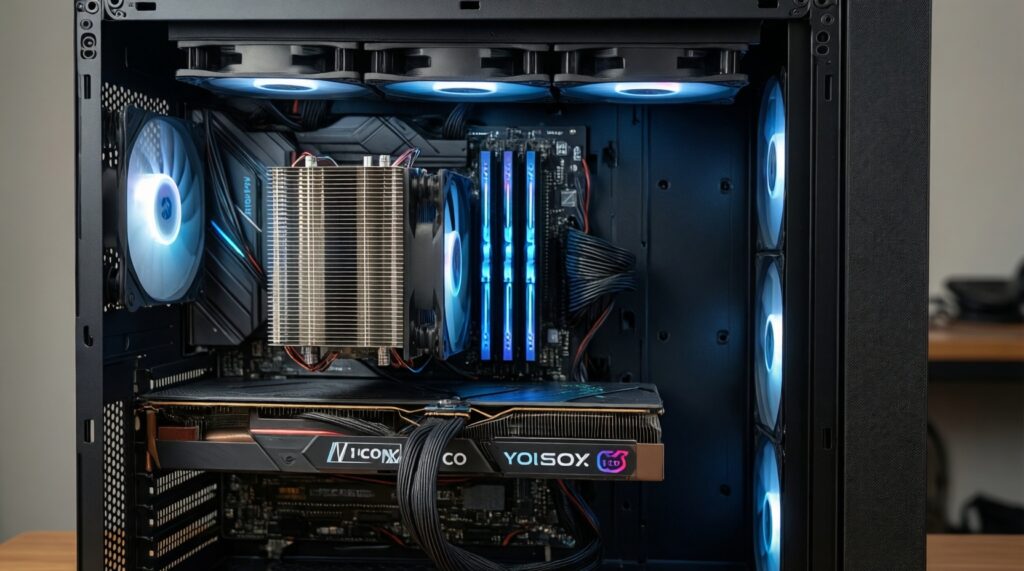
If you want the lowest long-term risk and simplest upkeep, choose air. If you need AIO for fit or sustained performance, keep pump speed stable and monitor for abnormal noise.
What matters more: cooler type or case airflow?
Case airflow often decides the result. A strong cooler in a restricted case can lose to a simpler cooler in a well-ventilated case.
Can tall RGB RAM cause problems with air coolers?
Yes. Many dual-tower air coolers overhang DIMM slots; check RAM height and whether the front fan can be raised without hitting the side panel.
How should I think about price when comparing options in Thailand?
Compare total value: performance you need + fit certainty + noise tolerance. When you scan ชุดน้ำปิด AIO ราคา, treat "more parts" as potential extra tuning and long-term wear to manage.
How do I answer "ฮีตซิงค์ลม CPU รุ่นไหนดี" without naming a specific model?
Pick by class: budget single-tower for stock CPUs, large dual-tower for sustained high load (if it fits), and only move to AIO when clearance or workload makes radiator mounting the cleaner solution.