VRAM is the dedicated memory on a graphics card that stores textures, frame buffers, and GPU working data so the GPU can access them fast. If your workload fits in VRAM, performance is stable; if it spills over, you get stutter, slow renders, or out-of-memory errors. Use "if..., then..." rules based on resolution, effects, and model size.
VRAM at a Glance: What Directly Affects Performance
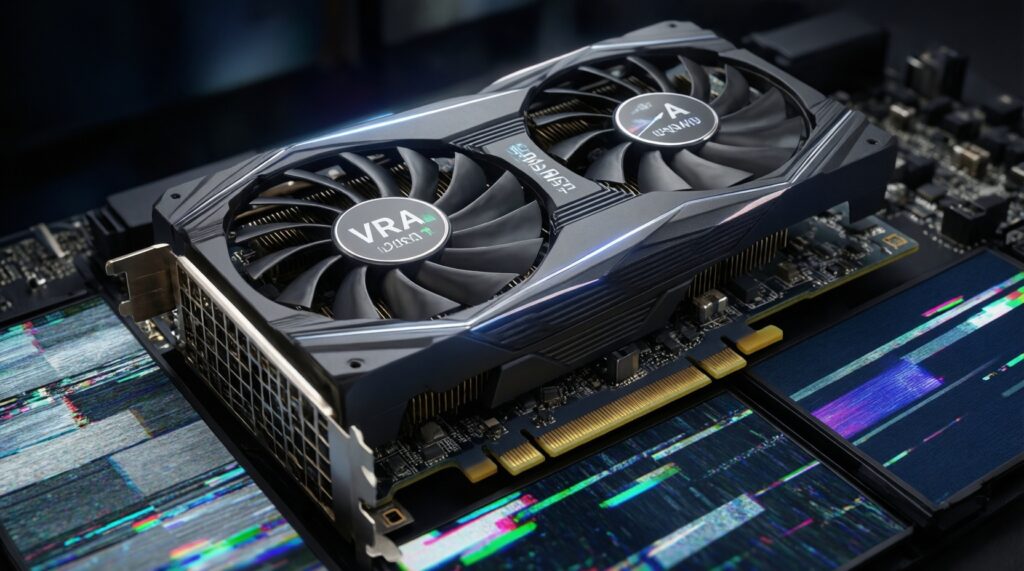
- If assets (textures/frames/models) fit in VRAM, then the GPU stays busy; if they don't, then you see stutter or crashes.
- If you increase resolution, then VRAM demand rises (bigger frame buffers and often bigger texture budgets).
- If you enable high/ultra textures, then VRAM usage usually grows more than with most other settings.
- If your workflow uses GPU-accelerated effects or AI features, then VRAM headroom matters more than raw FPS.
- If you pick a GPU by "GB only", then you may miss bandwidth/compute limits that still bottleneck performance.
- If you plan multi-year use, then buy for the workload you will run next, not only what runs today.
Common VRAM Myths Debunked
VRAM คืออะไร in practical terms: it's the GPU's local "workspace" for visual assets and computation buffers. It is not a generic speed boost by itself; it's capacity that prevents the GPU from constantly swapping data over the PCIe bus to system RAM.
Myth: "More VRAM always means higher FPS." Reality: If your game already fits in VRAM, then extra GB won't raise FPS; core GPU power and memory bandwidth often decide performance.
Myth: "If a game shows 10-12GB used, I need that much." Reality: Many engines cache assets opportunistically; if you lower texture quality or reduce resolution, then required VRAM can drop a lot.
Myth: "VRAM fixes all stutter." Reality: If stutter comes from shader compilation, CPU limits, or storage streaming, then adding VRAM won't solve it-though insufficient VRAM can definitely cause stutter when textures swap.
How VRAM Differs from System RAM and GPU Memory Architecture

- If data sits in VRAM, then the GPU accesses it with far higher effective throughput and lower latency than pulling it from system RAM over PCIe.
- If VRAM is full, then drivers/engine may "evict" assets to system RAM (or compress/stream), which increases hitching and latency.
- If a GPU has wider/faster VRAM (memory bandwidth), then it can feed shaders better even at the same VRAM capacity.
- If you use integrated graphics (iGPU), then "VRAM" is often shared system RAM; you get flexibility but typically lower bandwidth than dedicated GPUs.
- If your workload is compute-heavy (AI/3D), then VRAM is also used for intermediate tensors/buffers, not just textures.
- If you run multiple GPU apps (game + browser + capture), then VRAM pressure increases because each process reserves buffers.
VRAM Needs for Gaming: Resolution, Texture Pools, and Settings
Use these "if..., then..." rules as a starting point; the goal is to avoid VRAM overflow rather than chase a bigger number.
- If you play at 1080p with sensible textures, then 8GB is often the practical floor; it's also why people search for การ์ดจอ VRAM 8GB ราคา as a budget target.
- If you want high textures at 1440p or you mod textures, then prefer 10-12GB; this aligns with the typical intent behind การ์ดจอ VRAM 12GB สำหรับเกม.
- If you play at 4K or use ultra texture packs, then 16GB+ reduces texture pop-in and "pool" thrashing; if you see sudden drops when turning quickly, then you're likely streaming/evicting.
- If you use ray tracing plus high textures, then add headroom (ray-tracing buffers and denoisers consume VRAM); if you must choose, then lower textures before lowering resolution to keep clarity stable.
- If you rely on upscalers (DLSS/FSR/XeSS), then VRAM may not drop much (textures stay similar), but performance can improve because compute load per native pixel changes.
Workload-to-VRAM starting points (quick comparison)
| Workload | If this is your use case... | Then target VRAM | What to downgrade first if VRAM is tight |
|---|---|---|---|
| Esports / 1080p competitive | If you value stable FPS and low settings | 8GB | Texture quality, texture filtering |
| AAA gaming / 1440p | If you want high textures and fewer hitches | 10-12GB | Ultra textures, RT effects |
| 4K gaming / heavy texture packs | If you run ultra textures or mods | 16GB+ | Texture pack size, RT reflections/shadows |
| Video editing (GPU-accelerated effects) | If you stack effects or use AI tools in NLE | 12-16GB | Playback resolution, effect complexity, use proxies |
| AI experimentation (single GPU) | If you fine-tune or run larger models locally | 16-24GB+ | Batch size, precision (FP16/8-bit), sequence length |
Video Editing and VRAM: Timelines, Effects, and Proxy Strategies
VRAM matters most when your NLE or plugins push frames through GPU effects, color, noise reduction, and AI-based tools.
When more VRAM directly helps
- If you edit high-resolution footage with GPU effects, then more VRAM reduces dropped frames and "GPU memory full" errors.
- If you use AI denoise, upscaling, or advanced color pipelines, then VRAM headroom prevents repeated caching/eviction.
- If you run multiple displays or high-bit-depth monitoring, then VRAM usage increases due to larger frame buffers.
- If your target is การ์ดจอ VRAM 16GB สำหรับตัดต่อวิดีโอ, then you're usually optimizing for smoother timelines with heavier effects rather than raw export time alone.
How to work well on less VRAM
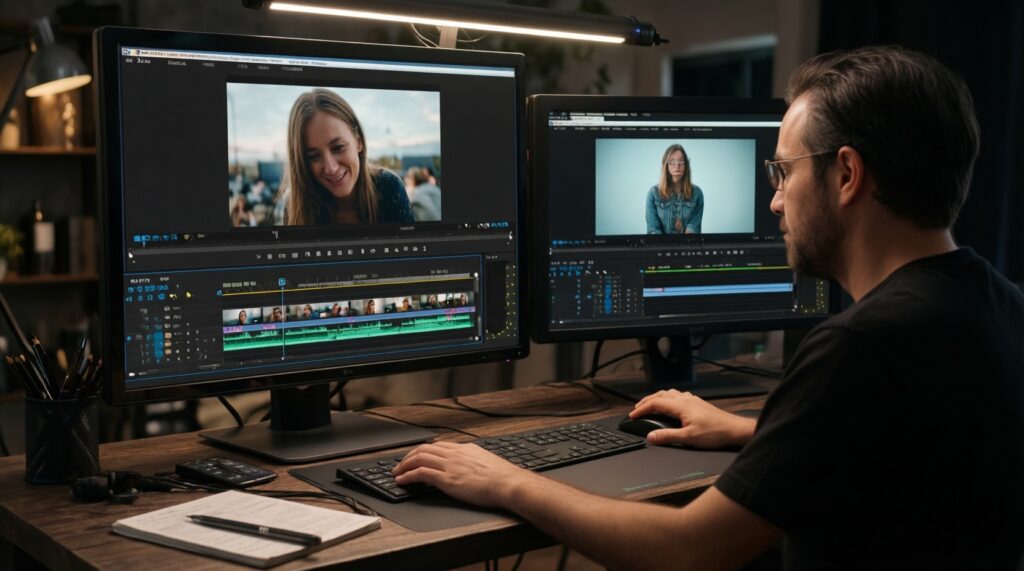
- If playback stutters, then switch to proxy media or optimized codecs before changing your whole GPU.
- If effects are the bottleneck, then pre-render heavy sections or disable expensive effects during editing.
- If you are VRAM-limited, then lower timeline playback resolution (e.g., 1/2 or 1/4) while keeping export settings intact.
- If you frequently hit VRAM errors, then close other GPU-heavy apps (browsers with many video tabs, capture software, 3D viewers).
VRAM for AI Workloads: Model Size, Batch Size, Precision, and VRAM Scaling
- If you get out-of-memory during inference or training, then reduce batch size first; it's often the fastest fix with minimal quality impact.
- If you can use lower precision (FP16/BF16/8-bit), then VRAM demand drops; if you can't, then you must buy more VRAM or use CPU/offload at a speed cost.
- If you increase context length/sequence length, then VRAM can rise sharply; reduce sequence length or use attention optimizations if available.
- If you fine-tune models (not just run inference), then optimizer states and gradients consume extra VRAM; plan more headroom than "inference-only" guides.
- If your shopping intent is การ์ดจอ VRAM 24GB สำหรับ AI, then you're usually trying to avoid constant compromises on batch size and model choice on a single GPU.
Practical GPU Selection: Balancing VRAM Capacity, Bandwidth, and Budget
Use a simple decision rule that matches your real bottleneck-capacity (VRAM), throughput (bandwidth/compute), or software constraints.
If..., then... selection logic (mini playbook)
- If your current apps crash or stutter specifically when VRAM fills, then prioritize more VRAM before chasing a faster GPU core.
- If VRAM usage never gets close to full but FPS/export is slow, then prioritize stronger GPU compute and memory bandwidth, not extra VRAM.
- If you do mixed work (gaming + editing + AI), then buy for the heaviest workflow you run weekly, not the lightest you run daily.
Concrete example (choose between 8GB / 12GB / 16GB / 24GB)
if (main_use == "1080p esports" and no_mod_textures) then pick 8GB;
else if (main_use == "1440p AAA" or "high textures") then pick 12GB;
else if (main_use == "4K gaming" or "video editing with heavy effects") then pick 16GB;
else if (main_use == "AI fine-tuning / larger local models") then pick 24GB;
else pick the best-balanced GPU you can afford with at least 12GB.
Concise Clarifications and Actionable Answers
Does more VRAM automatically increase FPS?
No. If your game already fits in VRAM, then extra VRAM won't raise FPS; GPU compute and memory bandwidth usually matter more.
What's the fastest sign I'm VRAM-limited?
If you see sudden stutter when turning the camera or entering new areas, then you may be swapping textures. If lowering texture quality fixes it quickly, then VRAM pressure was the cause.
Is 8GB VRAM still usable today?
Yes for many 1080p scenarios. If you expect high/ultra textures in newer AAA titles, then plan for 10-12GB to reduce hitches.
For video editing, is VRAM or GPU compute more important?
If your timeline uses GPU effects/AI tools, then VRAM headroom matters. If your workflow is mostly straightforward cuts and codec-bound playback, then CPU/storage and decoding support can matter more than VRAM.
Why do AI jobs need so much VRAM?
If you train/fine-tune, then you store activations, gradients, and optimizer states in memory. If you only run inference, then requirements can be lower, but batch size and context length can still overflow VRAM.
Should I buy 24GB just to be safe?
If you truly run AI workloads or heavy 4K+ production work, then 24GB can save time. If you only game at 1080p/1440p, then you'll often get better value from a faster GPU with 12-16GB.