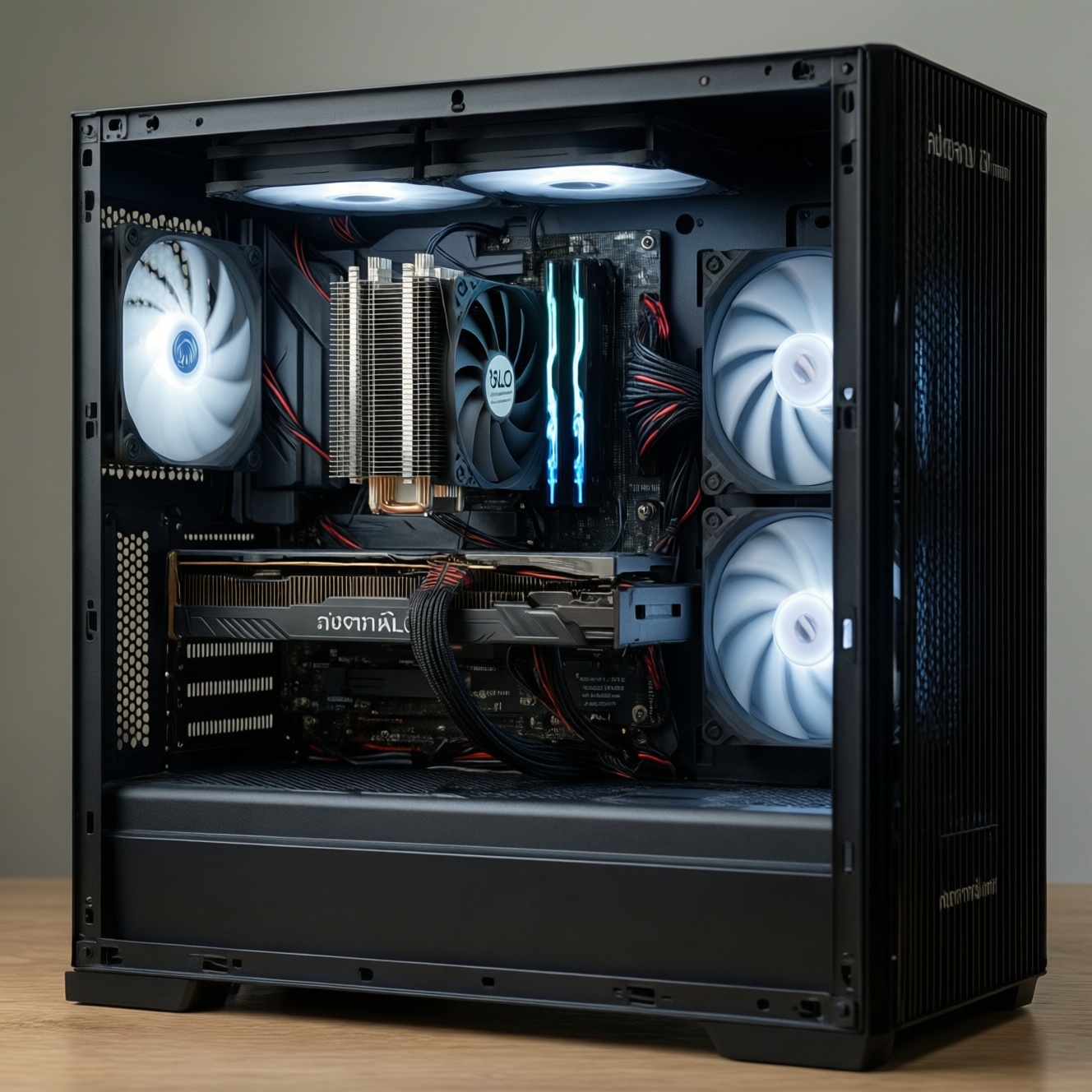
For most intermediate PC builders in Thailand, a quality ซิงก์ลม is usually the most cost-efficient and lowest-effort choice to own long-term, while a ชุดน้ำ AIO is mainly worth it when you need better sustained heat handling in tight CPU hotspots or want a cleaner layout. Pick based on your case, noise target, and upgrade habits.
Quick cost-and-maintenance snapshot
- Value over years: air coolers typically keep working with minimal parts that can fail.
- Maintenance effort: both need dust cleaning; AIO adds pump/radiator-fan and liquid-loop risk management.
- Failure impact: air failures are usually just fans; AIO failures can be pump-related and harder to diagnose.
- Compatibility risk: tall air towers can clash with RAM/side panels; AIO needs radiator clearance and good mounting.
- Noise control: either can be quiet, but AIO may introduce pump tone; air relies more on case airflow.
- Resale/transfer: big air coolers are easier to re-use across builds if bracket support exists.
Thermal performance and real-world benchmarks
Persona callout: If you game for long sessions or render for hours, prioritize stability under sustained load over short boost spikes.
Use these criteria (what actually changes temps and throttling in day-to-day use) when comparing ซิงก์ลม vs ชุดน้ำ AIO:
- Sustained power handling: how well it holds temperature after 10-30 minutes of load, not just the first minute.
- CPU hotspot behavior: modern CPUs can have small hot areas; contact quality and mounting pressure matter.
- Fan curve headroom: whether you can keep temps stable without running fans aggressively.
- Case airflow dependency: air towers rely heavily on intake/exhaust balance; AIO radiators also depend on fresh air access.
- Ambient sensitivity: in Thailand's warmer rooms, solutions that saturate quickly will ramp noise more often.
- Radiator/tower size class: comparing a small single-tower to a 360 mm radiator is not apples-to-apples; compare within similar "tier."
- VRM and socket-area cooling: air towers often cool nearby components; AIO can reduce airflow over VRMs unless case fans compensate.
- Noise character: fan "whoosh" vs pump tonal noise; both affect perceived comfort even at similar dBA.
Total cost of ownership: purchase, consumables and replacements
Persona callout: If you upgrade frequently, optimize for re-usability and low "hidden costs" (extra fans, brackets, case changes) rather than just day-one purchase.
When you compare ชุดน้ำ AIO ราคา to air cooling, treat it as an ownership package: mounting ecosystem, extra fans, and replacement likelihood. Use this table to decide what you're actually paying for over time.
| Variant | Who it fits | Pros | Cons | When to choose |
|---|---|---|---|---|
| Entry air tower (single-tower, 120 mm fan) | Budget gaming, office, modest CPUs | Simple, low risk, easy to service; usually quiet at moderate loads | Less headroom for sustained heavy loads; more case-airflow dependent | When you want the safest "set-and-forget" cooler and you plan to ซื้อซิงก์ลม CPU once and keep it |
| High-end air (dual-tower, 2×120/140 mm) | High-refresh gamers, mixed gaming + light creation | Strong sustained cooling; no pump; fan replacement is straightforward | RAM/VRM clearance checks; heavy mass can complicate transport | When you want near-top performance with the least maintenance overhead |
| Compact air (top-down / low-profile) | SFF builds, height-limited cases | Fits tight spaces; can cool socket-area components well | Often louder under load; limited thermal ceiling | When case height is the primary constraint and you accept higher fan speeds |
| AIO 240 mm | Mid-tower builders wanting cleaner CPU area | Good balance of performance and fit; frees RAM clearance | Pump adds failure point; radiator placement affects GPU/case temps | When you plan to ซื้อชุดน้ำ AIO for aesthetics and sustained loads without going large |
| AIO 280/360 mm | Creators, heavy all-core workloads, hot CPUs | More surface area for lower fan speeds under sustained load | Case compatibility is stricter; more tubing/routing complexity | When your case supports it and you need sustained cooling headroom with lower fan RPM |
| Premium AIO (higher-end pump, thicker rad, extra features) | Silent-leaning builds with tuning time | Potentially smoother acoustics and better control features | Higher upfront cost; features don't guarantee reliability | When you specifically value noise tuning, monitoring, and you can verify case fit and warranty comfort |
Installation complexity, compatibility and upgrade paths
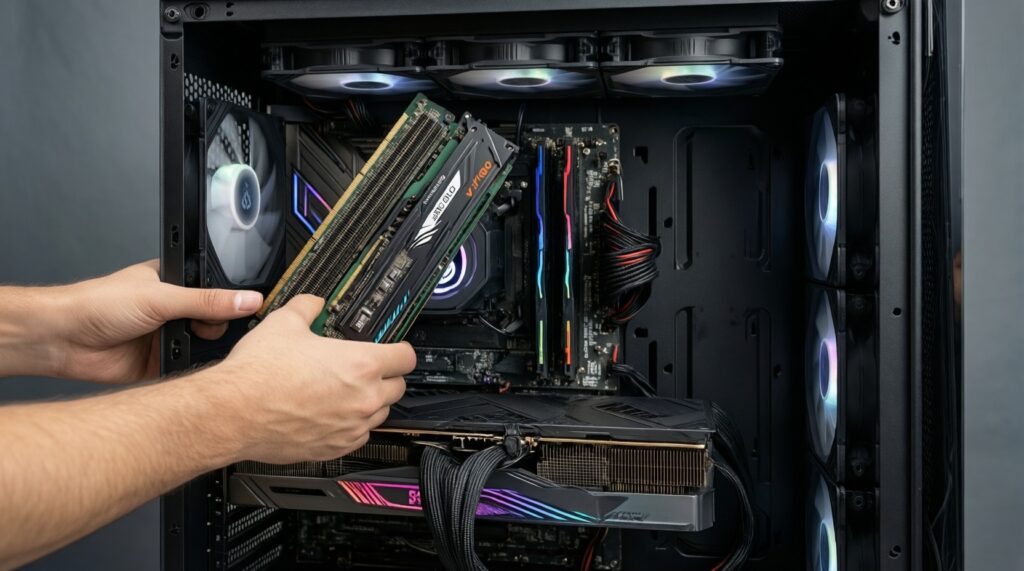
Persona callout: If you build once and rarely open the case, minimize fitment surprises (RAM height, radiator clearance, and motherboard socket support).
- If your case has limited top clearance or tall RAM, then prefer an AIO (front/top) or a single-tower air cooler with proven RAM clearance.
- If your case front panel is restrictive (poor intake), then a big front-mounted radiator may run hotter and louder; choose a strong air tower or ensure top exhaust radiator has enough intake.
- If you often swap GPUs/motherboards, then air cooling is usually quicker to re-mount and troubleshoot; pick a cooler with easy bracket availability for future sockets.
- If you move your PC frequently (LAN, dorm, studio), then avoid very heavy towers unless you can support the cooler; a well-mounted AIO can reduce motherboard strain but adds transport care for radiator/tube routing.
- If your motherboard VRM runs hot, then avoid removing all socket-area airflow; either use a tower with good spill airflow or add a dedicated top/rear exhaust fan when using AIO.
- Compatibility checklist before buying: case CPU cooler height (air), radiator length/thickness (AIO), RAM height, PCIe/GPU clearance, and socket bracket support.
Routine maintenance, typical failure modes and longevity
Persona callout: If you prioritize "works every day" over peak performance, optimize for the simplest failure modes (fans) and the fastest diagnosis path.
- Decide your tolerance for extra failure points: if you want the simplest system, choose air; if you accept pump risk for layout/thermal reasons, choose AIO.
- Check your local support comfort: if warranty handling is inconvenient, lean toward air for easier DIY servicing.
- Plan your cleaning routine: commit to periodic dust removal for radiator fins or heatsink stacks (both need it).
- Audit noise troubleshooting: if you hate tonal noise, avoid unknown pump acoustics and focus on quality fans + conservative curves.
- Pick replaceable components: ensure standard fan sizes and easy access; for AIO, prefer models with clear mounting documentation and robust tubing routing.
- Build for monitoring: confirm you can read pump RPM (AIO) or CPU-fan RPM (air) in BIOS, and set sensible fail-safe behavior.
Noise profile, airflow behavior and case constraints
Persona callout: If you aim for a quiet build, treat airflow as a system: cooler + case fans + panel restrictions + fan curves, not a single part.
- Mounting a front radiator as intake without considering GPU heat, then wondering why GPU temps and overall noise rise.
- Using aggressive fan curves that chase short CPU boost spikes; it creates constant "revving" on both air and AIO radiator fans.
- Assuming "bigger radiator always quieter"; poor intake panels or clogged filters can force high RPM anyway.
- Ignoring pump noise character; even if average noise is low, a tonal pump can be more annoying than fan airflow.
- Choosing a tall dual-tower without checking side-panel clearance, causing turbulence or forcing the panel to flex.
- Running negative pressure unintentionally (more exhaust than intake), pulling dust into every gap and clogging fins faster.
- Placing radiator tubes in a way that traps air in the pump area (depending on case layout), leading to gurgling or inconsistent noise.
- Not adding exhaust capacity when using AIO (especially if top radiator is intake), which can recycle warm air inside the case.
Persona-driven recommendations: gamer, creator, silent build, overclocker
For a typical gamer who wants reliable performance with minimal hassle, a strong mid-to-high air cooler (ซิงก์ลม) is usually the best "buy once, maintain lightly" option. For creators running long renders, a well-fitted 280/360 mm ชุดน้ำ AIO can be the better fit when the case supports it and you're comfortable with pump-based ownership. For a silent-leaning build, either a premium dual-tower air cooler or a larger AIO tuned with gentle fan curves can work-choose based on whether you tolerate pump tone. For overclockers and sustained power tuning, pick the solution that gives you the most stable temps in your exact case airflow, then invest time in curves and monitoring.
Concise answers to common buyer scenarios
I'm in Thailand with a warm room-should I default to AIO?
No. Warm ambient raises temps for all coolers; the better default is the option that fits your case airflow best and stays quiet under sustained load-often a capable air tower unless you specifically need a large radiator.
I care about the easiest ownership-what's simpler day-to-day?
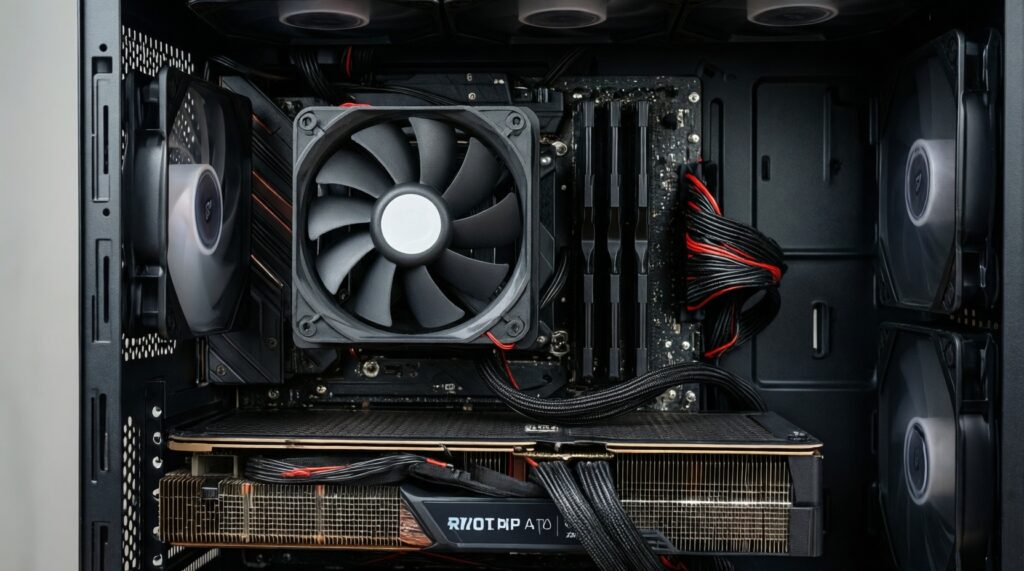
Air cooling is simpler: fewer components and failures are typically limited to fans. AIO adds pump behavior, radiator placement, and more nuanced troubleshooting.
How do I judge whether a given ชุดน้ำ AIO ราคา is worth paying?
Pay for fit, sustained performance in your case, and support/warranty confidence-not for features you won't use. If a cheaper air cooler meets your noise/temperature goals, the extra AIO cost often doesn't improve your experience.
I want to buy now and upgrade CPU later-what is more reusable?
Air coolers are often more reusable if the manufacturer provides future brackets. AIOs can also be reused, but you must re-check radiator clearance and routing with each new case/motherboard.
I'm deciding between buying my first cooler: ซื้อซิงก์ลม CPU or buy an AIO?
If you're unsure about case clearances and want the lowest risk, start with a good air cooler. Choose AIO when you've confirmed radiator fit and you value the layout/sustained cooling enough to accept pump ownership.
What's the most common mistake when people ซื้อชุดน้ำ AIO?
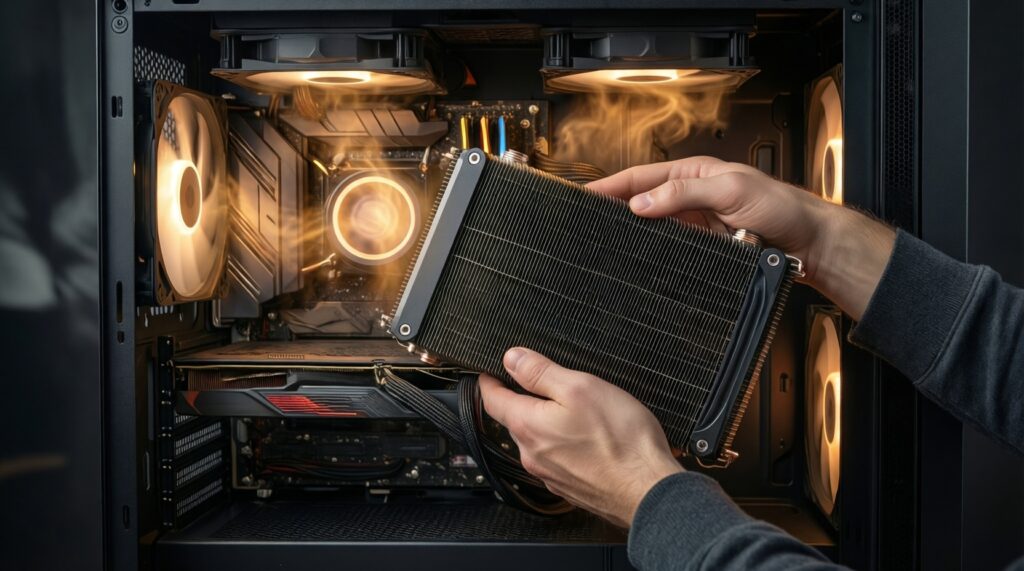
They buy based on radiator size without checking case airflow and mounting orientation. Fitment and airflow path usually matter more than the label on the box.