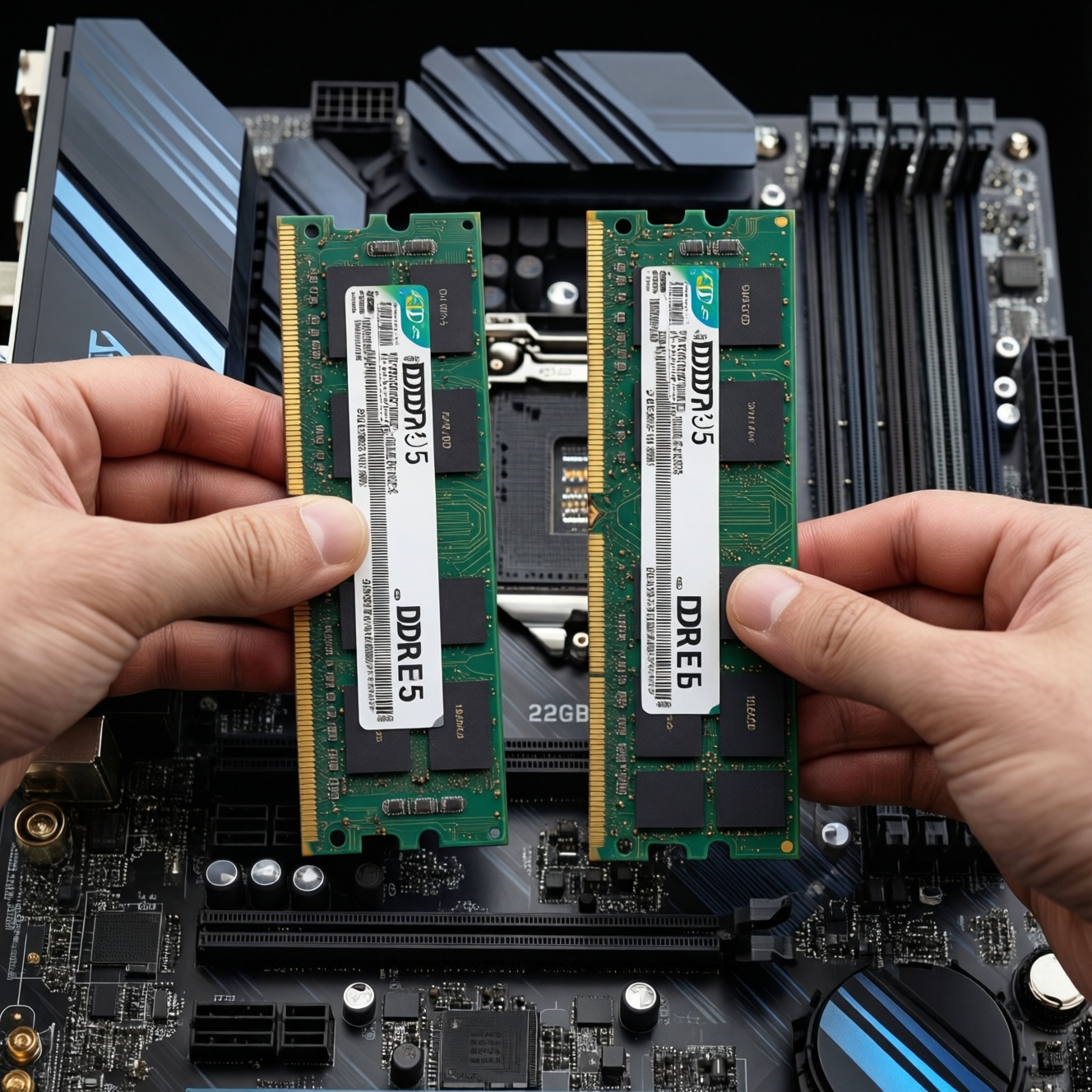
If you're choosing RAM today, prioritize capacity first (enough GB for your workload), then platform compatibility (DDR4 vs DDR5), and only then frequency (bus) and timings. For most users, 16-32GB is the practical range; DDR5 mainly makes sense when you're already on a DDR5-capable CPU/motherboard or planning a platform refresh.
Quick recommendations at a glance
- Pick the highest capacity that matches your real multitasking needs before chasing higher bus speeds.
- If your platform supports both, DDR5 is typically the better long-term buy; DDR4 often wins on upfront value (many people compare ซื้อ RAM DDR4 ราคา vs ซื้อ RAM DDR5 ราคา).
- For gaming + daily work, start from 16GB and move to 32GB when you keep heavy apps open (this is what most people mean by RAM 16GB 32GB ควรซื้ออะไร).
- Bus speed matters most when you're CPU-limited or using an iGPU; it matters less when you're GPU-limited at higher resolutions.
- Don't mix DDR4 and DDR5: upgrading across generations is a platform change, not a simple stick swap (อัปเกรด RAM DDR4 เป็น DDR5 ต้องเปลี่ยนอะไรบ้าง).
- Prefer 2 sticks (dual-channel) over 1 stick at the same total GB for more consistent performance.
How much RAM do typical workloads actually need
Use these criteria to decide capacity and whether your next purchase should be "more GB" or "faster RAM":
- Peak memory use: Check your typical worst-case (many browser tabs, Discord, Office, game, launcher, etc.). If you frequently hit high usage and paging, add capacity.
- Concurrent workloads: Gaming while streaming/recording, background exports, and many apps open tend to push you toward 32GB.
- Content creation footprint: Large RAW/PSD timelines, high-res video projects, and big asset caches often scale better with capacity than with frequency.
- Virtualization/containers: Each VM/container set reserves RAM; if you run multiple, capacity becomes the main limiter quickly.
- Integrated graphics (iGPU): iGPU uses system RAM as VRAM; capacity and bandwidth (dual-channel, higher bus) matter more.
- Game engine behavior: Some titles benefit from larger caches and fewer background interruptions; stutter from memory pressure is a capacity symptom.
- Upgrade horizon: If you'll keep the platform for years, buy the "right GB" once instead of small incremental upgrades.
- Stability expectations: If you value set-and-forget stability, choose mainstream kits and conservative XMP/EXPO settings rather than extreme speeds.
DDR4 vs DDR5: real-world performance differences and bandwidth analysis
DDR5 increases potential bandwidth and introduces platform-level changes (motherboard, CPU memory controller support). In real workloads, the gain depends on whether you're bandwidth/latency limited (CPU/iGPU) or limited elsewhere (GPU, storage, encoding pipeline). Use the options below as "profiles" to match your use case.
| Variant | Who it fits | Pros | Cons | When to choose |
|---|---|---|---|---|
| DDR4 16GB (2×8) mainstream, ~3200-3600 | Budget gaming + office, older platforms | Strong value; wide compatibility; easy tuning | Lower bandwidth ceiling; less future platform reuse | If you're optimizing ซื้อ RAM DDR4 ราคา and your PC is DDR4-only |
| DDR4 32GB (2×16) mainstream, ~3200-3600 | Heavy multitasking, light creation, "keep many apps open" | Capacity headroom reduces stutter; good longevity on DDR4 builds | Still tied to DDR4 platform; diminishing returns from higher clocks | If your answer to RAM 16GB 32GB ควรซื้ออะไร depends on multitasking or creation |
| DDR4 32-64GB for virtualization (2×16 / 2×32) | VMs, containers, dev labs | More VMs at once; fewer disk swaps; smoother multitasking | Doesn't fix CPU limitations; may require BIOS tuning with high density | If your bottleneck is "not enough GB" rather than FPS |
| DDR5 16GB (2×8) entry, ~4800-5600 | New DDR5 platform on a tight budget | Gets you onto DDR5; baseline bandwidth uplift vs many DDR4 kits | 16GB can become the limiter sooner; may not feel faster in daily tasks | If you're comparing ซื้อ RAM DDR5 ราคา and must stay low-cost on a new build |
| DDR5 32GB (2×16) balanced, ~5600-6000 | Modern gaming + creation on current platforms | Good mix of capacity and speed; typically the "sweet spot" for DDR5 builds | Costs more than DDR4; platform requires DDR5 board/CPU support | If you're building fresh and want a sensible long-term choice |
| DDR5 32-64GB tuned for iGPU/CPU-limited work | iGPU gaming, simulation-heavy titles, CPU-bound esports | Bandwidth helps iGPU and some CPU-limited scenarios; better scaling potential | Returns depend on the specific CPU/controller; stability tuning may be needed | If your workload benefits from bandwidth more than from GPU power |
Why memory frequency (bus) matters - and when it doesn't
People often ask RAM บัส 3200 3600 4800 5600 ต่างกันไหม. It can, but only when memory performance is actually your bottleneck. Use these scenario rules:
- If you use an iGPU (no discrete GPU), then higher effective bandwidth (dual-channel + reasonable DDR5 speeds) is more likely to improve FPS and frame consistency.
- If you game at GPU-limited settings (high resolution/ultra on a strong GPU), then moving from a mid-speed kit to a higher-speed kit often yields small gains; capacity and stability matter more.
- If you play CPU-limited/esports titles (high FPS targets), then faster RAM and tighter settings can improve 1% lows and reduce frametime spikes-after you already have enough GB.
- If you do large project work (video timelines, big Photoshop files), then upgrading from 16GB to 32GB usually feels bigger than upgrading bus speed within the same generation.
- If you run VMs, then bus speed is secondary; more capacity (and fewer swaps) is the primary win.
Capacity vs speed: practical trade-offs and benchmarking summaries
- Decide the platform first: If your motherboard is DDR4-only, buy DDR4; if you're building new with DDR5 support, shortlist DDR5 kits.
- Set your capacity floor: Choose 16GB for light-to-moderate use; choose 32GB for heavy multitasking, creation, and "open everything" habits; go higher for VMs and large projects.
- Lock in dual-channel: Prefer 2×8 over 1×16, and 2×16 over 1×32 (unless you're intentionally leaving slots free for a later matched expansion).
- Pick a sane speed tier: For DDR4, mainstream 3200-3600 is usually the practical zone; for DDR5, aim around entry-to-balanced tiers (often 4800-6000 range depending on CPU).
- Prioritize stability over extremes: If you want fewer headaches, choose widely supported XMP/EXPO profiles and avoid the highest advertised clocks unless you're comfortable tuning.
- Only pay extra for speed if you're CPU/iGPU-limited: If your current usage is capacity-bound or GPU-bound, the money typically buys more by increasing GB or improving the GPU/SSD.
- Plan the next step: If you expect to move to DDR5 soon, avoid overspending on premium DDR4 unless it directly solves a capacity issue today.
Future-proofing and upgrade paths: sockets, controllers, and compatibilities
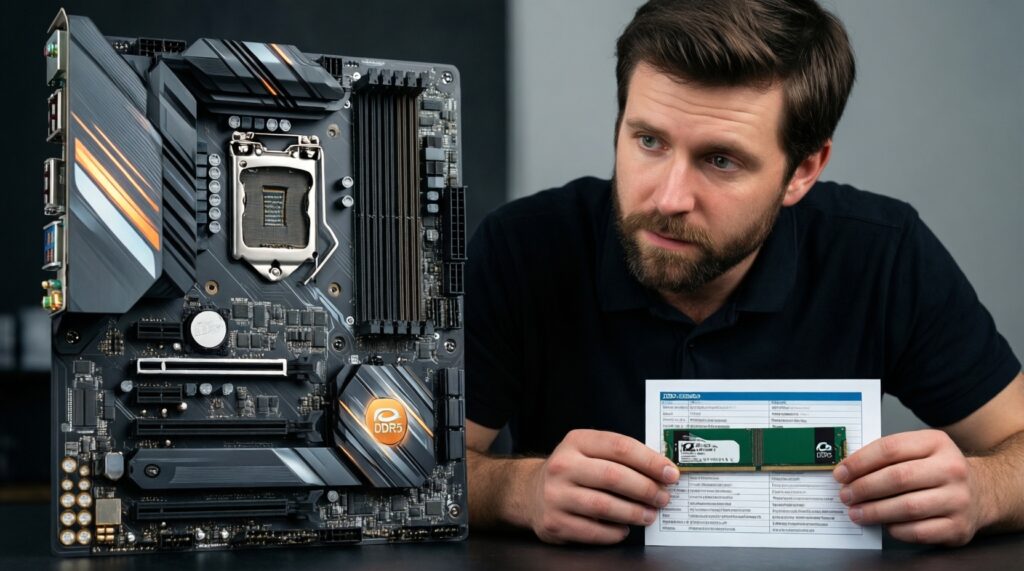
- Assuming DDR4 to DDR5 is a drop-in upgrade: It isn't. DDR4 and DDR5 are physically and electrically different; you need a compatible motherboard and CPU memory controller.
- Buying RAM before confirming motherboard QVL/support: Especially on DDR5, compatibility and stable profiles vary by board and BIOS maturity.
- Mixing kits (even same model) and expecting XMP/EXPO to hold: Mixed DIMMs can force lower speeds or instability; buy a matched kit for the target capacity.
- Over-focusing on headline MHz while ignoring timings and rank/density: Higher MHz isn't automatically faster in latency-sensitive tasks; balance matters.
- Running single-channel unintentionally: One stick often reduces bandwidth enough to hurt iGPU and some games; populate the right slots for dual-channel.
- Upgrading RAM to fix a storage bottleneck: If your system stalls due to a slow drive or thermal throttling, faster RAM won't address it.
- Filling all slots without a reason: Four DIMMs can be harder to run at high speeds than two, depending on the platform and memory controller.
- Ignoring PSU/thermals for platform upgrades: Moving to a new CPU/motherboard for DDR5 may also change power/heat behavior; plan holistically.
Step-by-step decision tree for choosing RAM today
- If your PC is DDR4-only:
- If you regularly max out RAM or multitask heavily → choose DDR4 32GB (2×16) before chasing higher bus.
- If you mostly game + daily apps and rarely hit memory pressure → DDR4 16GB (2×8) is fine; upgrade later if needed.
- If you are building a new PC and can choose DDR4 vs DDR5:
- If you want a longer upgrade runway and can afford the platform → choose DDR5 32GB (2×16) as a balanced baseline.
- If the budget is tight and you're optimizing total build cost → compare ซื้อ RAM DDR4 ราคา against the full platform cost; DDR4 can still be the value pick.
- If you use integrated graphics:
- Prioritize dual-channel and consider DDR5 on supported platforms; bandwidth is more likely to matter than tiny latency gains.
- If you do creation/VMs:
- Move to 32GB first, then 64GB if your toolchain demands it; speed is secondary to avoiding paging.
Best fit for most modern new builds is typically DDR5 32GB (2×16) at a balanced speed tier, while the best fit for extending an existing DDR4 system is usually DDR4 32GB (2×16) mainstream 3200-3600. If you're torn on ซื้อ RAM DDR5 ราคา versus DDR4 value, decide based on whether you're changing platform now or later.
Common upgrade scenarios and short answers
RAM 16GB 32GB ควรซื้ออะไร for gaming and multitasking?
If you only game and keep light background apps, 16GB can be sufficient. If you stream, keep many tabs/apps open, or want smoother multitasking, 32GB is the safer choice.
RAM บัส 3200 3600 4800 5600 ต่างกันไหม in real use?
It depends on the bottleneck: CPU/iGPU-limited tasks can benefit, while GPU-limited gaming often shows smaller differences. Make sure capacity is adequate before paying extra for speed.
อัปเกรด RAM DDR4 เป็น DDR5 ต้องเปลี่ยนอะไรบ้าง?
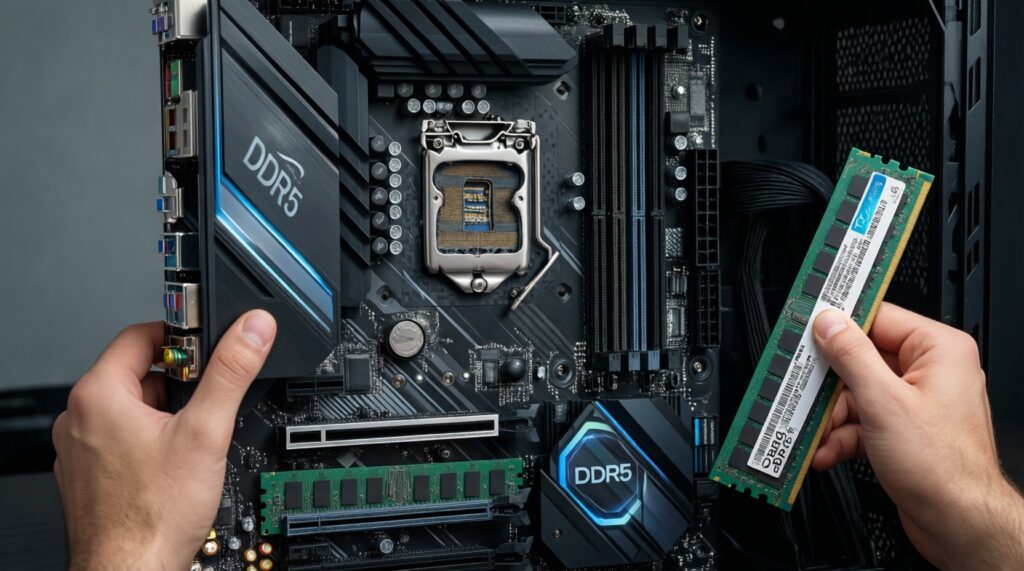
You must move to a DDR5-compatible motherboard and a CPU that supports DDR5. DDR4 sticks cannot be used in DDR5 slots.
Should I buy 1×16GB now and add another later?
It works, but you'll run single-channel until you add the second stick, which can hurt performance (especially iGPU). If possible, buy 2×8GB or 2×16GB as a matched kit.
Is DDR5 always faster than DDR4?
Not in every workload. DDR5 offers higher potential bandwidth, but real-world gains vary, and DDR4 can feel similar when the system is limited by GPU, storage, or CPU.
When does 64GB make sense?
When you consistently run heavy creation projects, large datasets, or multiple VMs/containers and can confirm RAM pressure is the cause of slowdowns. Otherwise, 32GB is usually the more efficient spend.