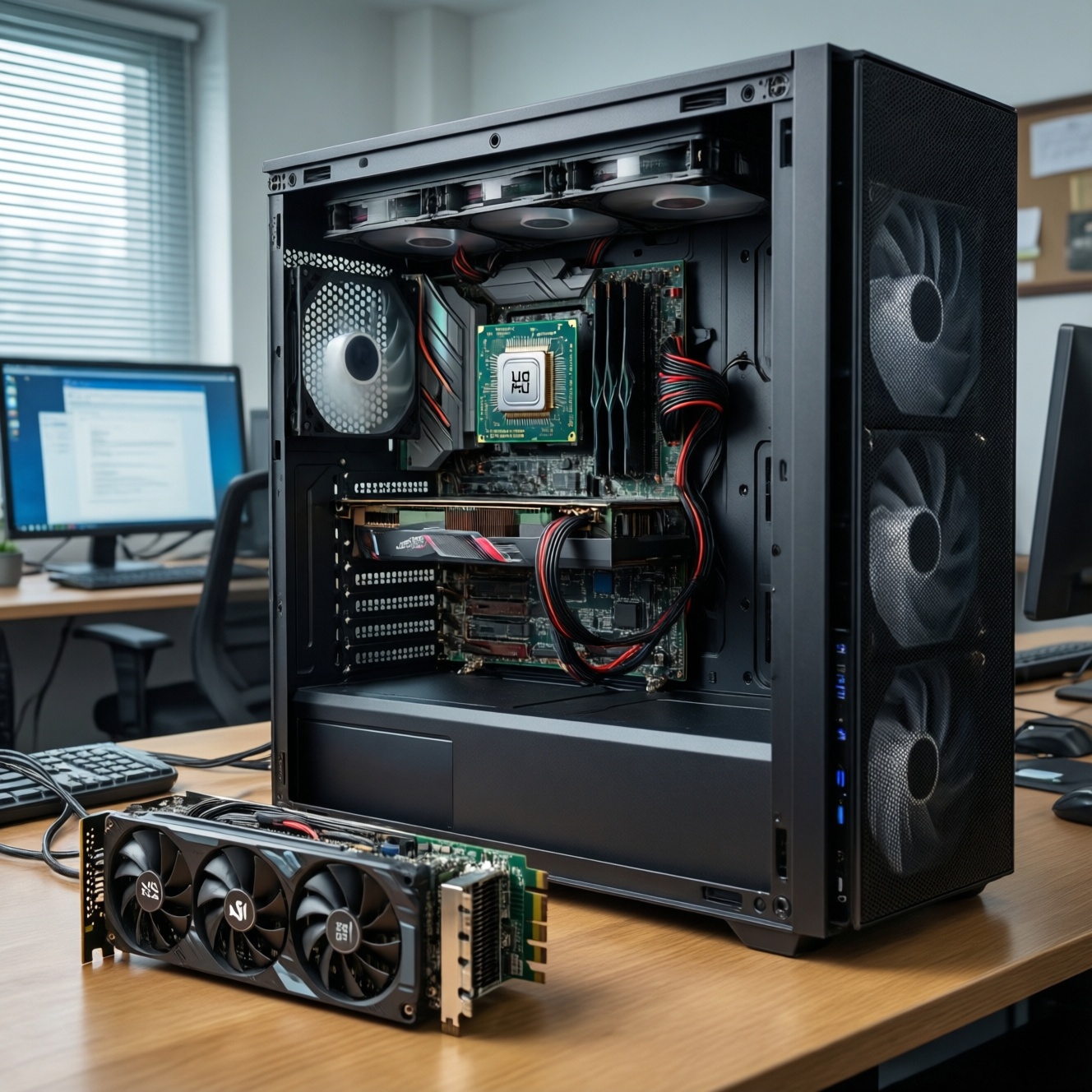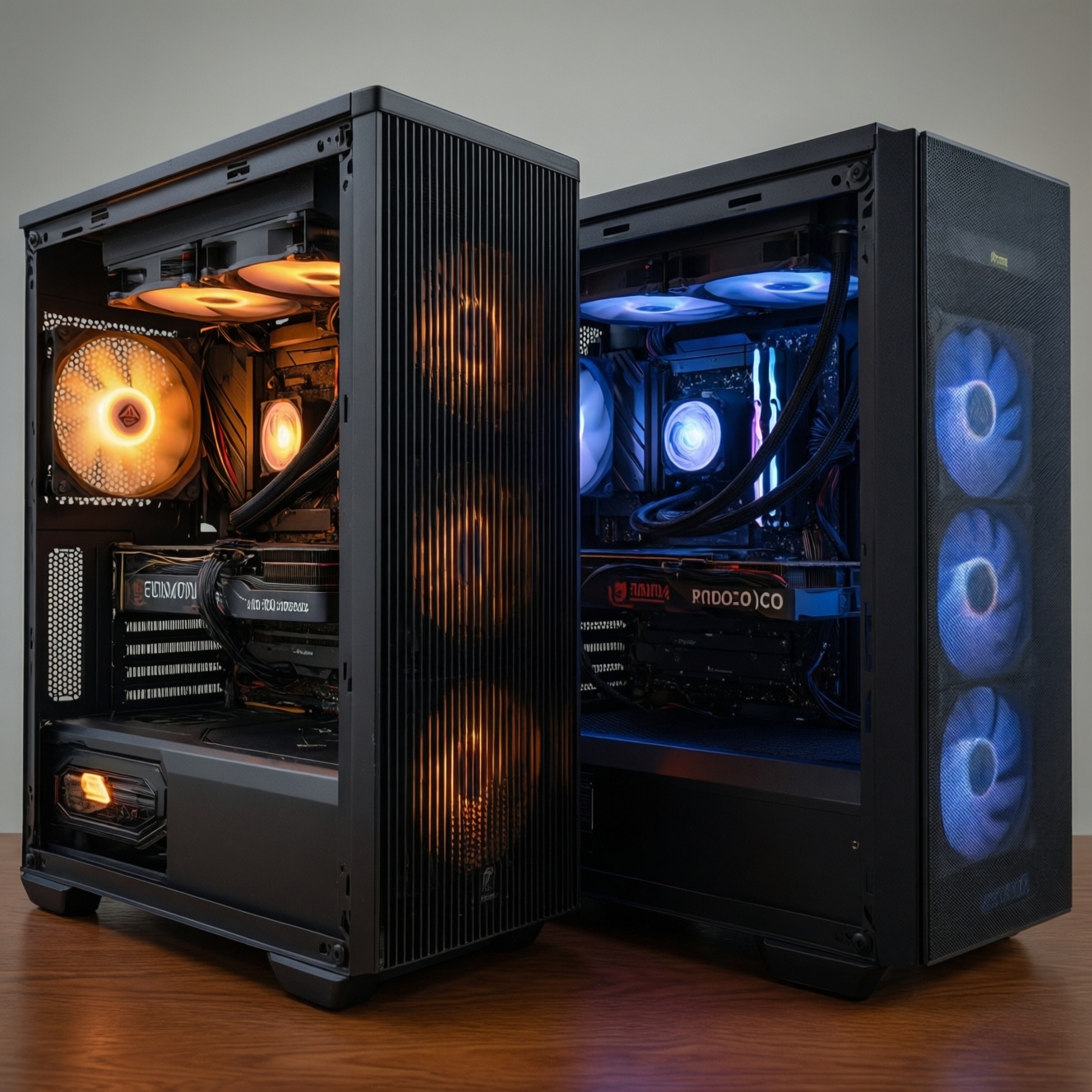
For most intermediate PC builds in Thailand, a good tower air cooler is the safest "value-per-baht" choice: stable thermals, low risk, and easy long-term ownership. Pick an AIO when your case clearance is tight, you want cleaner aesthetics, or you need extra sustained heat headroom under long renders. This ซิงก์ลม vs ชุดน้ำ AIO decision is mainly about constraints and priorities.
At-a-glance: performance, noise and value differences
- Best value and lowest hassle: quality dual-tower air coolers (few failure points, easy service).
- Best "clean build" look and socket area access: 240-360 mm AIOs (radiator moves heat to case edge).
- Noise profile differs: air = mainly fan noise; AIO = fans + potential pump tone.
- Reliability trade: air coolers are simpler; AIOs add pump and liquid loop aging considerations.
- Case and RAM clearance decide many builds: check cooler height vs side panel; check radiator thickness vs top/front space.
- "Cool enough" is workload-dependent: gaming spikes differ from sustained all-core loads like export/render.
How air coolers work and when they outperform
Air coolers move CPU heat through a baseplate and heatpipes into a fin stack, then expel it with one or two fans. They often win on cost-to-performance and long-term predictability. Practical takeaway: if your case fits a tall tower cooler and you don't need a specific aesthetic, air cooling is usually the "set and forget" option.
Selection criteria (use this checklist before you shop or ask แนะนำซิงก์ลม CPU ยี่ห้อไหนดี):
- Case cooler height clearance: compare max CPU cooler height to the cooler spec (include side-panel bulges).
- CPU power behavior: sustained all-core loads and boosted limits create more heat than short gaming bursts.
- Heatsink class: single-tower vs dual-tower; dual-tower typically offers more surface area and lower RPM for the same result.
- Fan size and availability: 120/140 mm fans are easier to replace locally; check mounting standards.
- RAM and VRM clearance: tall RGB RAM can conflict with front fans; offset designs help.
- Mounting quality: a rigid backplate and consistent pressure matter more than exotic marketing features.
- Acoustics goals: bigger fin area lets you run slower fans (better for quiet builds).
- Dust environment: if your room is dusty, easy fin access and removable fans matter.
- Future socket support: check bracket availability for your next platform.
How AIO liquid coolers operate and their practical advantages
An AIO (all-in-one) uses a cold plate + pump to move heat into a radiator mounted at the case front/top. The main advantage is relocating heat exchange to a larger radiator area and freeing space around the CPU socket. Practical takeaway: choose AIO primarily for fit, aesthetics, and sustained heat handling-not because it is automatically "always cooler." If you're searching แนะนำชุดน้ำ AIO ยี่ห้อไหนดี, start by choosing the right radiator size and layout first.
| Variant | Who it fits | Pros | Cons | When to choose |
|---|---|---|---|---|
| Budget single-tower air cooler (120 mm) | Mainstream gaming CPUs, tighter budgets | Low cost, simple, easy to maintain | Less headroom for sustained heavy loads | When you want "good enough" cooling with minimal risk and cost |
| High-end dual-tower air cooler (120/140 mm) | High-performance gaming, mixed workloads, quiet builds | Excellent value, very stable, quiet at low RPM | Height/RAM clearance constraints; heavier on motherboard | When your case supports tall coolers and you want top-tier air performance |
| 240 mm AIO | Mid/high CPUs, builds prioritizing clean aesthetics | Good sustained cooling, less socket clutter | Pump noise risk, more points of failure than air | When you have radiator support and want cleaner looks with solid thermals |
| 280 mm AIO | Users targeting lower noise with strong performance | Often better efficiency (140 mm fans), good balance | Fit can be tricky; radiator + fan thickness may conflict | When your case supports 280 mm and you want quieter cooling than many 240 mm setups |
| 360 mm AIO | Creators with long renders, high power limits, hot ambient rooms | Best sustained headroom among common AIO sizes | Needs large case space; more fans; pump still a variable | When you frequently run sustained all-core loads and your case airflow is strong |
| SFF/low-profile air cooler | Small form factor cases with strict height limits | Fits where towers can't; simpler than AIO in tiny cases | Limited thermal capacity; can get loud | When cooler height is the hard constraint and you accept reduced headroom |
Use the table to answer the real question behind เปรียบเทียบซิงก์ลมกับชุดน้ำ AIO รุ่นไหนดีคุ้ม: your limiting factor is usually clearance, noise preference, or sustained load time-not a generic "air vs water" winner.
Thermal performance: benchmarks, sustained loads and headroom
Thermals depend on CPU boosting rules, case airflow, ambient temperature, and how long the load lasts. Practical takeaway: decide based on your worst-case workload duration (minutes vs hours) and whether your case can remove the heat the cooler moves.
- If you mostly game, then a solid tower air cooler (or a 240 mm AIO) is typically sufficient; prioritize quieter fans and good case airflow over oversized radiators.
- If you export video or render for long periods, then prefer a high-end dual-tower air cooler or a 280/360 mm AIO; sustained loads benefit from extra surface area and stable fan curves.
- If your CPU runs aggressive power limits (stock "unlimited" style settings), then first tune power/voltage or fan curves; then pick the cooler-otherwise you may "buy" noise rather than meaningful temperature improvement.
- If your case has limited top/front radiator clearance but supports tall coolers, then pick dual-tower air; it avoids forcing a compromised radiator mount that recycles warm air.
- If your case cannot fit tall coolers or you want unobstructed RAM access, then an AIO is the practical route; confirm the radiator thickness and tube routing won't interfere with GPU or top heatsinks.
Noise, reliability and maintenance: long-term trade-offs
Noise and longevity are where ownership differs the most. Practical takeaway: aim for the simplest setup that meets your thermal target at low fan RPM, because "quieter" usually comes from lower RPM, not from the cooling category alone.
- Check your case airflow first: ensure front intake and rear/top exhaust are balanced; a great cooler cannot fix a heat-trapped case.
- Decide your noise tolerance: if pump tones annoy you, lean toward air cooling or pick an AIO known for a smooth pump profile (test where possible).
- Prefer larger, slower fans: 140 mm (where supported) can reduce RPM for the same airflow, whether on towers or radiators.
- Plan maintenance access: choose what you can easily dust-clean every few weeks (radiator fins behind a front panel can be overlooked).
- Minimize failure points: if uptime matters (work PC), air cooling has fewer components; AIO adds pump and sealed loop aging considerations.
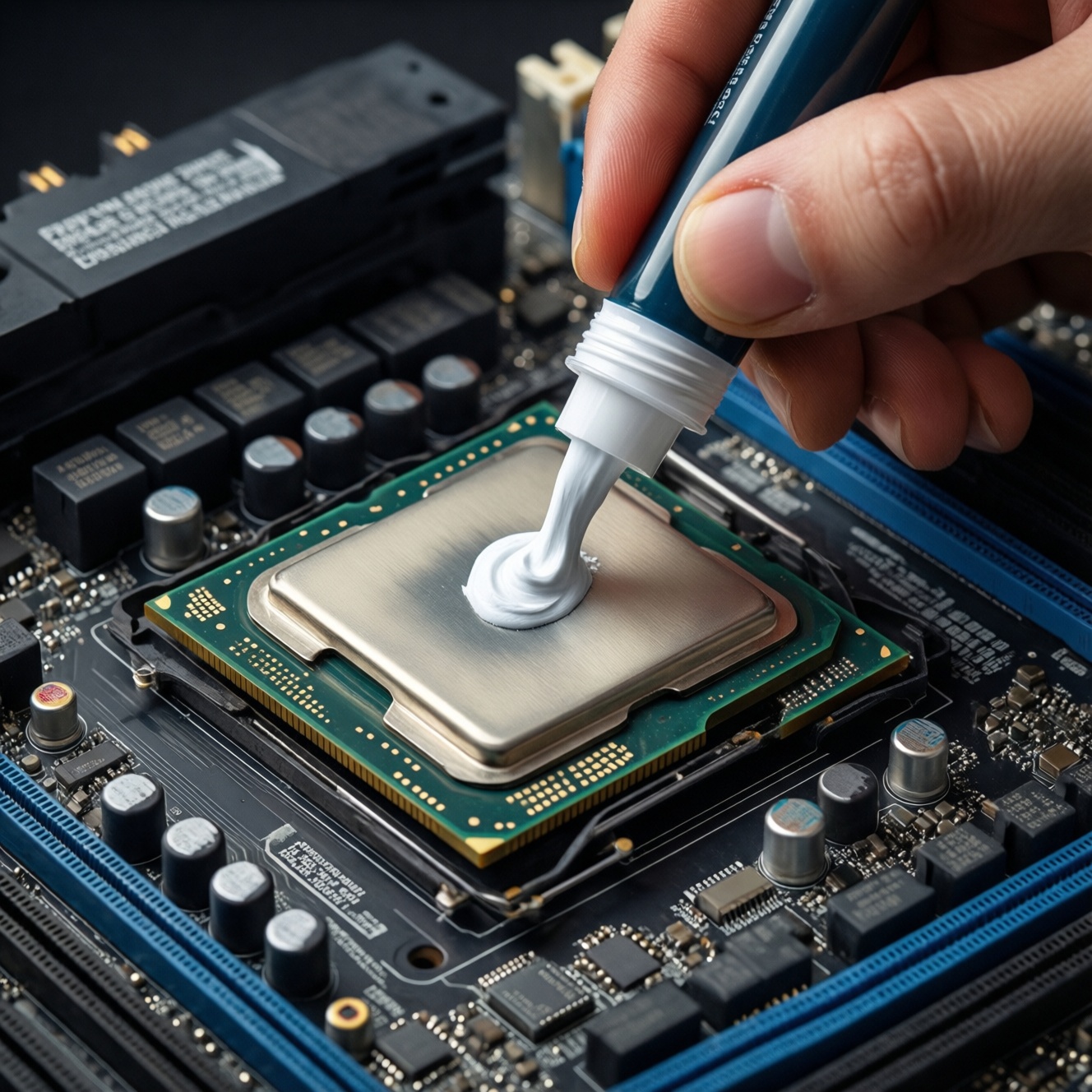
- Validate mounting and contact: correct paste amount and even mounting pressure often beat upgrading one cooler tier.
- Set sane fan curves: avoid chasing brief spikes; use smoothing/hysteresis so fans don't constantly ramp.
Total cost of ownership: upfront price, upgrades and compatibility
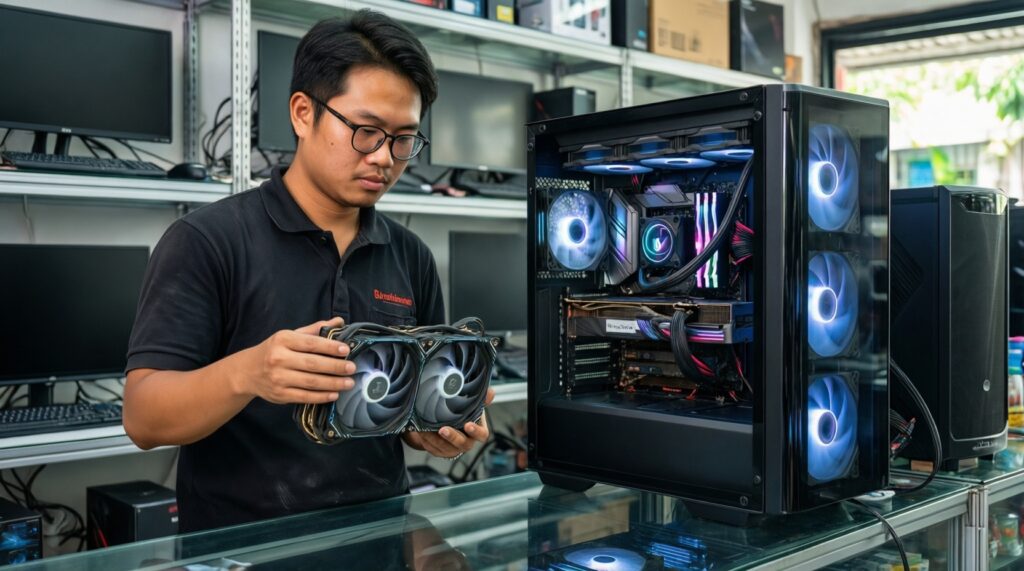
Upfront price is only part of "value"; the rest is compatibility, reuse, and how expensive a mistake is. Practical takeaway: buy based on fit and serviceability in Thailand-especially when you're unsure ซื้อชุดน้ำ AIO ราคาไหนดี for your build, because the "cheap" AIO that doesn't fit or runs loud is rarely a good deal.
- Ignoring case constraints: buying a tall tower for a narrow case, or a thick radiator that collides with the motherboard heatsinks.
- Assuming all AIO sizes fit "any" case: top mounts can conflict with RAM/VRM; front mounts can reduce GPU clearance.
- Overpaying for radiator size you can't use effectively: a large AIO in a low-airflow case can underperform expectations.
- Not budgeting for good case fans: poor chassis airflow forces higher RPM, negating the benefit of better coolers.
- Chasing peak temps instead of stability: stable sustained thermals and acceptable noise matter more than brief minimums/maximums.
- Forgetting RAM height and fan offsets (air): tall RAM may force the front fan higher, hurting side-panel clearance.
- Choosing an AIO without thinking about pump acoustics: even with good temps, an annoying pump tone can ruin the experience.
- Overlooking bracket availability for future upgrades: confirm next-socket mounting kits are obtainable locally.
Persona-driven recommendations: gamers, content creators, overclockers and silent-PC users
For gamers, the best value is usually a strong tower air cooler unless your case fit forces an AIO; for content creators with long sustained loads, a high-end dual-tower or a 280/360 mm AIO is often the more comfortable choice; for overclockers, prioritize headroom and case airflow (often 280/360 mm AIO or top-tier dual-tower); for silent-PC users, pick the option that achieves your target temps at the lowest steady RPM-commonly a large dual-tower air cooler or a well-tuned 280 mm AIO.
Answers to common buyer concerns
Is an AIO always cooler than an air cooler?
No. A high-end dual-tower air cooler can match or beat many 240 mm AIOs in real builds, especially when case airflow and fan curves are optimized.
What AIO size is the most sensible starting point?
240 mm is the baseline for mainstream builds with radiator support; 280 mm is often a better noise/performance balance if your case supports it.
Will a big air cooler stress my motherboard?
With a proper backplate and correct installation, it's typically fine. The bigger risk is transporting the PC roughly; consider removing the cooler for long-distance shipping.
How do I avoid pump noise on an AIO?
Mount the radiator so the pump is not the highest point in the loop when possible, and tune pump/fan curves for a stable acoustic profile rather than constant ramping.
Do I need to replace an AIO after a certain time?
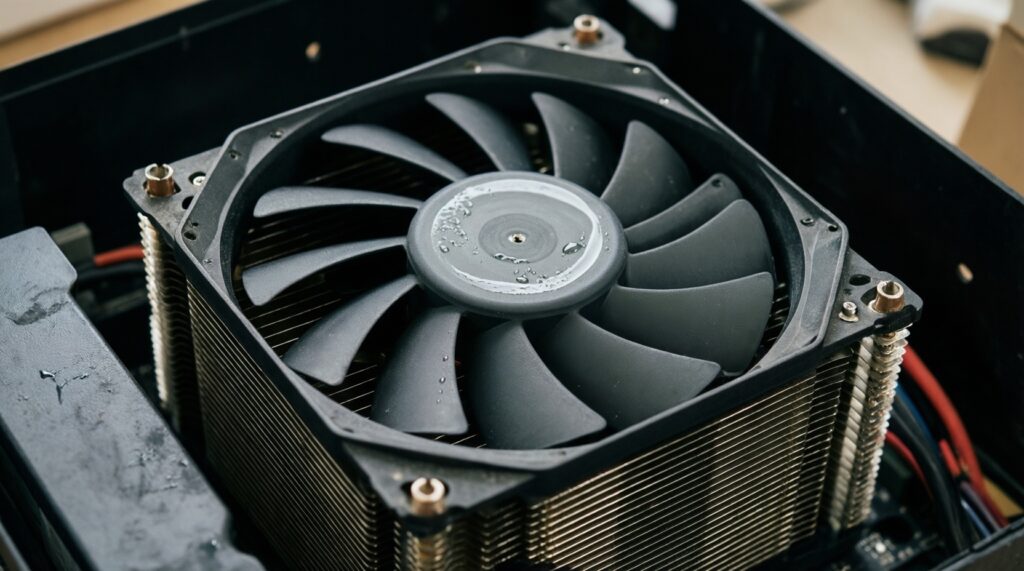
AIOs are sealed but not immortal; performance and noise can change over years. If reliability is a priority, plan for eventual replacement rather than indefinite reuse.
Is it worth buying the cheapest AIO I can find?
Usually not. If budget is tight, a good tower air cooler often delivers better long-term value than a low-end AIO with louder pump behavior and more failure points.
How do I decide quickly between ซิงก์ลม vs ชุดน้ำ AIO for my case?
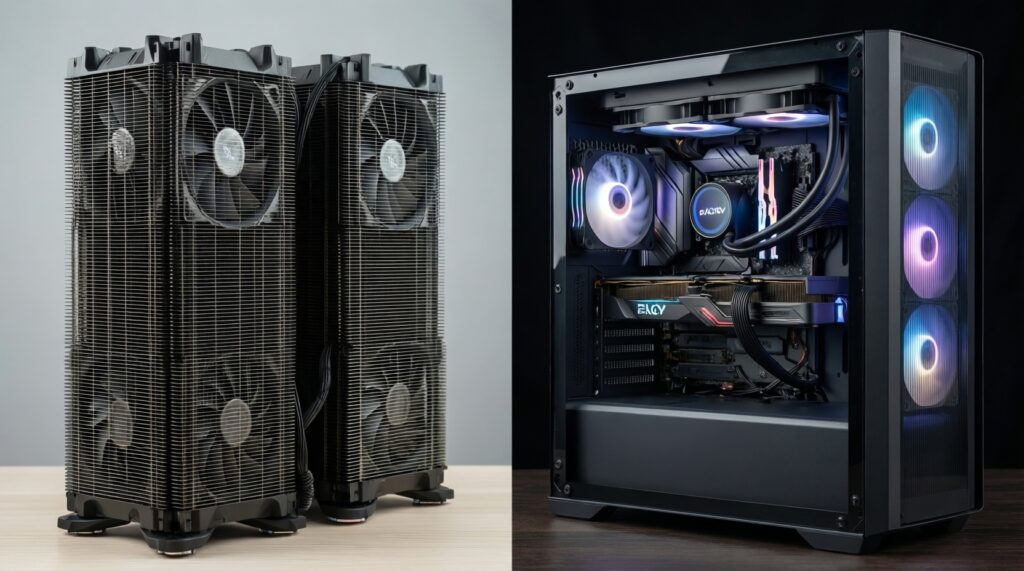
If your case fits a tall dual-tower and you want low risk, choose air. If height is limited or you want a cleaner socket area and have solid radiator support, choose an AIO.