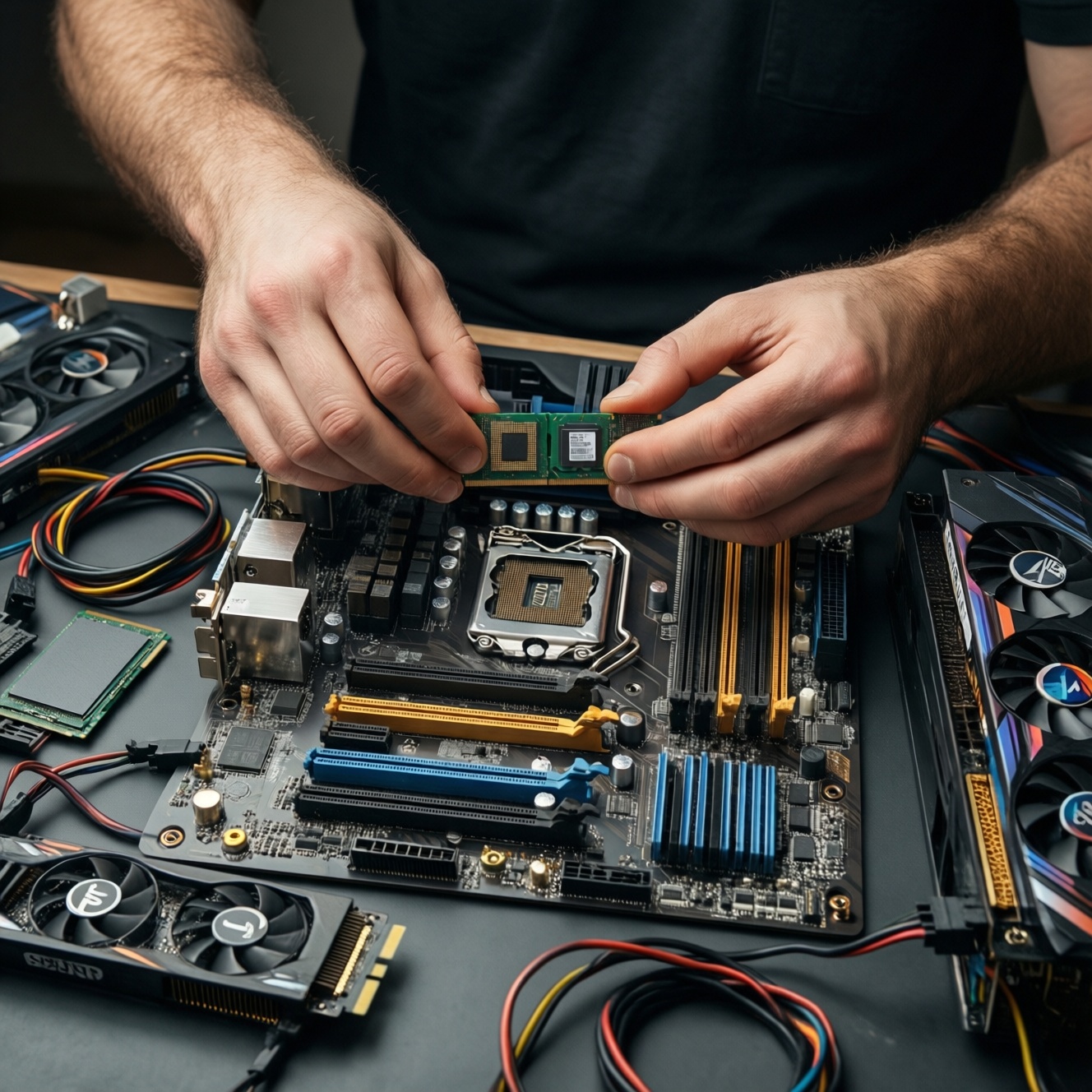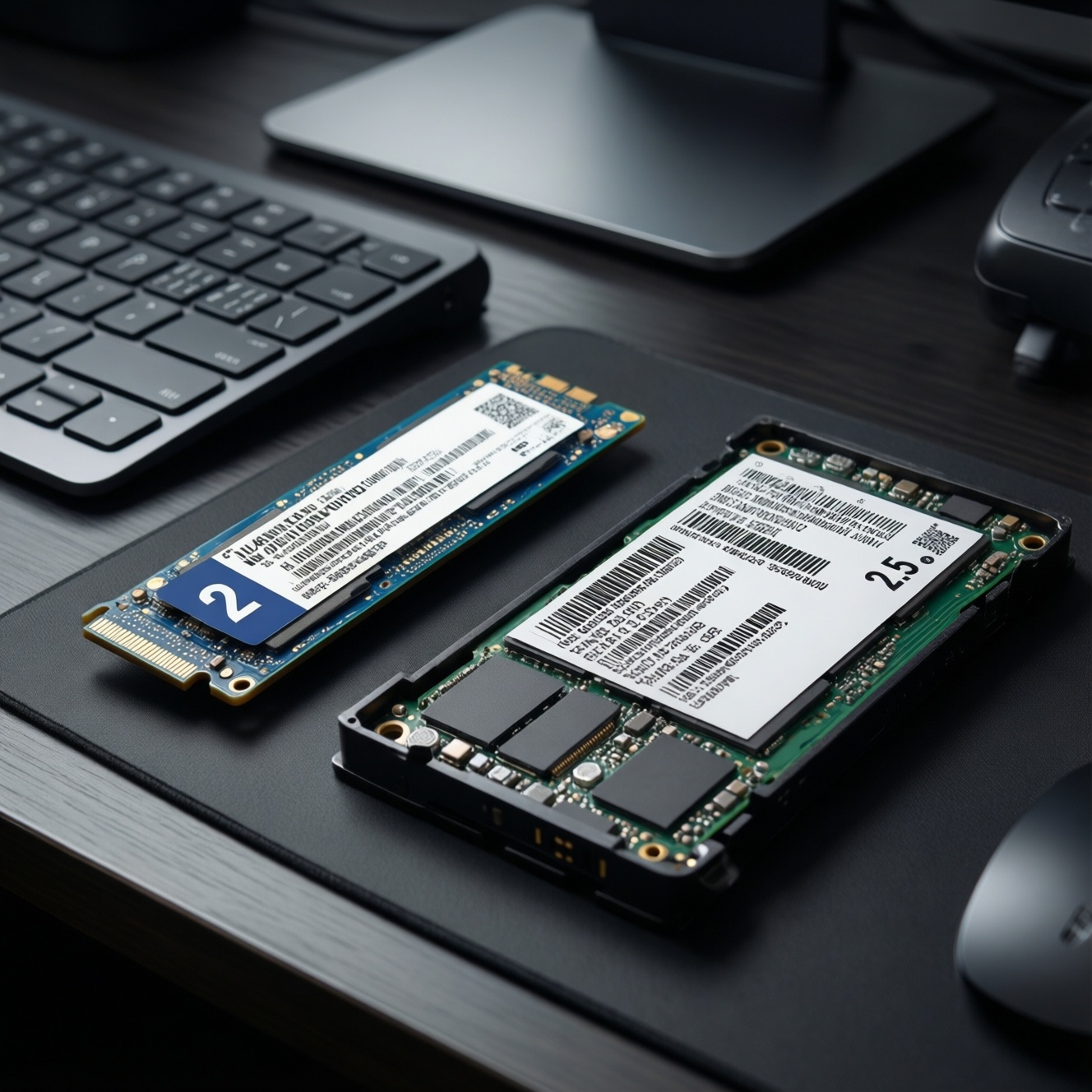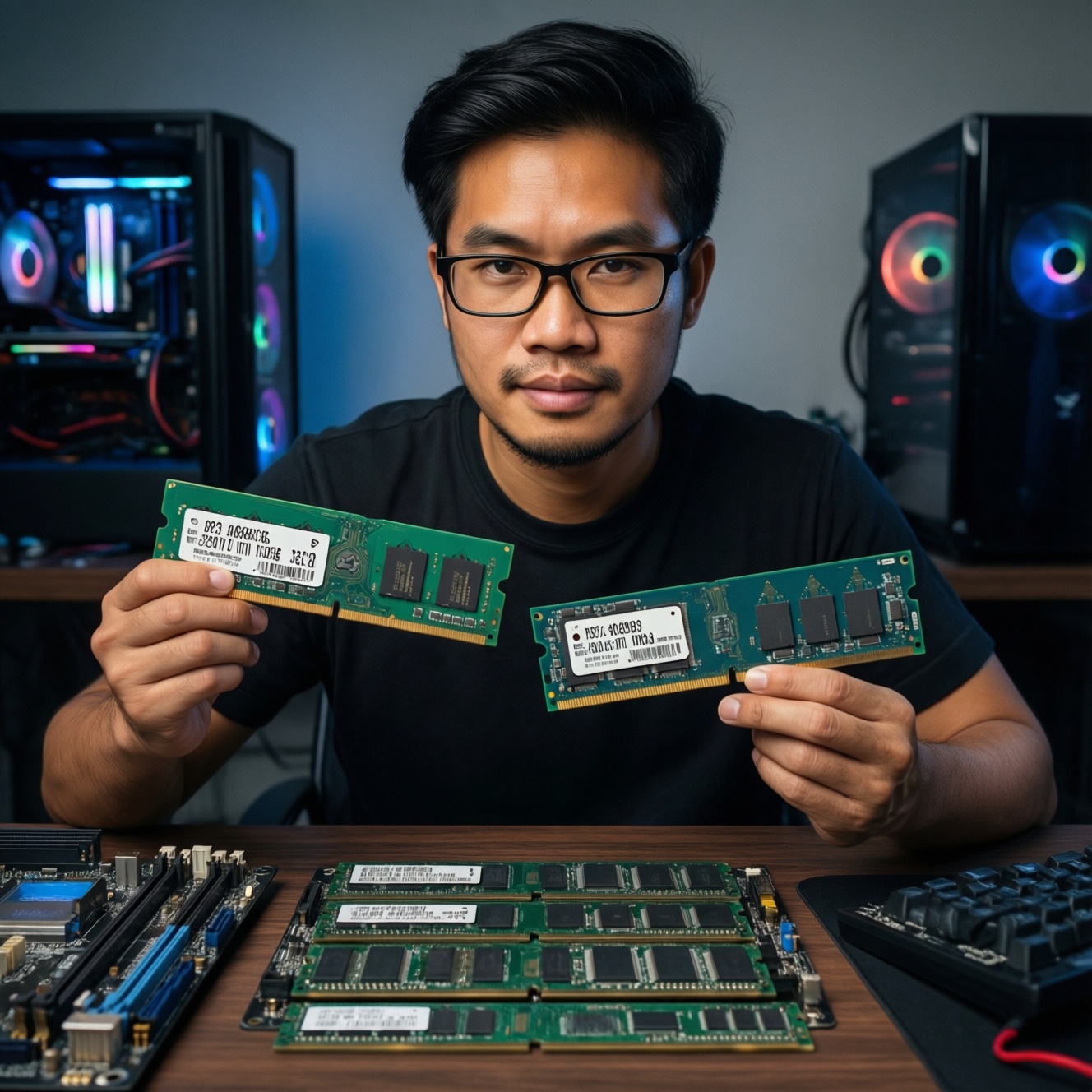
For most PC users in Thailand, 16GB is the practical minimum, 32GB is the safest "set-and-forget" choice, and 64GB is for heavy creation, VMs, or very large datasets. Pick RAM speed and CL within your CPU/motherboard limits: stable dual-channel beats extreme MHz, and tight timings help only when the platform can run them reliably.
At-a-glance RAM recommendations
- 16GB: good baseline for gaming + everyday apps; upgrade-friendly if you choose 2×8GB on dual-channel boards.
- 32GB: best balance for modern multitasking, content creation, and "no surprises" headroom.
- 64GB: choose when you know you will exceed 32GB (VMs, large projects, heavy caches); otherwise diminishing returns.
- Speed: prioritize stability at the platform's sweet spot over chasing top MHz.
- Timings (CL): lower CL can help latency-sensitive workloads, but only if your CPU IMC + board can hold it without errors.
- Safe buying: verify QVL/EXPO/XMP support, BIOS version, and module rank/density before purchase.
Why RAM capacity matters: mapping workloads to gigabytes
RAM is your system's fast working area. When you run out, Windows/macOS/Linux moves data to storage (paging/swap). Even with fast NVMe, paging introduces stalls: app switching becomes sluggish, frame times can spike, and long renders may crawl.
Capacity needs are driven less by "one app" and more by the sum of browser tabs, background services, games, creative tools, and how large your working files are. Two people using the same CPU/GPU can have completely different RAM requirements depending on multitasking habits.
A simple boundary: if your system regularly hits high memory pressure (visible in Task Manager/Activity Monitor) and starts paging, adding RAM usually helps more than chasing higher MHz or lower CL.
Choosing 16GB vs 32GB vs 64GB: concrete scenarios and thresholds
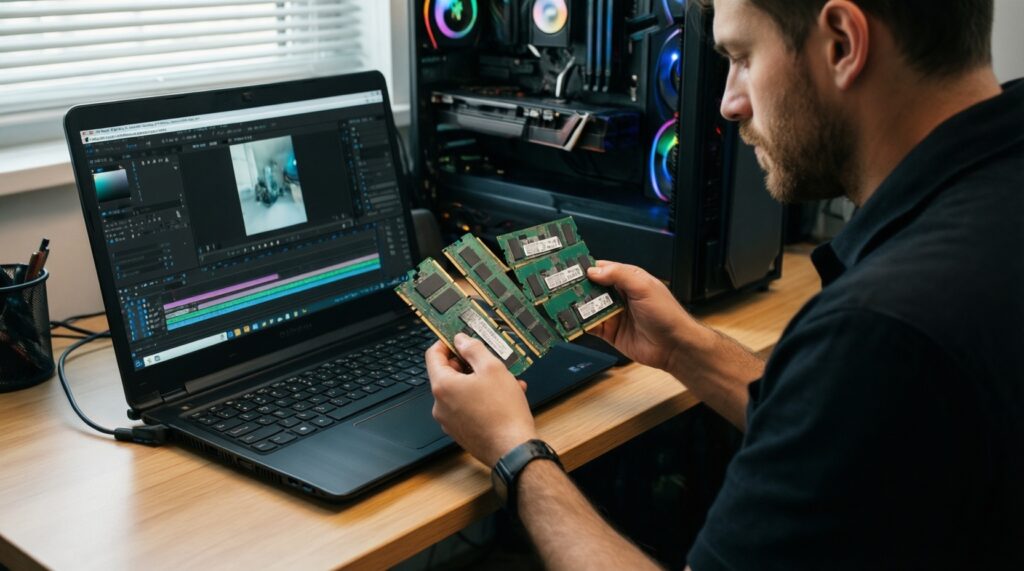
The practical mechanic is: pick the smallest capacity that avoids frequent paging during your peak usage, then add a safety margin so future updates and heavier projects don't force another upgrade.
- 16GB fits if you mainly game, study/office, light photo edits, and you don't keep many heavy apps open together.
- Move to 32GB when you often combine gaming + Discord + browser + recording, do regular photo work with large RAW batches, or run multiple productivity apps at once.
- Choose 64GB if you use virtual machines, large After Effects/Premiere/DaVinci projects, big IDE + Docker stacks, heavy modded games, or professional workloads that cache lots of data in RAM.
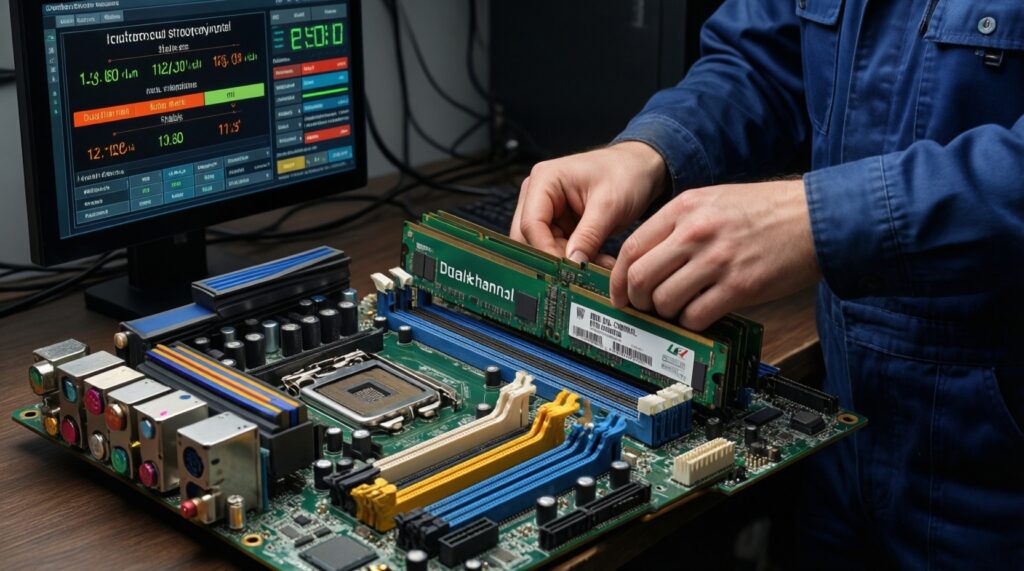
- Prefer 2 sticks over 1 (dual-channel) for mainstream desktops: it's a safe performance win and typically improves minimum FPS and overall responsiveness.
- Plan the upgrade path: if you start with 2×8GB (16GB) on a 4-slot board, you can usually add another 2×8GB later; if you start with 2×16GB (32GB), 64GB is often a clean step later.
- Buy based on peak, not average: check your heaviest day (big game + streaming, large project, many tabs) before deciding.
| Capacity | Best-fit use cases | Pros | Cons / limits | Price-to-benefit signal (TH) |
|---|---|---|---|---|
| 16GB | 1080p/1440p gaming, office, light creation, general home PC | Lowest cost; easy entry; often enough for single-focus workloads | Less headroom for heavy multitasking; more likely to page with modern "always-on" apps | If you are checking ซื้อ RAM 16GB ราคา, focus on dual-channel kits and compatibility first; savings vanish if you must replace it soon. |
| 32GB | Gaming + streaming, serious multitasking, consistent photo/video work, dev tools | Most future-proof for mainstream; reduces paging risk; smoother multitasking | Higher cost than 16GB; may be overkill for single-app usage | When comparing RAM 32GB ราคา, this tier usually gives the best "buy once" value for intermediate users. |
| 64GB | VMs, large timelines, heavy compositing, big datasets, workstation-like usage | Strong headroom; fewer workflow interruptions; better for long sessions | More stress on memory controller at high speeds; gains can be zero if you never exceed 32GB | If you search RAM 64GB ราคา, confirm your platform can run your target speed/timings stably (often needs tuning/BIOS updates). |
Mini-scenarios you can map to your own usage
- "Game + browser + voice chat": 16GB can work, but 32GB prevents stutter when you alt-tab and keeps background apps from being pushed out.
- "Editing + exporting while multitasking": 32GB is the safer floor; 64GB helps if you keep multiple projects open or cache previews aggressively.
- "Dev with containers + VM": 64GB is often the first capacity that feels consistently comfortable without constant closing/reopening tools.
RAM frequency and architecture: MHz, channels and real-world gains
Frequency (MHz/MT/s) affects bandwidth; architecture (channels, ranks, memory controller limits) determines whether you can actually use that bandwidth without instability. In practice, dual-channel + stable profile beats a risky overclock.
- Gaming (CPU-limited): faster RAM can improve 1% lows on some titles, especially on platforms that benefit from higher memory bandwidth. Still, capacity and dual-channel come first.
- Integrated graphics (iGPU): RAM speed matters more because the iGPU uses system memory as VRAM; prioritize dual-channel and reasonable high MT/s within platform support.
- Content creation: large projects can benefit from bandwidth, but once you're paging, extra MHz won't save you-capacity is the bottleneck.
- Compression / some compute tasks: can scale with bandwidth, but only if your CPU and board run the profile stable.
- Workstations with 4 DIMMs: adding more sticks can reduce maximum stable frequency; plan for stability, not the highest kit rating.
For people asking RAM ความเร็วเท่าไหร่ดี สำหรับ AMD Ryzen / Intel, the safe approach is: start from your CPU generation's commonly stable range, then match it to a kit that your motherboard QVL supports, and only then consider pushing higher.
CAS latency and timings: how CL affects throughput and responsiveness
CL (CAS latency) is one part of the timing set. Lower CL can reduce memory access latency, but the real effect depends on the combination of frequency + timings and how the CPU's memory controller behaves. A "better" spec sheet is useless if it forces crashes or silent memory errors.
- Where tighter timings help:
- Latency-sensitive gaming scenarios (often seen in frame-time consistency rather than average FPS).
- Some workloads with many small, random memory accesses (certain compilation and scripting patterns).
- Systems already optimized on capacity and dual-channel, where you're chasing the last few percent.
- Limitations and safe constraints:
- Lower CL usually needs higher voltage and better IMC quality; not every CPU sample will hold it.
- Mixing kits (even same model) can break XMP/EXPO stability; best practice is one matched kit.
- Advertised "tight" profiles may require manual tuning on some boards/BIOS versions.
If you're price-checking RAM DDR5 6000 CL30 ราคา, treat it as a platform-dependent target: it can be a great choice on some mid/high-end builds, but it's not universally plug-and-play-budget extra time for BIOS updates and stability testing.
Platform constraints and compatibility: Intel, AMD, laptops and BIOS quirks
- XMP vs EXPO: Intel platforms commonly use XMP, AMD commonly uses EXPO. Many kits support one or both, but you should match the profile type your board expects for the most painless setup.
- BIOS matters: memory training and compatibility can improve significantly with newer BIOS versions. Update BIOS before enabling XMP/EXPO when building new.
- 4 DIMMs is harder than 2: filling all slots often reduces maximum stable speed and may require looser timings. If you need 64GB, 2×32GB is usually easier than 4×16GB on many consumer boards.
- Laptops are not desktops: many laptops have soldered RAM or limited SODIMM support; always confirm maximum capacity and supported speeds from the exact model documentation.
- DDR4 vs DDR5 is not interchangeable: the slot and motherboard must match the RAM generation; "upgrading" across DDR generations requires a new motherboard (and sometimes new CPU).
- Stability is a safety issue: unstable RAM can corrupt files. Don't treat random app crashes as "fine" if you work with important data.
Practical builds and testing: config examples, upgrade paths and benchmark tips
Use this safe, repeatable flow to pick, install, and validate RAM without chasing unstable settings.
- Decide capacity from your peak workflow:
- Baseline: 16GB
- Most intermediate users: 32GB
- Known heavy workloads: 64GB
- Choose a kit layout for stability:
- Mainstream desktop: start with 2 sticks (2×8, 2×16, 2×32).
- Avoid mixing kits when possible; buy one matched kit for the final capacity.
- Check constraints before buying:
- Motherboard memory QVL (if available).
- CPU memory support and whether your target is realistic with 2 vs 4 DIMMs.
- Physical clearance with large CPU coolers (RAM height).
- Install + configure safely:
- Update BIOS first.
- Enable XMP/EXPO once, don't stack multiple "auto OC" features at the same time.
- If it fails to boot: reset to defaults, then try a lower memory speed before touching voltages.
- Validate stability (minimum routine):
- Run a memory test and a few hours of your real workload (game session, render, compile).
- Watch for WHEA errors (Windows), app crashes, or corrupted archives-these are red flags.
Decision shortcut (peak usage):
if (you use VMs / heavy creation / huge projects)    choose 64GB
else if (you multitask heavily or create regularly)  choose 32GB
else                                                choose 16GB

Then:
prefer 2-DIMM kit, enable XMP/EXPO, test stability, only then consider tuning.
Practical answers to common RAM sizing and timing doubts
Is 16GB still enough for gaming in 2026?
Yes for many titles if you don't multitask heavily, but 32GB reduces stutter risk when you keep browsers, overlays, launchers, and chat apps open.
When does 64GB become a "must" rather than a luxury?
When your workflow repeatedly exceeds 32GB: VMs, large video/compositing projects, big data sets, or dev stacks with multiple containers and services.
Should I buy 1×32GB now and add another later?
It works, but you lose dual-channel performance until the second stick is added. For mainstream desktops, 2×16GB is usually the safer and faster starting point.
What matters more: higher MHz or lower CL?
Stability and dual-channel matter first. After that, pick a balanced frequency/timing profile that your platform can run reliably; extreme specs aren't worth random crashes.
Can I mix different RAM brands or models if the specs match?
Sometimes, but it's a common cause of XMP/EXPO failures. For the safest result, use one matched kit for the final capacity.
Why does my RAM not run at the advertised speed after installation?
Because it boots at a default JEDEC speed until you enable XMP/EXPO in BIOS/UEFI. If enabling it is unstable, your platform may need a BIOS update or a lower memory speed.
Does DDR5-6000 CL30 work the same on all Ryzen and Intel systems?
No. Memory-controller limits, motherboard routing, BIOS maturity, and DIMM count can change what is stable. Treat it as a target to validate, not a guaranteed plug-and-play result.