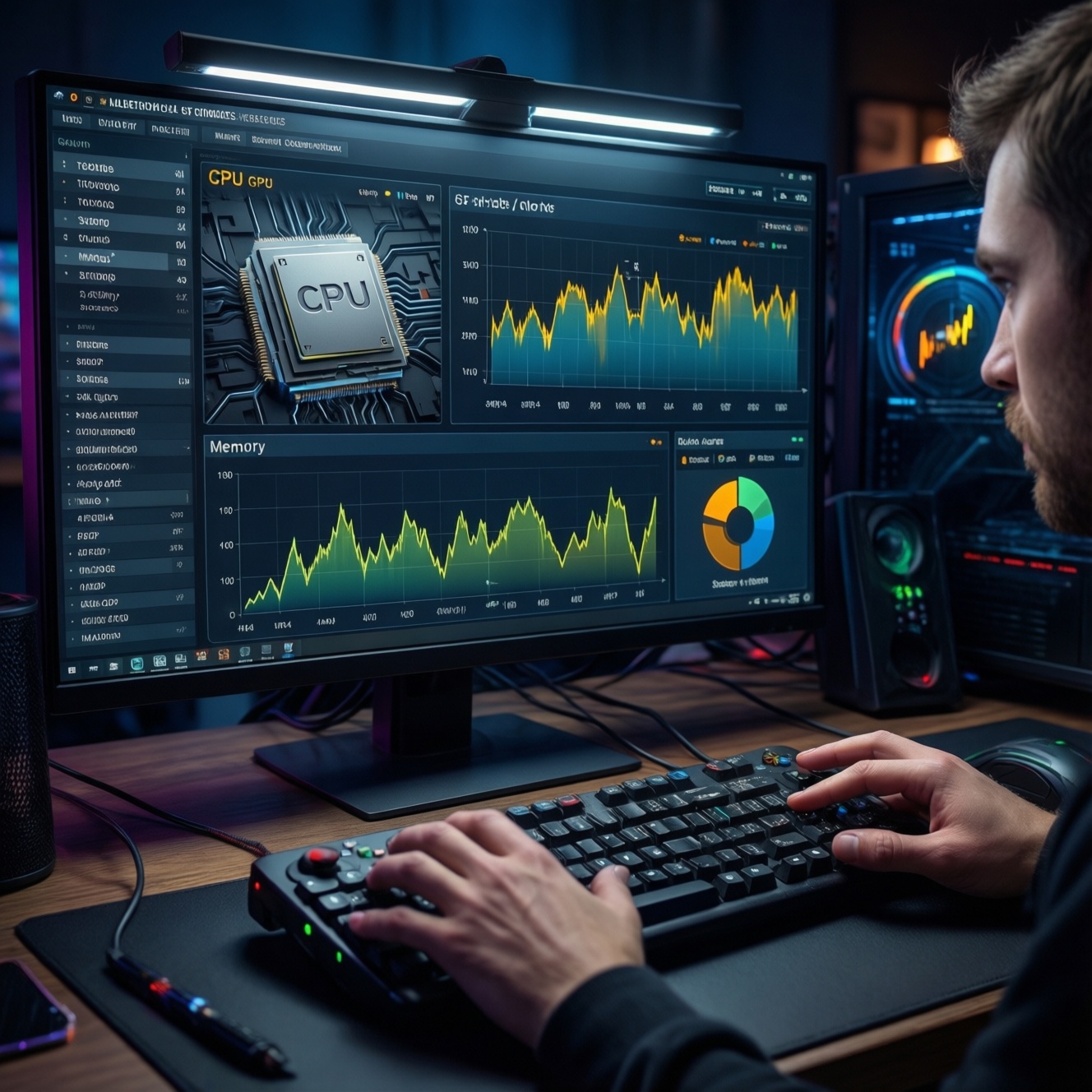
For most intermediate PC users in Thailand, 16GB RAM is the best value when your workload fits in memory (gaming, office, light editing). Choose 32GB when you regularly exceed that working set and see swap/pagefile activity (heavy multitasking, large creative projects, VMs). XMP/EXPO are one-click memory profiles to run rated speed safely when compatible.
Executive summary for builders and power users
- If you're asking "ซื้อ RAM 16GB หรือ 32GB ดี", decide by workload "working set": if you hit swap/pagefile under normal use, 32GB is the practical fix.
- 16GB typically optimizes cost-per-performance for gaming and everyday productivity; 32GB improves consistency when many apps/tabs/projects are open at once.
- Bus speed and timings matter most when you are not GPU-limited and the CPU/memory subsystem is the bottleneck; capacity comes first.
- "RAM XMP คืออะไร" and "RAM EXPO คืออะไร": they are vendor memory profiles (Intel/AMD-focused) to apply rated frequency/timings/voltage in BIOS/UEFI.
- In Thailand shopping, "RAM 16GB ราคา" vs "RAM 32GB ราคา" should be compared on total kit (2×8 vs 2×16), platform (DDR4/DDR5), and warranty-avoid mixing mismatched sticks.
- For stability, prioritize a 2-stick matched kit and motherboard QVL compatibility over chasing the highest advertised MHz.
How RAM capacity shapes performance: dissecting 16GB vs 32GB
Capacity affects whether your system stays in fast RAM or spills into slow storage-backed memory (swap/pagefile). Use these criteria to choose:
- Swap/pagefile behavior: if memory pressure triggers swapping during your normal workflow, 32GB reduces stalls far more than faster RAM would.
- Peak multitasking: browser tab count, Electron apps, chat/streaming tools, and launchers stack up quickly; 32GB helps when you run many at once.
- Creator project size: large PSD/AI files, high-res photo batches, long timelines, many layers/effects, and high-bitrate media can exceed 16GB.
- Virtualization/containers: each VM has a reserved allocation; 16GB becomes restrictive after one serious VM plus host apps.
- Game + background stack: gaming while streaming/recording, Discord, multiple browsers, overlays, and mod managers pushes past 16GB sooner.
- Platform constraints: DDR4 vs DDR5, motherboard slot count, and maximum supported capacity determine the cleanest upgrade path.
- Stick configuration: dual-channel (2 sticks) usually beats single-stick; for 32GB, 2×16 is typically simpler than 4×8 for stability.
- Future headroom: if you keep PCs longer and workloads grow, 32GB can postpone a full rebuild.
When 16GB is sufficient: gaming, everyday productivity, and light editing
16GB remains a strong choice when you avoid sustained swapping and keep background load reasonable. Pick the variant that matches your actual usage pattern.
| Variant | Who it fits | Pros | Cons | When to choose |
|---|---|---|---|---|
| 16GB (2×8) dual-channel, stable JEDEC | Budget/minimalist builds, office + web, esports titles | Lowest complexity; easy compatibility; good value vs "RAM 16GB ราคา" listings | Less headroom for heavy multitasking; can hit swap with many apps | If you rarely see memory pressure and want maximum stability per baht |
| 16GB (2×8) with XMP/EXPO enabled | Gamers tuning for smoother CPU-limited scenes | Higher effective bandwidth/lower latency than default; usually one BIOS toggle | May require BIOS update/manual tuning if unstable | If you have a compatible board/CPU and want performance without changing capacity |
| 16GB + disciplined multitasking (fewer tabs/apps) | Students, hybrid work, light coding | Delays upgrade costs; performance stays consistent if you manage background load | User discipline required; background bloat can degrade responsiveness | If you can keep browser/app sprawl under control |
| 16GB for light photo/video editing (small projects) | Casual creators exporting short clips or editing a few photos at a time | Works fine for smaller timelines and moderate-resolution assets | Slowdowns when caches fill; more risk of swap during renders/exports with many effects | If you edit occasionally and projects are modest in size/complexity |
| 16GB paired with fast SSD (as a mitigation, not a fix) | Anyone stuck at 16GB temporarily | Swap/pagefile stalls are less painful than on HDD | Still far slower than RAM; wear/IO load increases under constant swapping | If upgrade timing is uncertain but you need acceptable responsiveness |
Scenarios that demand 32GB: content creation, virtualization, and heavy multitasking
- If you regularly keep a game open while streaming/recording plus Discord, browser, and overlays, then 32GB reduces stutter caused by memory pressure and background app contention.
- If your editing software uses large caches (many layers/effects, long timelines, high-resolution assets) and exports coincide with other apps running, then 32GB helps keep the working set in RAM instead of swap.
- If you run one or more VMs/WSL/containers and want the host OS to remain responsive, then 32GB is the practical baseline for comfortable allocations.
- If you frequently work with many high-resolution files at once (batch processing, large RAW sets, big design files) and you see slowdowns when switching apps, then 32GB improves consistency.
- If you use heavy browser workflows (many tabs, multiple profiles, web apps) alongside IDEs and local tooling, then 32GB prevents tab reloads and background evictions.
Shopping note: comparing "RAM 32GB ราคา" across stores is only meaningful when you match DDR generation, kit configuration (prefer 2×16), and rated speed/timings.
Memory frequency and timings: what bus speed and latency actually change
- Lock capacity first: decide 16GB vs 32GB based on whether your typical workload exceeds RAM and causes swapping.
- Confirm platform (DDR4/DDR5): match motherboard + CPU memory support; don't buy "good MHz" that your platform can't run stably.
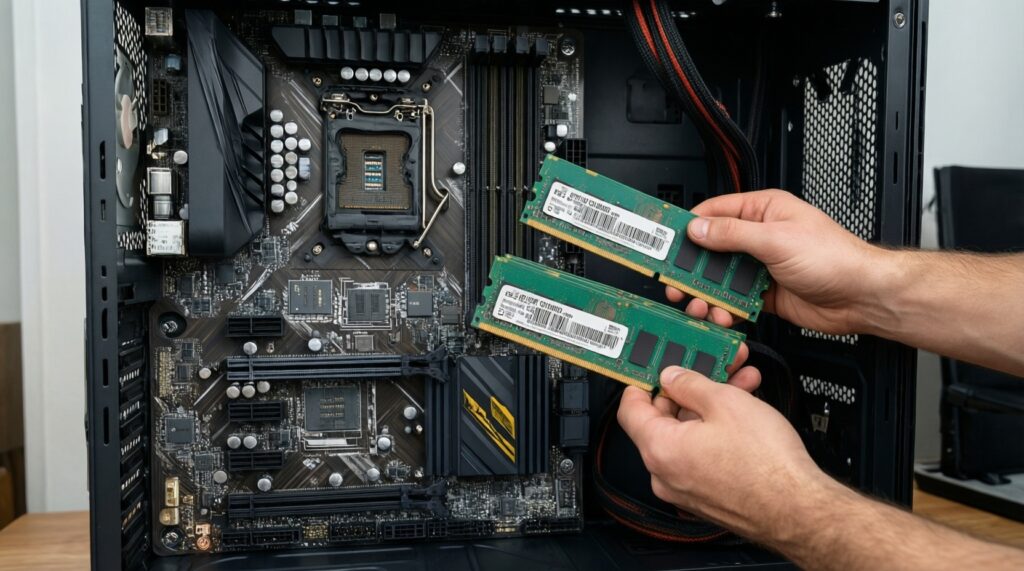
- Prefer 2 sticks (dual-channel): 2×8 for 16GB, 2×16 for 32GB; avoid single-stick setups unless you plan an immediate second stick.
- Choose a sensible rated profile: aim for a commonly supported speed tier for your platform rather than the absolute peak.
- Compare timings within the same speed: lower latency (tighter timings) can help CPU-limited scenarios, but the difference is usually secondary to capacity and GPU limits.
- Validate with real use: after enabling the rated profile, test stability (no crashes/BSOD/app errors) before calling the build finished.
- Keep upgrade path in mind: if you'll move to 32GB soon, buying 2×16 now is often cleaner than starting with 2×8 and mixing later.
XMP vs EXPO: what they do, how to enable them, and safety considerations
- Wrong expectation: XMP/EXPO do not "add RAM"; they apply a stored profile (frequency/timings/voltage). Capacity still determines whether you swap.
- Platform mismatch confusion: if you ask "RAM XMP คืออะไร" vs "RAM EXPO คืออะไร", treat them as profile ecosystems-XMP is common on Intel-oriented kits, EXPO targets AMD platforms (many kits support both, but not always).
- Not enabling the profile: many systems boot at default JEDEC settings until you enable XMP/EXPO in BIOS/UEFI.
- Assuming guaranteed stability: a rated profile is an overclock profile; stability depends on CPU memory controller, motherboard BIOS, and the specific kit.
- Mixing kits: two separate kits with the same label can use different memory ICs; mixing often forces lower speeds or causes instability.
- 4-DIMM stress: populating all slots (e.g., 4×8) can reduce achievable frequency versus 2 sticks; plan 2×16 for 32GB when possible.
- Neglecting BIOS updates: memory compatibility often improves with BIOS/UEFI updates; update before deep manual tuning.
- Overvoltage habits: avoid raising voltage "because forums said so" unless you understand the risk; start with the kit's profile and minimal changes.
Upgrade strategy and a side-by-side comparison table for typical user profiles
Best fit usually looks like this: Gamer → 16GB with a solid dual-channel kit and XMP/EXPO if stable; Creator/pro → 32GB to avoid swap during real projects; Budget/minimalist → 16GB at stable defaults, upgrading to 32GB only when memory pressure is observed, not preemptively.
| User profile | Typical workload signals | Recommended capacity | Typical frequency/timings approach | Upgrade trigger |
|---|---|---|---|---|
| Gamer (competitive + some multitasking) | CPU-limited scenes, background apps running, occasional streaming/recording | 16GB (2×8) most builds; 32GB if streaming + heavy background is constant | Enable XMP/EXPO; prioritize stability over top MHz; stay on common, well-supported profiles | Stutter while alt-tabbing, frequent game hitching when chat/browser/recording is open, swap activity during play |
| Creator/pro (editing, design, dev tools) | Large project files, long timelines, big caches, IDE + local services | 32GB (2×16) | Moderate rated profile with XMP/EXPO; tighter timings only after stable baseline is proven | Slow timeline scrubbing, cache purge events, export slowdowns tied to memory pressure, frequent disk thrashing |
| Budget/minimalist (office, study, light gaming) | Web + documents, a few apps, short sessions | 16GB (2×8) | JEDEC defaults first; optionally enable XMP/EXPO only if you can test stability | Browser tabs reloading, sluggishness with multiple apps, swap usage during normal tasks |
Common user concerns - concise answers
Will 32GB increase FPS in games?
Only if your current 16GB setup is hitting memory pressure or the game + background apps exceed RAM. Otherwise, FPS is more often limited by GPU or CPU, and extra capacity mainly improves smoothness during multitasking.
How do I know I need 32GB, not faster RAM?
If you see swap/pagefile use and noticeable stalls when switching apps or during loads, capacity is the priority. If RAM usage stays comfortably below total and you're CPU-limited, then frequency/timings tuning can help.
RAM XMP คืออะไร in practical terms?
XMP is a stored memory profile that sets rated speed, timings, and voltage automatically in BIOS/UEFI. It's convenient, but it's still an overclock profile and may need stability testing.
RAM EXPO คืออะไร and is it required on AMD?
EXPO is AMD-focused memory profiling similar to XMP. It's not strictly required, but enabling EXPO is the normal way to run the kit at its advertised settings if your platform supports it.
Should I buy 1×16 now and add another later, or 2×8?
For 16GB total, 2×8 is typically better because you get dual-channel performance immediately. If you plan 32GB soon, 2×16 is often the cleanest long-term choice.
Can I mix different RAM brands/speeds if the total is 32GB?
It may work, but stability and achievable speed often drop to the weakest stick/profile. For predictable results, use a matched kit (especially if you care about XMP/EXPO).
Is comparing RAM 16GB ราคา vs RAM 32GB ราคา enough to decide?
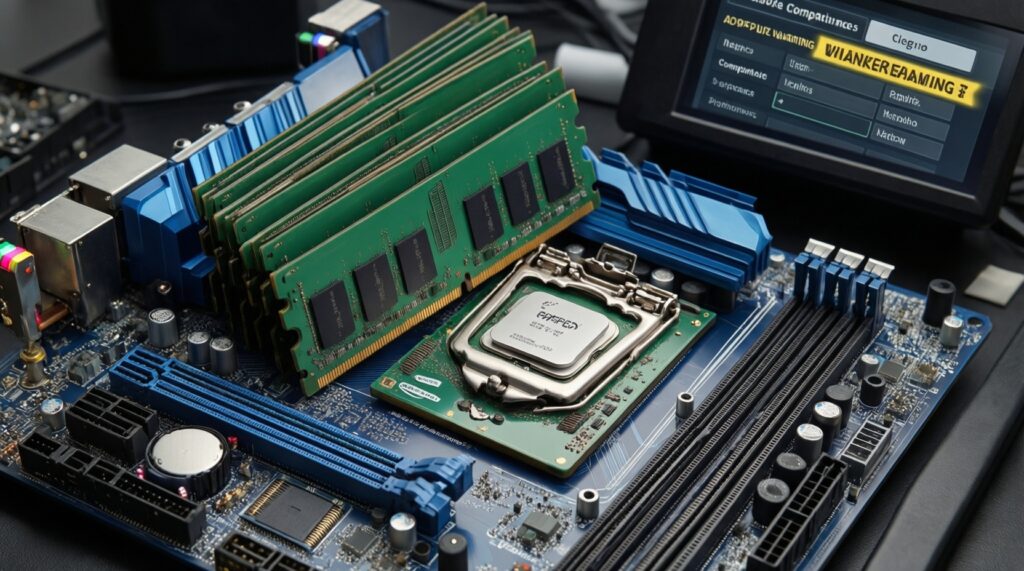
No-compare DDR generation, kit layout (2 sticks vs 1), rated profile support, and compatibility with your motherboard/CPU. Price alone can hide a mismatch that forces slow defaults or instability.