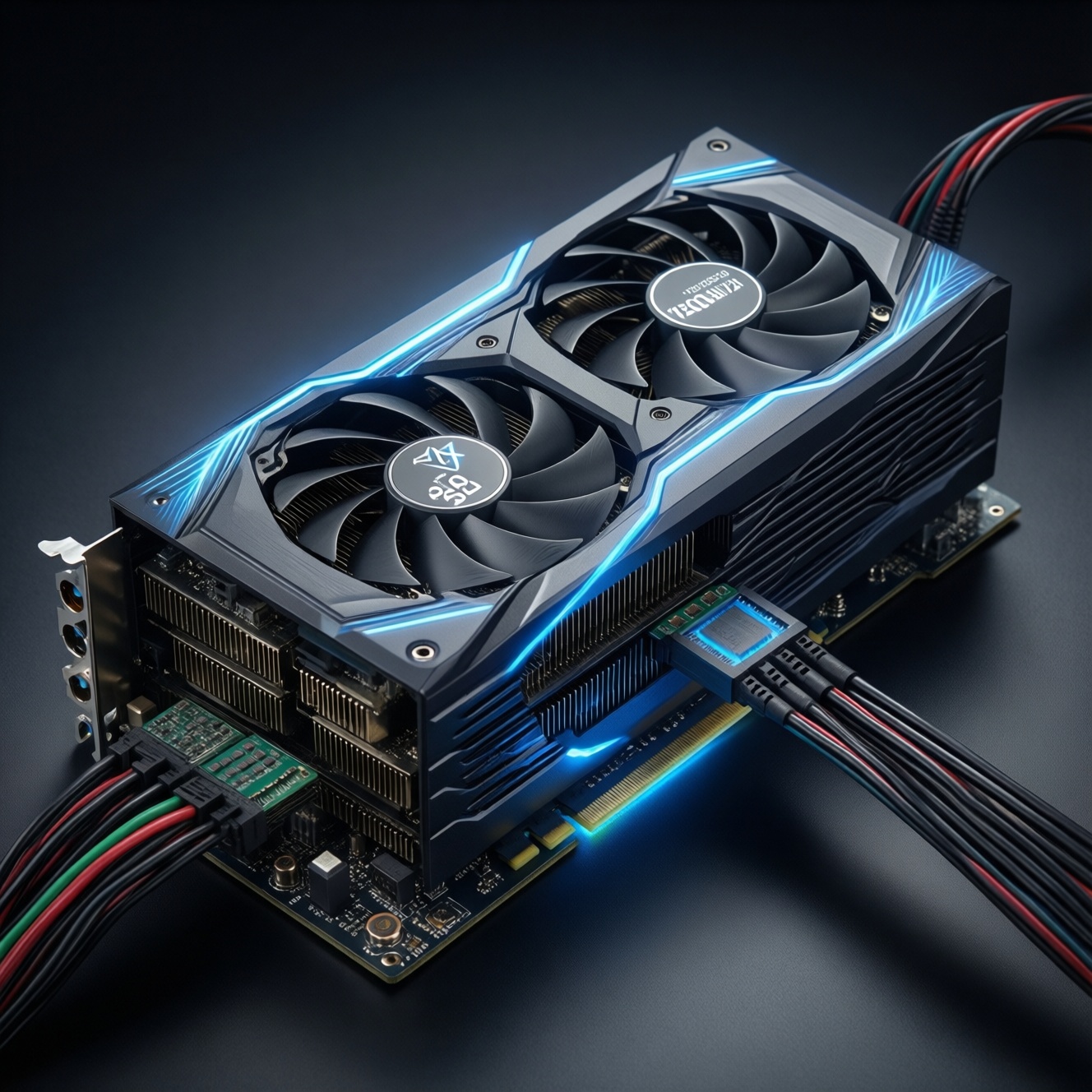
ATX 3.0 and "PCIe 5.0 PSU" labels matter mainly for how a power supply handles short GPU power spikes and how it provides the new 12VHPWR (12+4 pin) cable. For a high-power GPU, your practical goals are: use the right native cable when possible, avoid risky adapter setups, confirm proper insertion and bend radius, and validate stability under load.
Essentials: ATX 3.0, PCIe 5.0 and the 12VHPWR connector
- ATX 3.0 is a PSU design/behavior standard; it's about handling fast, large transient loads without crashing or tripping protections.
- "PCIe 5.0 power" usually means the PSU includes a native 12VHPWR (or 12V-2x6 on newer hardware) cable/port, not that your GPU uses PCIe 5.0 data.
- 12VHPWR issues are most often mechanical: not fully seated, too tight a bend near the plug, or low-quality/incorrect cable.
- Adapters can work, but they add connection points; each extra interface increases risk if seating or cable routing is poor.
- For GPUs like in the "PSU ATX 3.0 สำหรับ RTX 4090" discussions, prioritize a reputable ATX 3.0 PSU with a native GPU power cable and enough total capacity for your whole system.
Myths and misconceptions about 12VHPWR, PCIe 5.0 and ATX 3.0
Myth: "You need PCIe 5.0 (data) to use 12VHPWR." Reality: 12VHPWR is a power connector standard; it's independent from PCIe slot generation for data. A PCIe 4.0 motherboard can still host a 12VHPWR-powered GPU.
Myth: "ATX 3.0 automatically makes any build safe." Reality: ATX 3.0 improves PSU response to transients, but cable quality, routing, and full insertion of 12VHPWR are still the deciding factors for connector safety.
Myth: "Adapters are always dangerous." Reality: A good adapter can be fine when properly installed and when the PSU provides enough separate PCIe 8-pin outputs. The common failures are user-installation and tight case clearance, not the concept of an adapter itself.
Myth: "Any cheap ATX 3.0 unit is equivalent." Reality: When people search ซื้อพาวเวอร์ซัพพลาย ATX 3.0 ราคาถูก, the risk is assuming the label replaces build quality. Look for strong vendor support, correct native cabling, and clear documentation for the 12VHPWR/12V-2x6 port.
How ATX 3.0 changes PSU behavior compared to earlier standards
ATX 3.0 focuses on how the PSU behaves under fast-changing GPU loads and how it signals/limits GPU power via the new connector ecosystem. Practical differences you can feel are fewer random shutdowns under spikes and clearer, more standardized GPU power cabling.
- Better transient handling: the PSU is designed to tolerate quick GPU spikes without immediately triggering protection.
- More explicit GPU power path: native 12VHPWR/12V-2x6 cables reduce the need for multi-8-pin adapters.
- Clearer power budgeting: PSU makers typically document which port is for the high-power GPU cable and how it should be used.
- Protection tuning: OCP/OPP behavior is tuned for modern GPU patterns, reducing nuisance trips (while still protecting against real faults).
- System-level stability: less sensitivity to combined CPU+GPU bursts (common in modern games and GPU compute).
PCIe 5.0 power delivery vs. legacy PCIe: what actually changed
In real builds, "PCIe 5.0 power" shows up as the connector/cabling option on the PSU side. You'll encounter it in these typical scenarios:
- New high-end GPU with 12VHPWR input: you choose between a native PSU cable or an adapter.
- Case with tight side-panel clearance: cable bend management becomes a primary constraint.
- Upgrading PSU but keeping the rest: you may buy a PSU marketed as พาวเวอร์ซัพพลาย PCIe 5.0 12VHPWR รุ่นแนะนำ to get the correct cable and better transient response.
- Using older PSU with an adapter: you rely on multiple PCIe 8-pin outputs and careful load distribution.
- Mixed workloads: gaming + heavy CPU tasks (streaming, compiling, rendering) that create combined spikes.
| What you're comparing | Legacy GPU power (PCIe 8-pin era) | 12VHPWR / "PCIe 5.0 PSU" era | What to do |
|---|---|---|---|
| Main external GPU connector | 6-pin / 8-pin (often multiple) | 12VHPWR (12+4) or 12V-2x6 on newer parts | Prefer a native PSU-to-GPU cable when available. |
| Typical failure mode | Loose 8-pin, overloaded single cable run | Not fully seated plug, tight bend near plug, wrong/third-party cable | Verify full insertion; route with gentle bend and clearance. |
| Signal/power negotiation | Mostly "dumb" power; GPU assumes available power by connectors present | Sideband/sense pins (the +4) communicate allowed power behavior | Use the correct cable for your PSU model; do not mix modular cables. |
| PSU standard focus | Earlier ATX revisions; less emphasis on GPU spike profiles | ATX 3.0 emphasizes transient response for modern GPUs | For very high-power GPUs, lean toward ATX 3.0-class units. |
Anatomy of the 12VHPWR connector: pinout, wiring and mechanical risks
12VHPWR has 12 large power contacts plus 4 smaller sense/communication contacts. Electrically it's straightforward: it delivers 12V to the GPU; mechanically it's less forgiving because the connector is compact and sensitive to partial insertion and stress.
What's inside (useful, not academic)
- 12 power pins: carry the 12V power and return paths.
- 4 sense pins: used by the system to indicate/recognize cable capability and permitted GPU power behavior.
- Single compact housing: fewer separate plugs than "3× 8-pin", but higher importance of correct seating.
Mechanical risks you can actually control
- Partial insertion: the plug must be fully seated; a "nearly in" connection is a common root cause of heating.
- Bend too close to the plug: side-panel pressure can lever the plug out slightly over time.
- Wrong cable for the PSU: modular PSUs are not universally pinned; mixing brands/models is a real hazard.
- Unknown-quality cable: when searching สาย 12VHPWR แท้ ซื้อที่ไหน, prioritize the PSU manufacturer's cable (or a verified, PSU-specific cable) over generic listings.
Compatibility checklist: pairing high-end GPUs with PSUs and adapters
Use this to avoid the common traps before you spend on parts like อะแดปเตอร์ 12VHPWR เป็น 8 pin ราคา deals or "bundle" cables that may not match your PSU.
- Prefer native over adapter: if your PSU has a dedicated 12VHPWR/12V-2x6 output and cable, use it.
- Never mix modular cables: only use cables specified for your exact PSU model/series.
- If using an adapter: feed it from separate PSU PCIe outputs (don't daisy-chain from one cable unless the PSU maker explicitly allows it for your load).
- Confirm physical clearance: check side-panel space so the cable can exit straight before bending.
- Match the goal to the GPU tier: for builds discussed as PSU ATX 3.0 สำหรับ RTX 4090, choose stability and native cabling over minimal cost.
Installation, validation and troubleshooting procedures for safe operation
Step-by-step safety checks (do these every time you re-seat the GPU)
- Power off and discharge: shut down, switch PSU off, and wait briefly before touching cables.
- Seat the GPU and lock the slot: confirm the PCIe latch clicks into place.
- Insert 12VHPWR fully: push straight in until it is fully seated; visually confirm there's no obvious gap.
- Route for zero side-load: ensure the cable exits straight, then bends gradually away from the connector.
- Secure cable slack: tie/route so the side panel can't press and shift the plug.
- First boot validation: run a GPU load (game/benchmark) and monitor for black screens, sudden resets, or burning smell; stop immediately if any occur.
Quick troubleshooting flow (mini "if/then")
IF PC shuts down instantly under GPU load:
  Reseat 12VHPWR (full insertion) and remove side-panel pressure.
  IF using an adapter:
    Move each 8-pin feed to separate PSU PCIe outputs (no daisy-chain).
  Retest.

IF you see melting/browning, smell plastic, or the plug is unusually hot:
  Power off immediately.
  Do not reuse that cable/connector.
  Replace the cable/adapter and inspect the GPU socket; consider warranty service.

IF random black screens without full shutdown:
  Check cable routing (bend near plug) and reseat.
  Verify PSU is adequate and the correct native cable is used for that PSU model.
Practical answers to common concerns before you connect a high-power GPU
Do I need an ATX 3.0 PSU to run a 12VHPWR GPU?
No, but ATX 3.0 makes it easier to do safely and reliably because it's built for modern GPU load spikes and often includes a native 12VHPWR cable.
Is "PCIe 5.0 PSU" about PCIe 5.0 speed on the motherboard?
No. It usually means the PSU supports the newer GPU power connector ecosystem (12VHPWR/12V-2x6) and related behavior, not the data link speed.
Can I use a 12VHPWR cable from another PSU brand?
Don't. Modular PSU pinouts are not universal; use only the exact cable specified for your PSU model/series.
Are 12VHPWR-to-8-pin adapters OK if I find a good อะแดปเตอร์ 12VHPWR เป็น 8 pin ราคา?
They can work, but use separate PSU PCIe outputs for each 8-pin feed and ensure the adapter is properly rated and seated. Avoid tight bends and case pressure near the GPU connector.
How do I know the 12VHPWR plug is inserted correctly?
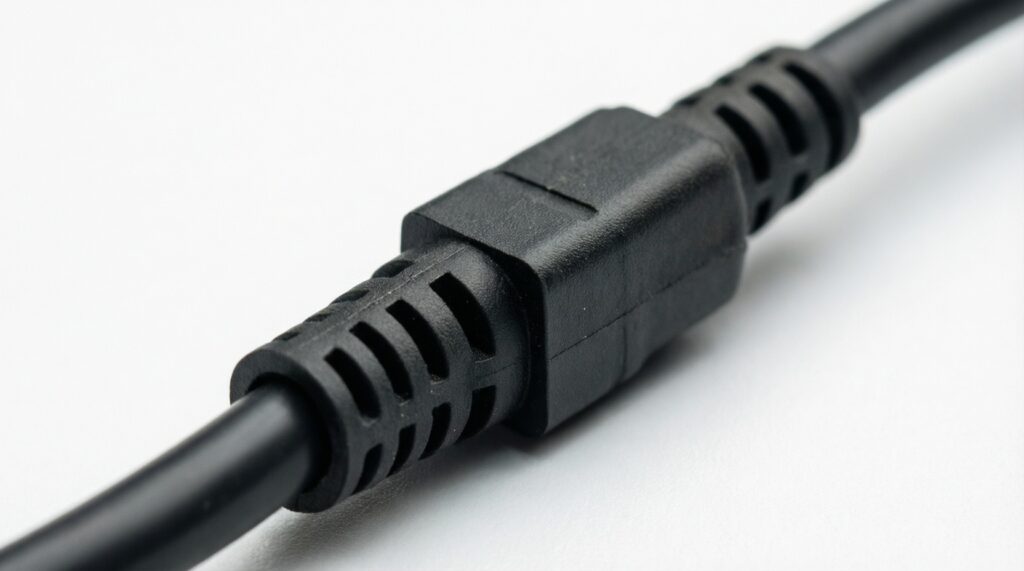
It should be fully seated with no visible gap and no ability to wiggle out easily. After routing, recheck that the cable bend is not pulling on the connector.
Where should I buy a genuine 12VHPWR cable (สาย 12VHPWR แท้ ซื้อที่ไหน)?
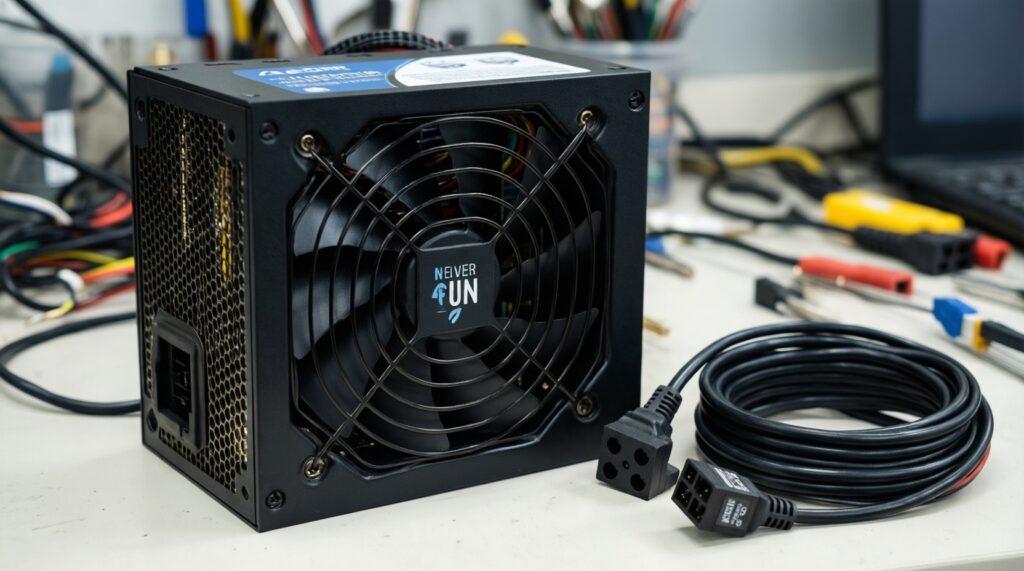
Best option is the PSU manufacturer's official cable for your exact model, or an authorized retailer listing compatibility explicitly for that PSU series.
What's the safest path when choosing พาวเวอร์ซัพพลาย PCIe 5.0 12VHPWR รุ่นแนะนำ?
Pick a reputable platform with a native 12VHPWR/12V-2x6 cable, clear documentation, and strong warranty support; then validate installation with a careful seating and routing check.