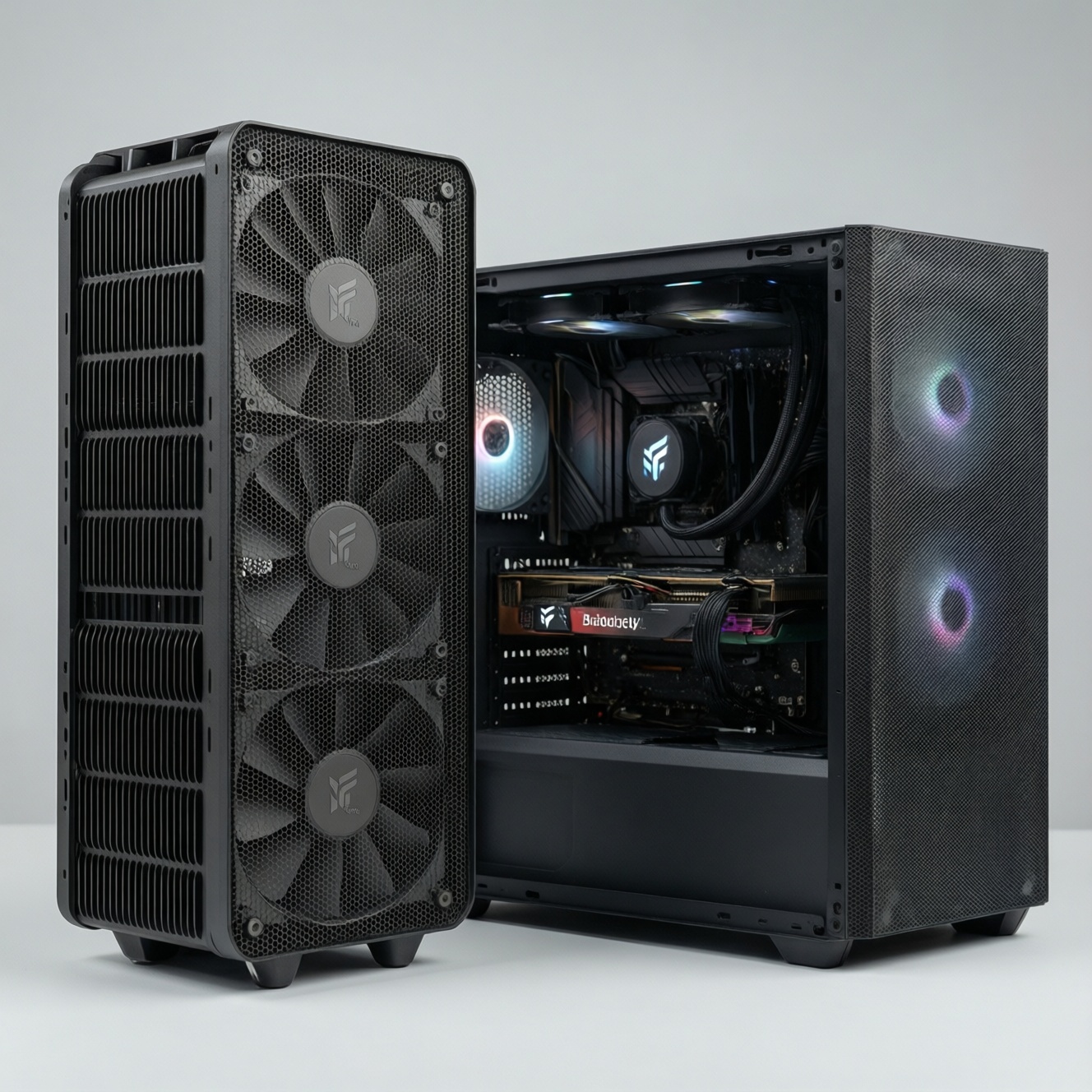
For a budget-first build, a quality air cooler usually gives better cooling-per-baht and fewer long-term risks than a budget AIO. Choose air when you want predictable lifespan, easy maintenance, and strong value; choose an AIO mainly for tight cases, specific aesthetics, or top-mounted exhaust layouts. Your "best" option depends on noise goals and upgrade plans.
Money vs Cooling at a Glance
- Air coolers typically win on value-per-dollar because there is no pump, liquid, or radiator to pay for.
- Budget AIOs can be competitive on peak temps, but long-term risk and replacement cost are usually higher.
- Noise differs by source: air = fans only; AIO = fans + pump tone (which can be more annoying even at similar dB).
- Air is simpler to troubleshoot and resell; AIO performance can degrade if pump or coolant issues appear.
- Case constraints often decide the winner more than temperature: RAM clearance (air) vs radiator space (AIO).
Initial cost and value-per-dollar comparison
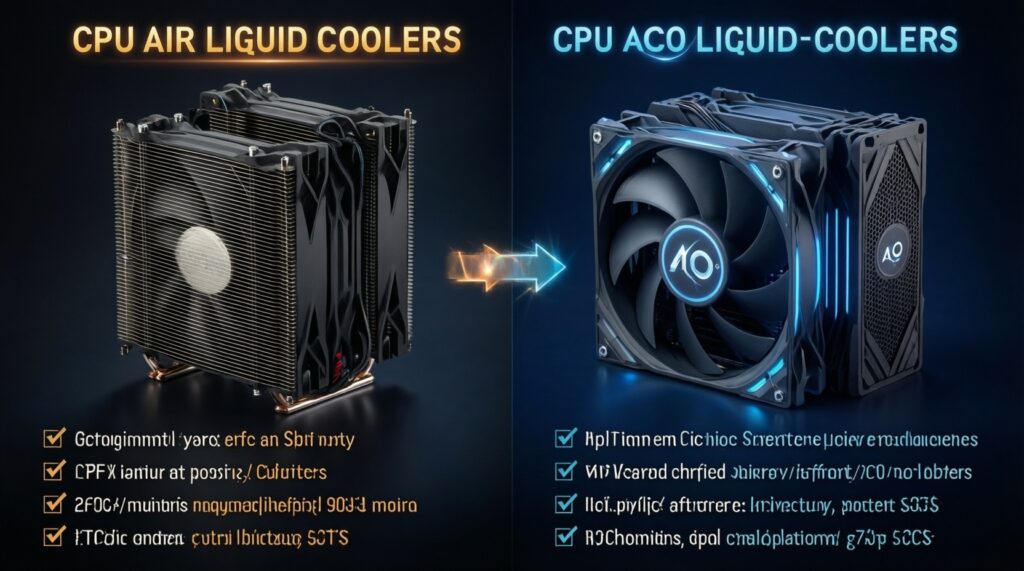
Use these criteria to decide what is "คุ้ม" (worth it) in your budget, even before comparing brands or models. When you search ซิงก์ลม CPU ราคา and ชุดน้ำ AIO ราคา, filter options through the checklist below.
- Total platform cost: cooler + any extra fans + brackets + potential case changes (radiator clearance or cooler height).
- Cooling-per-baht: compare expected temperature headroom against price, not just "max TDP" marketing.
- Noise-per-baht: fan quality, fan count, and whether you're sensitive to pump tone.
- Risk cost: probability and impact of failure (air fan replacement vs AIO pump failure/leak risk).
- Maintenance cost: dust cleaning access, thermal paste refresh cadence, and how annoying the work is.
- Compatibility cost: RAM clearance, GPU/backplate clearance, case width, radiator thickness, and top/front mount limits.
- Upgrade flexibility: keeping the same cooler through CPU upgrades, bracket availability for future sockets.
- Warranty practicality: local RMA ease in Thailand, downtime tolerance, and whether you keep spare cooling.
Thermal performance: air heatsinks vs budget AIOs
When people ask เปรียบเทียบ ซิงก์ลม vs ชุดน้ำ AIO, the practical result is this: both can keep mainstream CPUs stable, but they reach that outcome with different tradeoffs. Air coolers tend to be consistent run-to-run. Budget AIOs can shine in short bursts or when case airflow favors a radiator, but pump behavior and radiator placement matter more.
| Option | Best for | Pros | Cons | Choose it when |
|---|---|---|---|---|
| Stock cooler (boxed) | Low-power CPUs, non-boost-heavy usage | Lowest cost; zero compatibility planning | Often louder; limited thermal headroom; can reduce sustained boost | You are truly minimizing spend and won't run long all-core loads |
| Single-tower budget air cooler (120 mm) | Most value builds, balanced gaming | High value; simple; easy to service; typically good noise-per-baht | RAM clearance can be tight; height limit in narrow cases | You want "set and forget" cooling with minimal long-term risk |
| Dual-tower air cooler | Higher sustained power, quiet goals without liquid | Strong sustained cooling; can run lower RPM for lower noise | Heavy; may block RAM slots; harder access to motherboard headers | Your case supports the height and you prioritize quiet sustained performance |
| 120 mm AIO | Small cases that can't fit tall air coolers | Moves heat to radiator; avoids RAM clearance issues | Often not better than good air; pump noise; weakest value among AIO sizes | You need liquid for fit/aesthetics, not for best cooling-per-baht |
| 240 mm budget AIO | Mid-tower builds needing top/front radiator | Good thermal headroom in many cases; can exhaust heat directly out | Pump is a failure point; radiator thickness/clearance issues; long-term uncertainty | You found a truly good deal and your case airflow makes radiator placement optimal |
| 360 mm AIO (more premium) | High sustained loads, aesthetics-first builds with space | More radiator area; potential for lower fan RPM at a given load | Costly; needs large case support; still pump-dependent | You accept higher cost for aesthetics and sustained performance with proper mounting |
Budget-first interpretation: if your goal is the best "°C per baht," the single/dual-tower air coolers are usually the safest bet. A 240 mm budget AIO only becomes "คุ้ม" when the ชุดน้ำ AIO ราคา is close to a high-end air cooler and your case supports a clean radiator setup.
Noise, size constraints and case compatibility
Use scenario rules. They're faster than guessing from reviews, and they fit how you actually build PCs in Thailand (common mid-towers, hot rooms, dust).
- If your case has limited CPU cooler height, then a 240 mm AIO (or 120 mm if truly constrained) may be the only practical fit; otherwise a single-tower air cooler is usually better value.
- If your RAM is tall or you need all DIMM slots accessible, then prefer an AIO or a single-tower air cooler with good RAM clearance; avoid bulky dual-towers.
- If you are sensitive to tonal noise, then prefer air (fans-only) or a more premium AIO; budget AIO pump tone can be more noticeable than fan dB.
- If your case supports top-mount radiator exhaust, then a 240/360 AIO can keep GPU heat from recirculating into the CPU cooler; otherwise air may be more consistent.
- Budget vs premium accent: if you're on a strict budget, spend on a better air heatsink and one good case fan; if you're willing to pay premium, step up to a larger, higher-quality AIO rather than the cheapest 240 mm.
Maintenance, lifespan and common failure modes
- Decide your downtime tolerance: if you cannot be without a PC during RMA, air is safer because a failed fan is easy to replace.
- Check local dust conditions and cleaning habits: if you rarely clean filters/radiators, air (open fins) is typically easier; radiators can clog and lose performance quietly.
- Identify failure points you accept: air = fan wear; AIO = pump wear + potential permeation/evaporation over time.
- Plan mounting orientation: if you can't mount the radiator so the pump isn't the highest point, prefer air (or re-plan the case layout) to reduce pump noise/risk.
- Budget for replacement: if replacing an AIO later would be painful, choose air now and put savings toward case airflow.
- Verify socket support: pick a cooler with easy bracket availability for your next CPU generation.
Upgradability, repairs and resale value
Common budget-killer mistakes that make a cooler "not worth it" over 2-5 years:
- Buying a 120 mm AIO expecting it to outperform a good tower air cooler in sustained loads.
- Ignoring case constraints: radiator thickness + top clearance conflicts with motherboard heatsinks or RAM.
- Overpaying for RGB/pump head features while using low-quality radiator fans (you end up noise-limited).
- Choosing an oversized dual-tower air cooler without confirming RAM height and PCIe/GPU clearance.
- Not checking mounting hardware quality; poor mounting pressure consistency causes higher temps than the cooler class suggests.
- Assuming "warranty = no risk": downtime and reinstallation effort are real costs.
- Underestimating resale: air coolers often keep value better because buyers fear used AIO pump wear.
- Skipping airflow basics: a great cooler in a hot, stagnant case performs like a cheaper cooler.
- Searching "ซิงก์ลม CPU รุ่นไหนดี" but not matching the answer to your case height and your CPU's sustained power profile.
Practical benchmark scenarios for budget-focused builds
Best fit for most budget builders is a solid single-tower (or dual-tower if clearance allows): it typically gives the cleanest value, lowest long-term risk, and easy servicing. Best fit for compact builds or specific layouts is a 240 mm AIO when radiator placement is correct and the deal is strong-especially if you want the look and can accept potential replacement later. If you need แนะนำ ชุดน้ำ AIO งบจำกัด, prioritize reputable warranty handling and good fans over extras.
Straight answers to common budget cooling dilemmas
Is a budget 240 mm AIO always better than an air cooler?
No. It can be better in some cases and layouts, but a good tower air cooler often matches it in real use with fewer long-term failure points.
What's the simplest way to judge value between air and AIO?
Compare the total cost (cooler + any extra fans + case constraints) against the sustained load you actually run, then factor downtime risk. That's closer to real "cooling-per-baht" than peak temperature claims.
Will an AIO make my PC quieter?
Not automatically. You may trade fan noise for pump tone, and budget pumps can be more noticeable even if overall dB is similar.
When does air cooling become a compatibility problem?
When your case limits cooler height or your RAM is tall and conflicts with the front fan on a large heatsink. In those cases, an AIO or a clearance-friendly tower is safer.
What long-term failures should I plan for?
Air coolers mainly need fan replacement and dust cleaning. AIOs add pump wear and coolant/permeation effects, which can reduce performance or force a full unit replacement.
If I upgrade CPU later, which cooler is easier to keep?
Air coolers are usually easier to keep because the core hardware doesn't "age" the same way, and replacing a fan is simple. With AIOs, you might replace the whole unit if pump performance declines.
So, ซิงก์ลม CPU รุ่นไหนดี for a tight budget?
Pick a well-reviewed single-tower 120 mm class cooler that fits your case height and RAM, then spend the remaining budget on clean case airflow. That combo is usually the most consistent value.