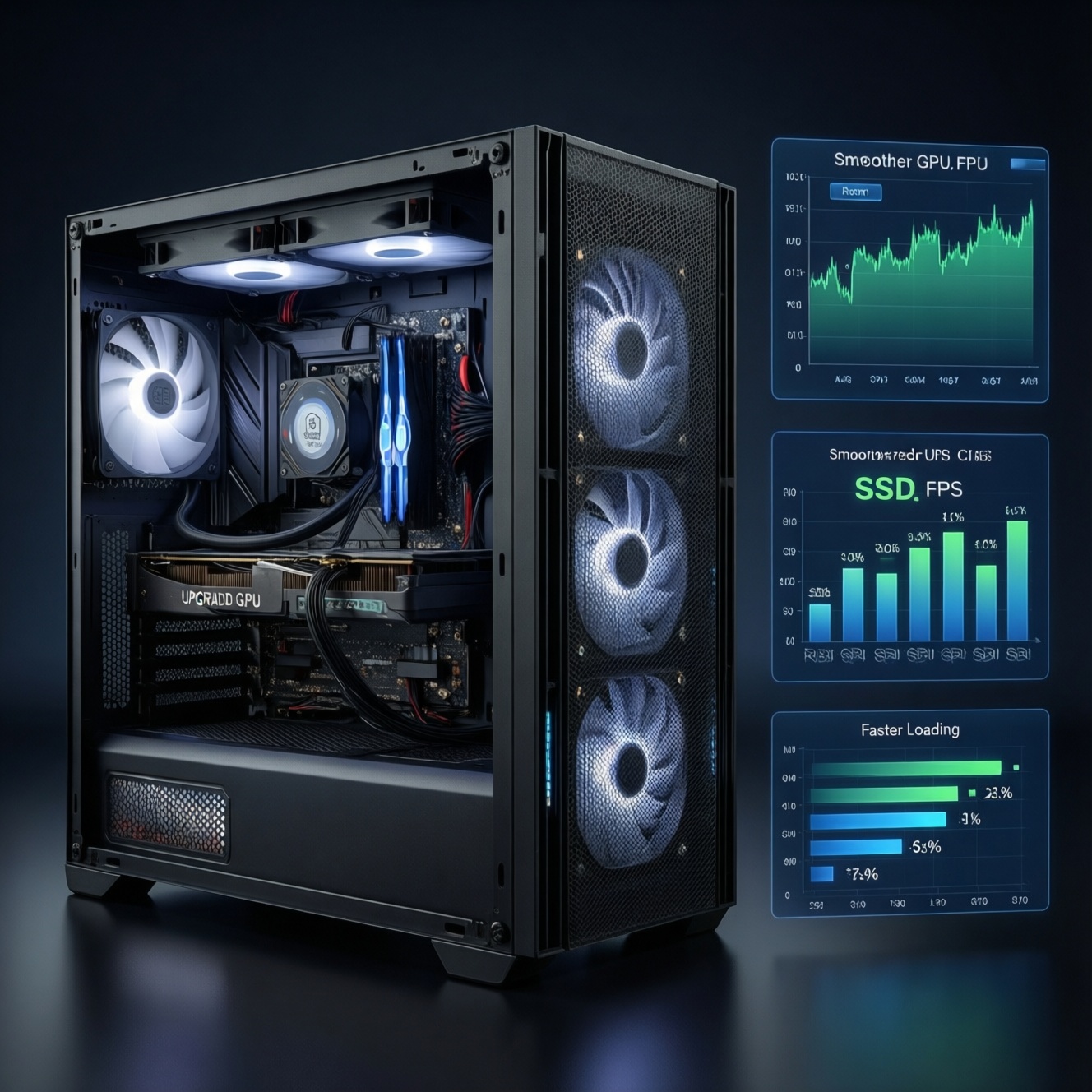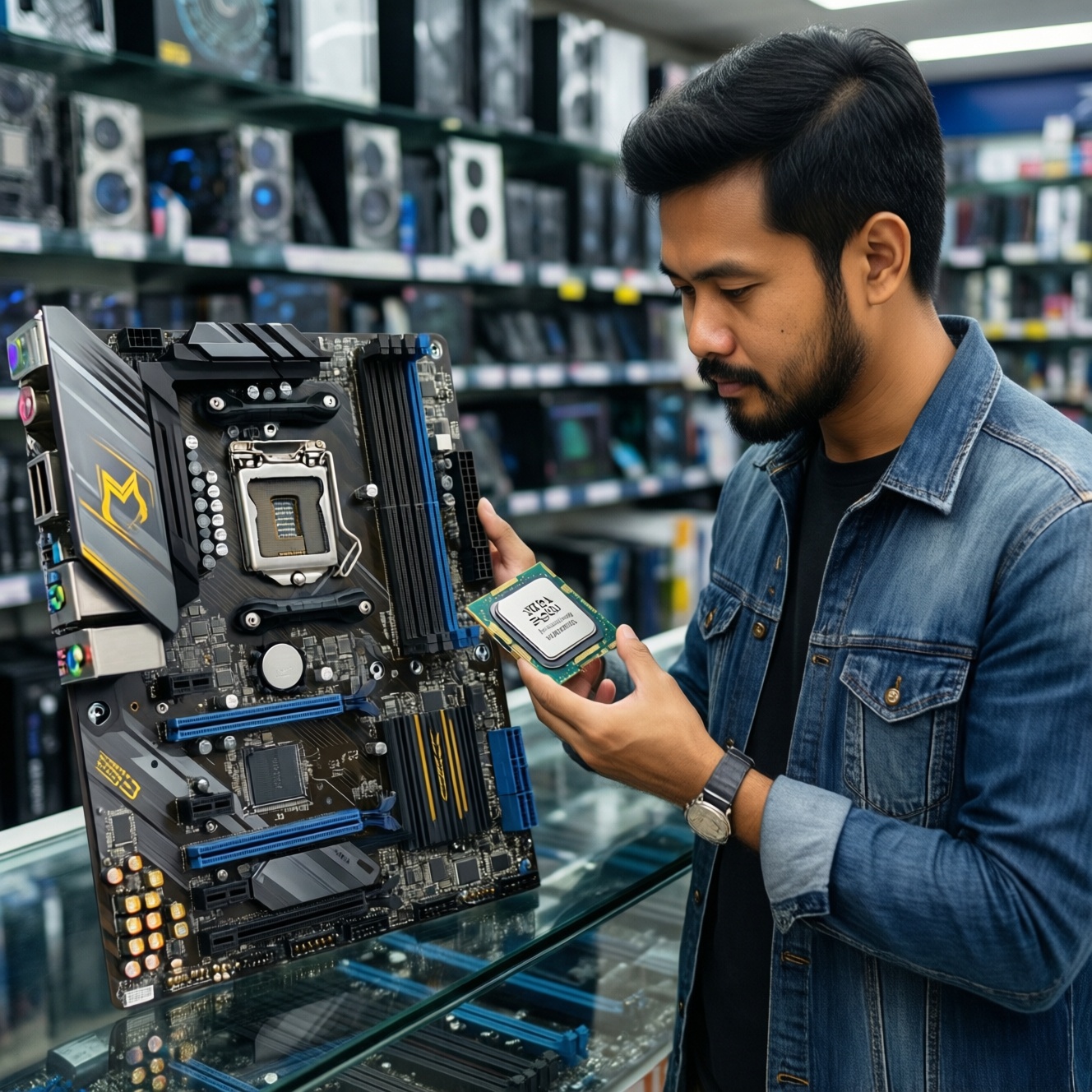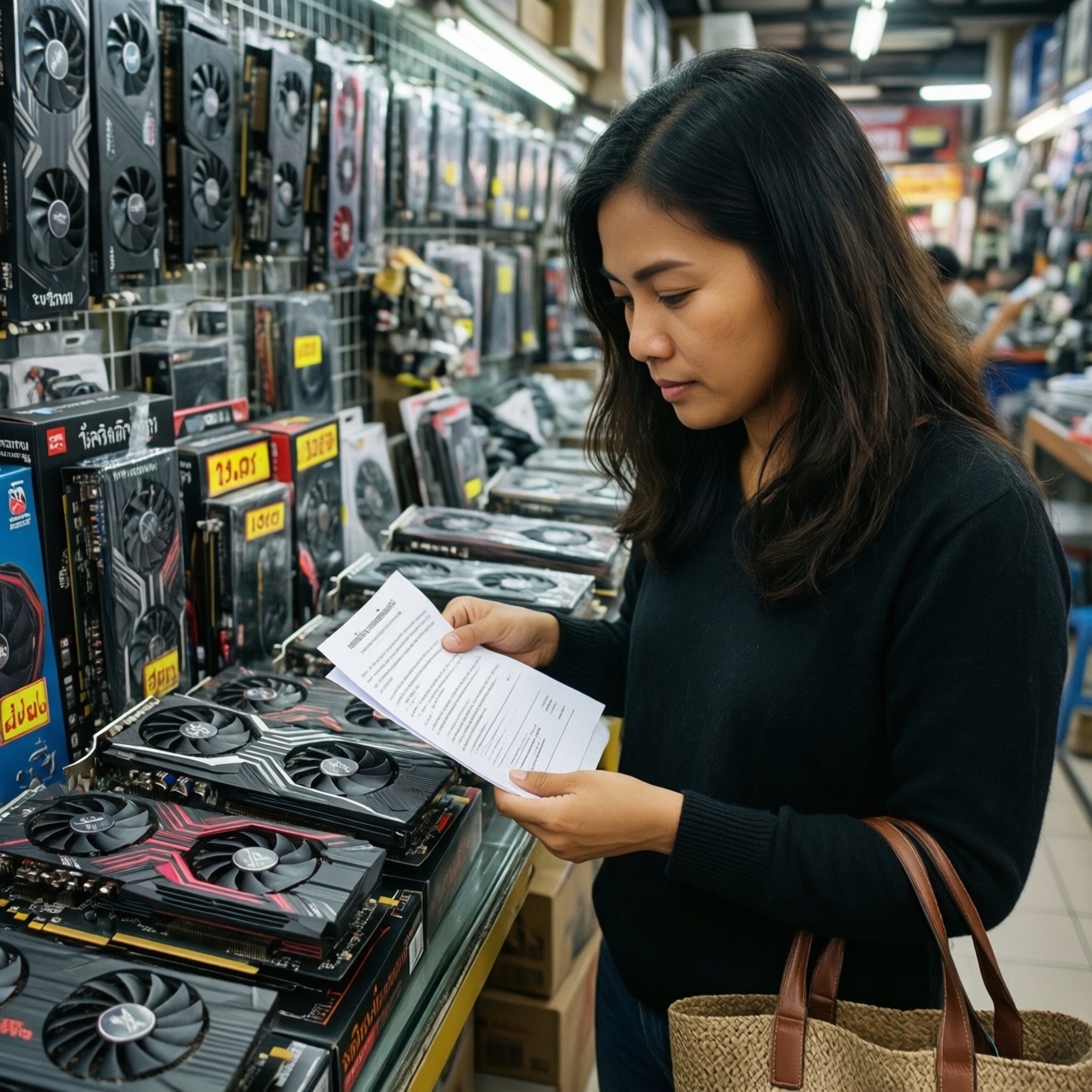
To choose between a new and used GPU in Thailand, decide by risk tolerance and total cost of ownership: new cards cost more but minimize downtime through warranty, while used cards can be the fastest route to higher performance if you verify condition and return terms. This guide answers "ซื้อการ์ดจอใหม่หรือมือสองดี" with budget-first go/no-go checks.
Quick GPU Buy Checklist: new vs used
- Set a hard budget including PSU/cable upgrades and a contingency for returns.
- Pick a performance target (resolution, refresh rate, apps) before looking at deals.
- For used GPUs: require proof of testing (video + screenshots) and a clear return window.
- Reject cards with corrosion, missing screws, rattling fans, or burnt smell.
- Confirm PSU wattage, connector type/count, and case clearance before paying.
- Prefer remaining manufacturer warranty or store invoice over "seller guarantee".
Performance and Lifespan: realistic expectations by tier
- Workload fit: esports/high-FPS, AAA gaming, content creation, AI, or multi-monitor productivity.
- VRAM headroom: prioritize capacity for higher resolutions, texture packs, and creator workloads; low VRAM ages faster.
- Cooling design: thicker heatsinks and robust fans tend to hold clocks longer; small coolers often run hotter and louder.
- History of use (used cards): long 24/7 load (e.g., mining/render farms) increases wear risk; short, light gaming use is usually safer.
- Thermal condition: dried thermal paste/pads can cause higher temps and throttling; budget for servicing if buying used.
- Power behavior: undervolting stability is a good sign; unstable power draw spikes can indicate degraded components or poor PSU.
- Driver/feature needs: check OS support and required features (encoding/decoding, pro app certifications, ray tracing, AV1, etc.).
- Noise tolerance: fan bearing wear is common on used cards; replacement availability matters.
Price-to-Performance Tradeoffs for budget-focused buyers
If your main question is "ราคาการ์ดจอมือสอง คุ้มไหม", treat used performance as discounted but not guaranteed: the "deal" is only real when the card is verifiably healthy and returnable. Use this เปรียบเทียบการ์ดจอใหม่กับมือสอง table as a decision map.
| Option | Best for | Pros | Cons | Choose when |
|---|---|---|---|---|
| New midrange GPU (current generation) | Most gamers wanting stable ownership | Full warranty; latest features; lowest downtime risk | Higher upfront cost; less "raw FPS per baht" than a good used deal | You need predictable performance and minimal troubleshooting |
| New entry-level GPU | Light gaming, esports, compact builds | Warranty; low power; easier PSU compatibility | Can age quickly with higher resolutions or new titles | Your budget is fixed and you prefer zero used-risk |
| Used high-end GPU (previous generation) | Budget-first buyers chasing higher FPS | Best potential price-to-performance; often faster than new midrange | Higher failure risk; uncertain thermal history; may need re-paste/fan service | Seller offers returns, and you can test properly before the window ends |
| Used midrange GPU (previous generation) | Value seekers who want a "safe-ish" used buy | Usually easier to cool; moderate power needs; good availability | Still no guarantee; performance may be limited by VRAM on some models | You find a clean unit with proof of purchase and stable stress-test results |
| Used ex-mining / unknown-history GPU | Only for experienced troubleshooters | Lowest price | Highest hidden risk; may have modified BIOS or degraded fans/VRM | You can walk away instantly if any red flag appears-and you have a backup plan |
| Refurbished / open-box with store warranty | Risk-balanced buyers | Cheaper than new; some warranty/return process; often inspected | Warranty may be shorter; stock can be inconsistent | You want savings without fully "private seller" risk |
Physical and electronic inspection: signs of wear and abuse
Use this as your เช็กลิสต์ตรวจสอบการ์ดจอก่อนซื้อ and วิธีตรวจการ์ดจอมือสองก่อนซื้อ. The goal is not perfection; it's avoiding expensive unknowns.
- If screws are stripped, stickers are torn, or the backplate is heavily bent, then assume repeated disassembly or poor handling and only buy with a strong return policy (or skip).
- If you see green/white residue near connectors, heatsink fins, or PCB edges, then treat it as corrosion/humidity exposure and walk away (especially near the PCIe fingers).
- If fans wobble, grind, or start late, then price in fan replacement immediately; for budget deals, this can erase savings-premium buyers should skip and buy new/refurb.
- If the seller refuses a live demo (boot + driver detection + quick stress test), then don't buy; a "works yesterday" claim is not test evidence.
- If the GPU shows random artifacts, black screens, or driver crashes during a 10-20 minute stress run, then fail it on the spot; intermittent issues often worsen under heat.
- Budget-first emphasis: if a used card needs re-paste, new fans, or a PSU upgrade, then compare the total cost to a new entry/midrange GPU-many "cheap" deals stop being cheap.
- Premium emphasis: if you value silence, stable boost clocks, and minimal downtime, then prioritize new or store-refurb with warranty even if used offers higher peak FPS per baht.
Warranty, seller trustworthiness and return options
- Ask for serial number photos and proof of purchase (invoice/receipt) before meeting.
- Confirm warranty type: manufacturer vs shop vs "personal" seller promise; prefer transferable coverage.
- Require a written return window (message history is fine) and define what counts as defect (artifacts, crashes, overheating).
- At pickup, verify the exact model and VRAM size in the system info screen, not just the box label.
- Run a short test: driver install/detection, a quick benchmark, and a stress test while watching temps and clock stability.
- Pay using a method that supports dispute/records where possible; avoid rushing because "another buyer is waiting".
- Keep all packing materials and the seller's chat log until the return window ends.
Compatibility, power demands and driver support pitfalls
- Buying a GPU that physically doesn't fit your case (length, thickness, and PCIe slot clearance).
- Ignoring PSU connector requirements (8-pin/12VHPWR) and adapter quality; cheap adapters can create instability.
- Assuming any PSU wattage label is trustworthy; old or low-quality PSUs can cause crashes that look like GPU failure.
- Overlooking PCIe power delivery on older motherboards and weak VRM designs in small prebuilt systems.
- Mismatching monitor goals: high refresh 1080p vs 1440p/4K needs different GPU balance (core vs VRAM).
- Not checking OS and driver support for your workflow (some older cards lose optimization earlier, and some pro apps require newer features).
- For used cards: missing original VBIOS/firmware integrity; avoid cards with unclear BIOS history or suspicious "tuned" claims.
- Thermal constraints: small cases and poor airflow can make a "good deal" throttle and underperform.
Resale prospects and upgrade path planning
Best fit for budget-first buyers is often a clean used midrange or used high-end previous-gen card only when the return terms and test results are strong; it preserves performance per baht and can resell well if kept in good condition. Best fit for hassle-averse or premium-leaning buyers is a new midrange GPU or store-refurb/open-box with warranty, keeping downtime and troubleshooting costs low.
Common purchase concerns solved
Is buying used always riskier than buying new?
Yes, because you inherit unknown history. You can reduce risk to acceptable levels with proof of testing, return terms, and a clean physical inspection.
How long should I stress-test a used GPU before I trust it?
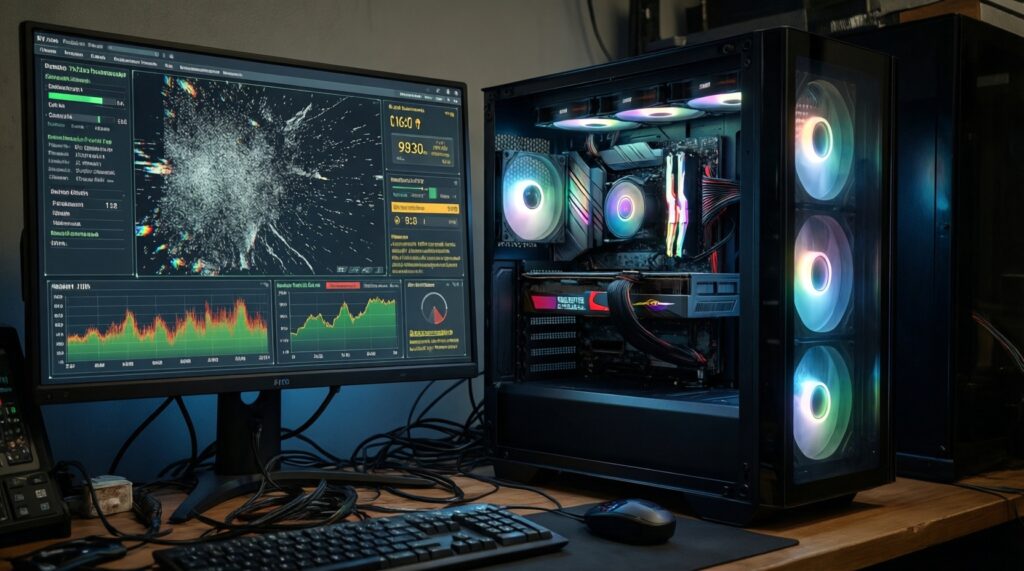
Do at least one short benchmark and a sustained load long enough to reach stable temperatures. If artifacts or driver resets appear, treat it as a fail.
What are the fastest red flags that should make me walk away?
Corrosion, burnt smell, refusal to demo, repeated crashing/artifacts under load, or unclear model/VRAM identity. Any one of these can erase the savings.
Does remaining warranty matter if the card works today?
It matters because GPUs can fail after heat cycling. Remaining manufacturer or shop warranty is the simplest way to cap your downside.
Should I prioritize more VRAM or a faster GPU core?
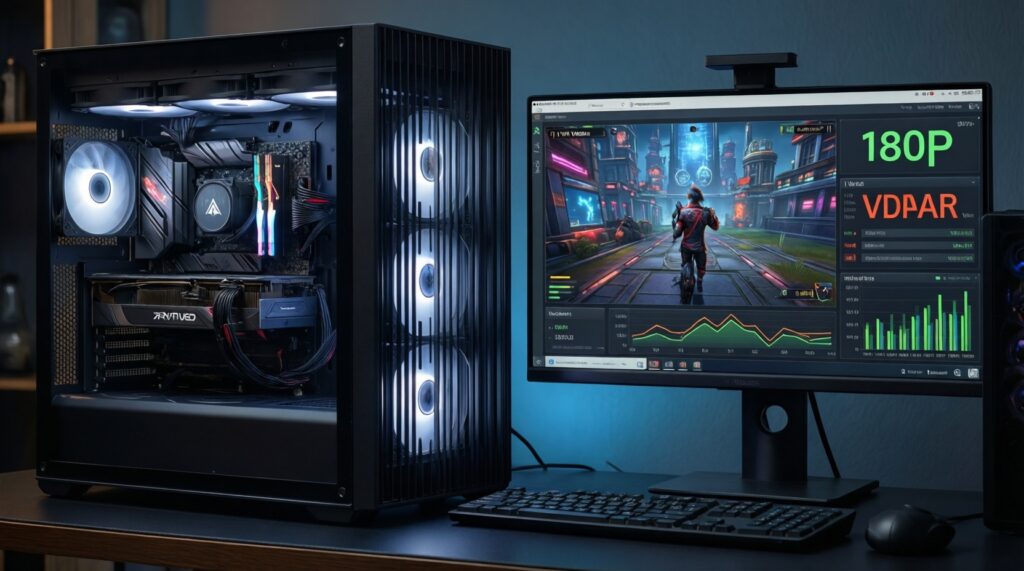
For higher resolutions and creator workloads, VRAM headroom reduces stutter and extends usefulness. For esports at 1080p, core performance can matter more than extra VRAM.
Can a "great used deal" become more expensive than new?
Yes-if you need fan replacement, re-paste service, shipping/returns, or a PSU upgrade. Compare total cost, not sticker price.