Choose new when you need predictable warranty coverage, low time spent testing, and minimal fraud risk; choose used when you can verify authenticity, condition, and ownership and you want lower upfront cost. The safest, best-value decision comes from a repeatable inspection and transaction flow: verify serials, test measurable wear (battery cycles, ports, screens), confirm paperwork, and pay with buyer protection.
Critical Risk Signals to Spot Before Purchase
- Seller avoids sharing serial/IMEI/model numbers or refuses photos of those identifiers.
- Inconsistent story: mismatched accessories, wrong box, missing charger, or unclear ownership history.
- Warranty terms are unclear (new) or non-transferable/expired (used), and the seller cannot show proof of purchase.
- Signs of tampering: missing screws, uneven gaps, adhesive residue, third-party seals, or "recently repaired" without documentation.
- Price is far below typical market without a verifiable reason (common fraud trigger when trying to ซื้อของมือสองอย่างปลอดภัย).
- Rushed deal: "today only," "no time to test," "meet at night," or pressure to pay a deposit before inspection.
Hidden Risks of Buying New: Warranty Fine Print, Batch Defects, and Early Depreciation
New items reduce uncertainty, but they're not automatically the "safe" choice. Use these criteria to decide whether new is worth paying for in your case (this is the practical core of ของใหม่กับของมือสองต่างกันอย่างไร).
- Warranty scope: Confirm what is excluded (consumables, accidental damage, water damage indicators, modifications).
- Warranty process: Check whether service is carry-in, mail-in, on-site, and how proof of purchase is verified.
- Warranty start date: Ensure it starts at purchase, not at import/activation date; avoid "old stock" if you need full coverage.
- Return/exchange window: Understand conditions for DOA exchange and whether opened products can be returned.
- Batch/early-life defects: New releases can have "first-batch" issues; if you can't tolerate downtime, favor mature models.
- Compatibility risk: Regional variants, plugs, bands (phones), firmware locks, or app/service limitations in Thailand.
- Depreciation sensitivity: If you may resell soon, new can lose value quickly after unboxing; used often has slower value drop.
- After-sales ecosystem: Availability of authorized parts/repair and the cost/turnaround for typical failures.
Specific Hazards with Secondhand Items: Wear Patterns, Tampering, and Stolen-Goods Red Flags
Used items can be excellent value, but only if you treat every deal like an inspection project. To apply เคล็ดลับซื้อของมือสองให้คุ้มค่า, pick the right used-channel and match it to your risk tolerance and ability to test.
| Variant | Who it fits | Pros | Cons | When to choose |
|---|---|---|---|---|
| Brand-new (sealed) from authorized retailer | Low-risk buyers, gift purchases, professionals who need uptime | Clear warranty path; lowest fraud probability; easiest returns | Highest upfront cost; fastest early depreciation | When you can't spend time testing and need predictable service |
| Open-box / customer return (store-verified) | Value-seekers who still want store policies | Discount vs new; often inspected and repackaged | Return rules can be stricter; cosmetic wear possible | When you want a safer discount and can accept minor wear |
| Certified refurbished (with written warranty) | Intermediate buyers, office fleets, pragmatic users | Professional testing; replaced parts possible; written coverage | Refurb quality varies; parts may not be original | When you need documentation and predictable condition more than "like-new" |
| Used from a reputable shop/market stall with receipt | Budget seekers who can do quick tests on-site | Can inspect before paying; some shops offer short guarantees | May have limited history; mixed sourcing; negotiation pressure | When you can test immediately and want some accountability |
| Used from an online marketplace (individual seller) | Experienced buyers comfortable with inspection protocols | Best prices; wide selection; negotiation flexibility | Higher fraud risk; stolen/tampered items; limited recourse | When you can verify identity, serials, and payment protection; think carefully about ซื้อของมือสองออนไลน์ร้านไหนดี for your category |
| Used from friends/colleagues | Most people, if trust is real and terms are clear | Known history; easier follow-up; fair pricing | Relationship risk if problems appear; often no formal warranty | When you can document the deal and agree on what happens if issues appear |
Secondhand red flags you should treat as "walk away"
- Serial/IMEI is scratched off, covered, or "not available right now."
- Activation/ownership locks present (e.g., device tied to another account) and seller cannot remove them in front of you.
- Seller refuses basic function tests or insists on "pay first, test later."
- Receipt details don't match the unit (model/storage/color) or look edited.
Technical and Legal Inspection Checklist (what to test, what documents to demand) - include comparison table
Use this as your วิธีตรวจเช็คของมือสองก่อนซื้อ baseline. Adapt the tests to the product category (phones, laptops, cameras, tools, appliances) but keep the logic: identity → condition → functionality → ownership → payment trail.
Measurable checks you can run fast
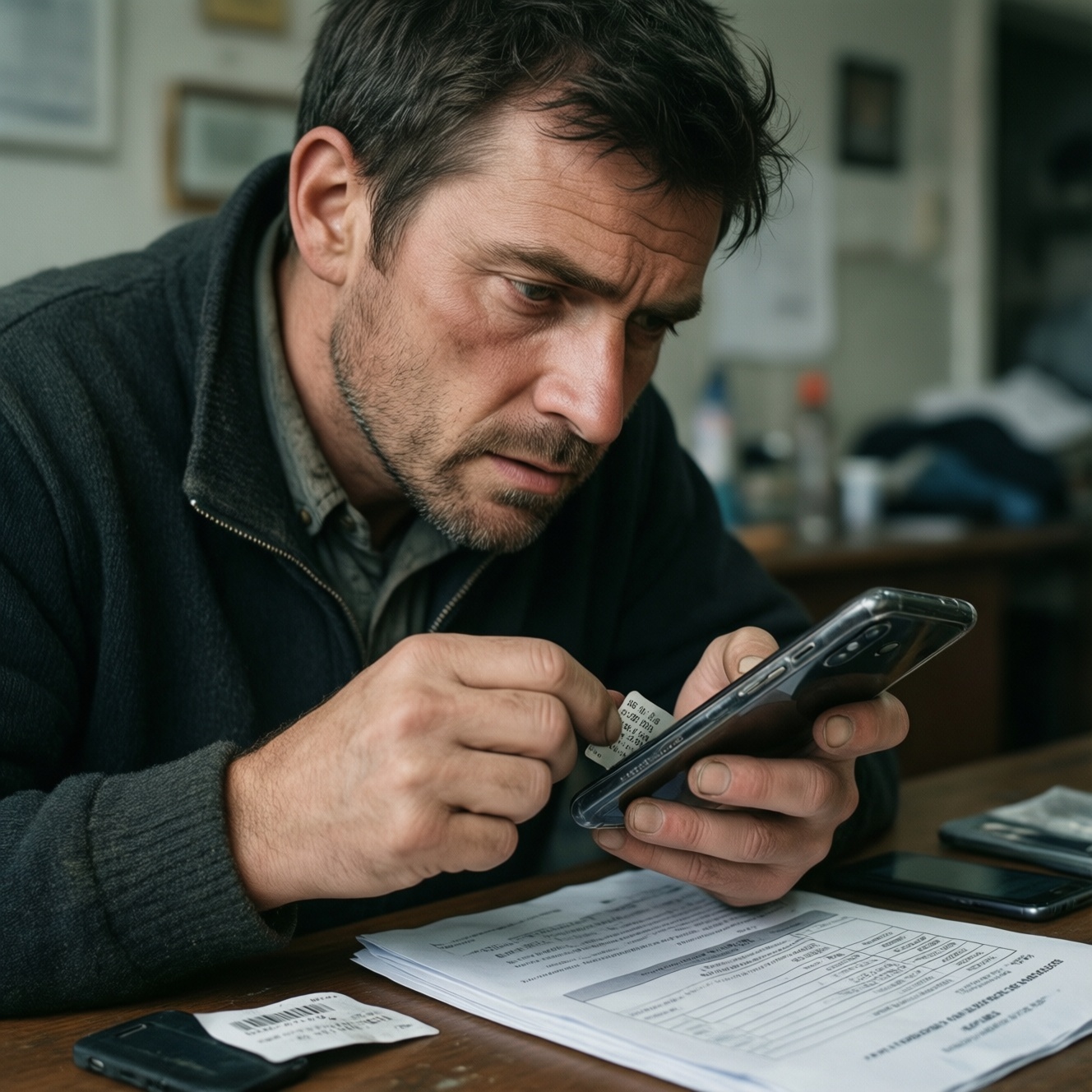
- Serial/IMEI/model verification: Photograph it and verify it matches the box and invoice; avoid units with altered labels.
- Battery health signals: Check battery cycle count/health where available; watch for sudden drops, swelling, or overheating during a short stress test.
- Display and inputs: Dead pixels, uneven brightness, touch accuracy, keyboard/backlight, camera focus, speaker distortion.
- Ports and connectivity: Charge negotiation, USB data, HDMI, audio jack; Wi‑Fi/Bluetooth stability; SIM detection for phones.
- Storage/RAM errors: Run a quick benchmark or built-in diagnostics; watch for random restarts.
- Signs of liquid exposure: Corrosion on ports/screws, odor, fogging in lenses; treat as high risk without repair proof.
Documents to request (and what "good" looks like)
- Proof of purchase: Invoice/receipt with date, seller name, and matching model details.
- Warranty evidence: Warranty card or digital warranty status, plus the rules on transferability.
- Seller identity trail: At minimum, a matching name on receipt or a written sale note with ID reference (don't store more personal data than necessary).
- Repair history: Service center paperwork listing replaced parts; avoid "my friend repaired it" without records.
Scenario-based decisions (if X, then Y)
- If the device is account-locked or can't be factory reset in front of you, then stop the deal; don't accept "I'll unlock later."
- If serial/IMEI doesn't match box/receipt, then treat it as identity risk and walk away unless the seller can prove a legitimate replacement history.
- If battery health is poor or cycle count is high (where you can check), then renegotiate assuming near-term replacement, or choose new/refurb with warranty.
- If there are tamper signs (missing screws, broken seals, glue marks), then require documented repair records; otherwise skip because hidden faults are likely.
- If the seller will only accept irreversible payment (cash-only with no receipt, crypto, wire), then switch to a channel with buyer protection or don't proceed.
New vs used: what to verify at the counter
| Check area | New (what to do) | Used (what to do) | Recommended action |
|---|---|---|---|
| Identity (model/serial) | Match serial to invoice; confirm region variant | Match serial to device + box + receipt; photo proof | If any mismatch: pause and verify before paying |
| Warranty reality | Read exclusions; confirm start date and process | Check transferability and remaining term | Prefer written terms over verbal assurances |
| Condition | Inspect for shipping damage; DOA exchange rules | Inspect wear patterns; check for liquid/tamper signs | Document defects with photos on the spot |
| Functional testing | Basic power-on test; key features | Extended quick test: ports, sensors, stress test | Agree on a test window before money changes hands |
| Paper trail | Invoice + return policy copy | Receipt + sale note + any repair documents | No paper trail: buy only at a steep discount or avoid |
Value Assessment: How to Compare Total Cost of Ownership for New vs Used
- Set your "downtime cost": decide how painful it is if the item fails and you lose days waiting for repair.
- List must-have features and eliminate any option that can't demonstrate them during testing.
- Estimate near-term spend: likely replacements (battery, charger, storage), adapters, and first repair risk.
- Score warranty usefulness: not just duration-clarity, transferability, and service convenience in Thailand.
- Adjust price for condition: cosmetic wear is fine if it doesn't predict internal wear; prioritize functional integrity.
- Plan exit value: if you'll resell, prefer models with stable demand and easy verification (serial + receipt).
- Choose the lowest-risk path you can execute: if you can't do thorough checks, pay more for a channel with protections.
Persona-Based Buying Playbooks: Tech Enthusiast, Budget Seeker, Reseller, and Sustainability-Minded Shopper
Common mistakes happen when your buying style doesn't match the channel. Use the persona that best matches you and avoid the traps below.
- Tech Enthusiast: Over-optimizing specs and ignoring repairability. Fix: check parts availability, common failure points, and whether you can verify battery cycle count/SMART status.
- Tech Enthusiast: Buying "first batch" new hardware without accepting early issues. Fix: choose a mature revision or buy from a retailer with easy exchange.
- Budget Seeker: Chasing the lowest price and skipping identity checks. Fix: require serial/IMEI photos and a factory reset in front of you to ซื้อของมือสองอย่างปลอดภัย.
- Budget Seeker: Underestimating small add-ons. Fix: price in missing accessories and near-term battery replacement before calling it a deal.
- Reseller: Buying units with unclear provenance because margin looks good. Fix: only buy items with a clean paper trail; your future buyer will ask for it.
- Reseller: Not documenting condition at purchase. Fix: take timestamped photos/video of serial + functional tests to reduce disputes later.
- Sustainability-minded shopper: Prioritizing reuse but accepting hidden e-waste risks (liquid damage, tampering). Fix: focus on refurbished with documented testing, or used with verifiable repair history.
- Sustainability-minded shopper: Keeping a failing device too long. Fix: choose models with replaceable wear parts so you can keep them running reliably.
Compact persona comparison (cost, time, risk)
| Persona | Best default choice | Main risk to control | Time needed to buy safely |
|---|---|---|---|
| Tech Enthusiast | Used (verified) or certified refurbished | Tampering/hidden repairs | Medium-high (testing + verification) |
| Budget Seeker | Open-box/store-verified or used from reputable shop | Fraud + surprise repair costs | Medium (structured checklist) |
| Reseller | Used with strong documentation | Provenance and disputes | High (documentation + standardized tests) |
| Sustainability-minded | Certified refurbished or repairable used models | Short remaining lifespan | Medium (condition + parts availability) |
Secure Transaction Flow and After-Sale Protection: Payment, Receipts, Returns and Repair Options
Best for low-risk, low-effort buyers: new from authorized retailers or open-box with clear return terms. Best for price-focused or sustainability-focused buyers: certified refurbished or used with verifiable serials, a clean paper trail, and buyer-protection payment. Best for resellers: used channels that provide documentation and allow repeatable testing before payment.
Quick Solutions for Typical Buyer Concerns
How do I decide fast between new and used for the same model?
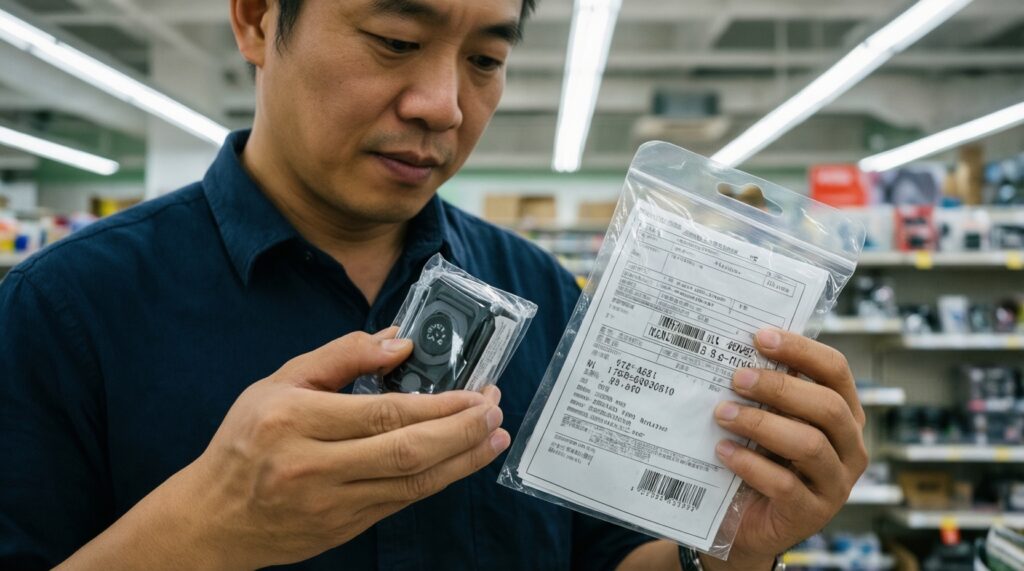
If you can't verify serial/ownership and run functional tests, buy new (or store-verified open-box). If you can verify identity, condition, and paperwork, used is often the better value.
What is the single most important check for used electronics?
Serial/IMEI verification plus removing any account/activation lock in front of you. Without that, you can't reliably confirm legitimacy or usability.
What should I do if the seller says "no time to test"?
Don't proceed. A legitimate seller will allow at least a basic inspection and reset; rushing is a common fraud pattern.
Is a receipt mandatory when buying used?
Not always, but lack of receipt increases risk and should reduce the price you're willing to pay. Prefer any document trail that ties the unit to a legitimate purchase.
Can refurbished be safer than ordinary used?
Yes, if it includes documented testing and a written warranty. "Refurbished" without paperwork is just a label.
How do I reduce risk when buying online marketplaces in Thailand?
Use platforms/payment methods with buyer protection, insist on serial photos and an in-person test, and avoid irreversible payments. This approach aligns with ซื้อของมือสองออนไลน์ร้านไหนดี as a risk-management question, not just a store list.
How do I make a used purchase "worth it" instead of just cheaper?
Budget for near-term replacements and confirm measurable condition (battery cycles/health, ports, display) before paying. That's the practical path to เคล็ดลับซื้อของมือสองให้คุ้มค่า.