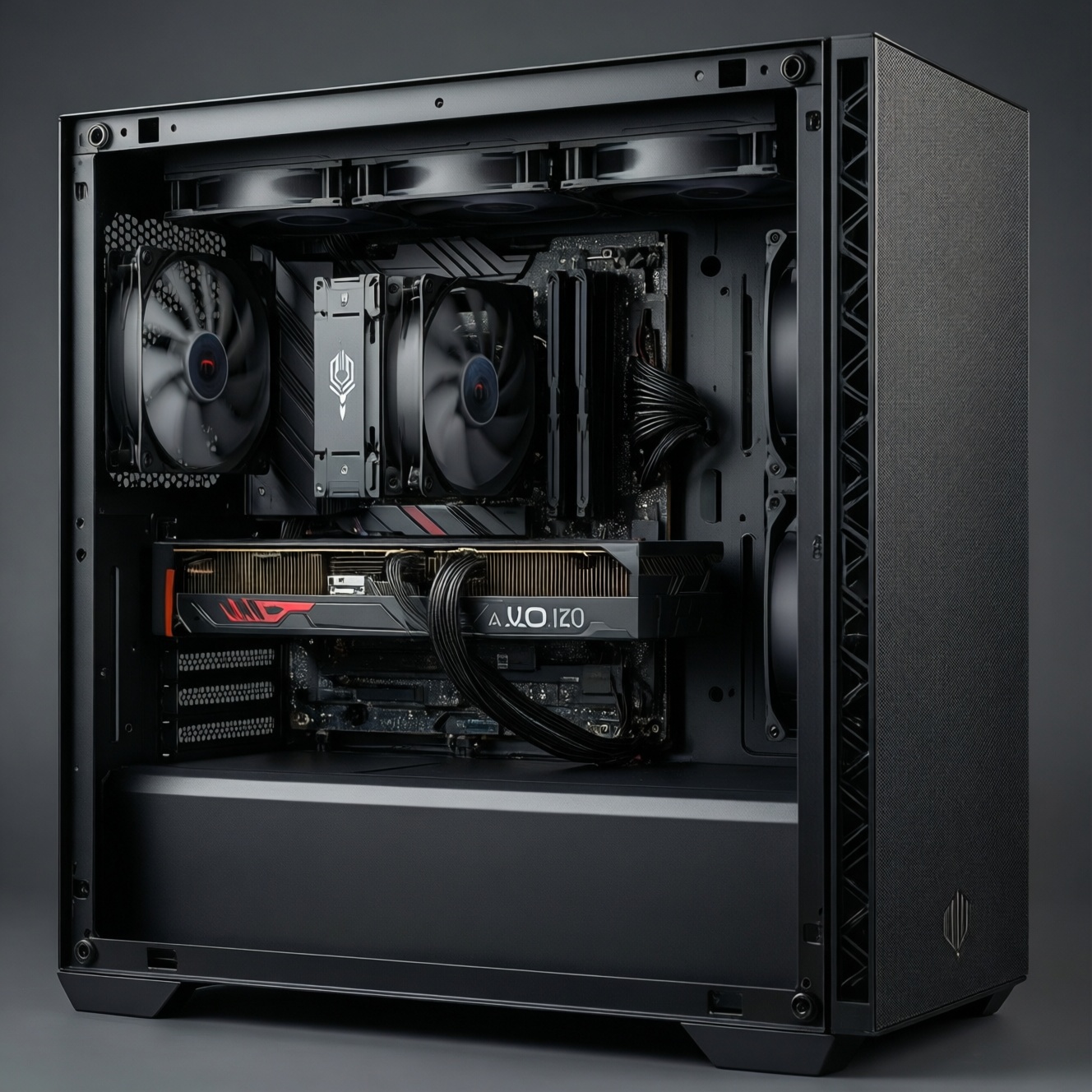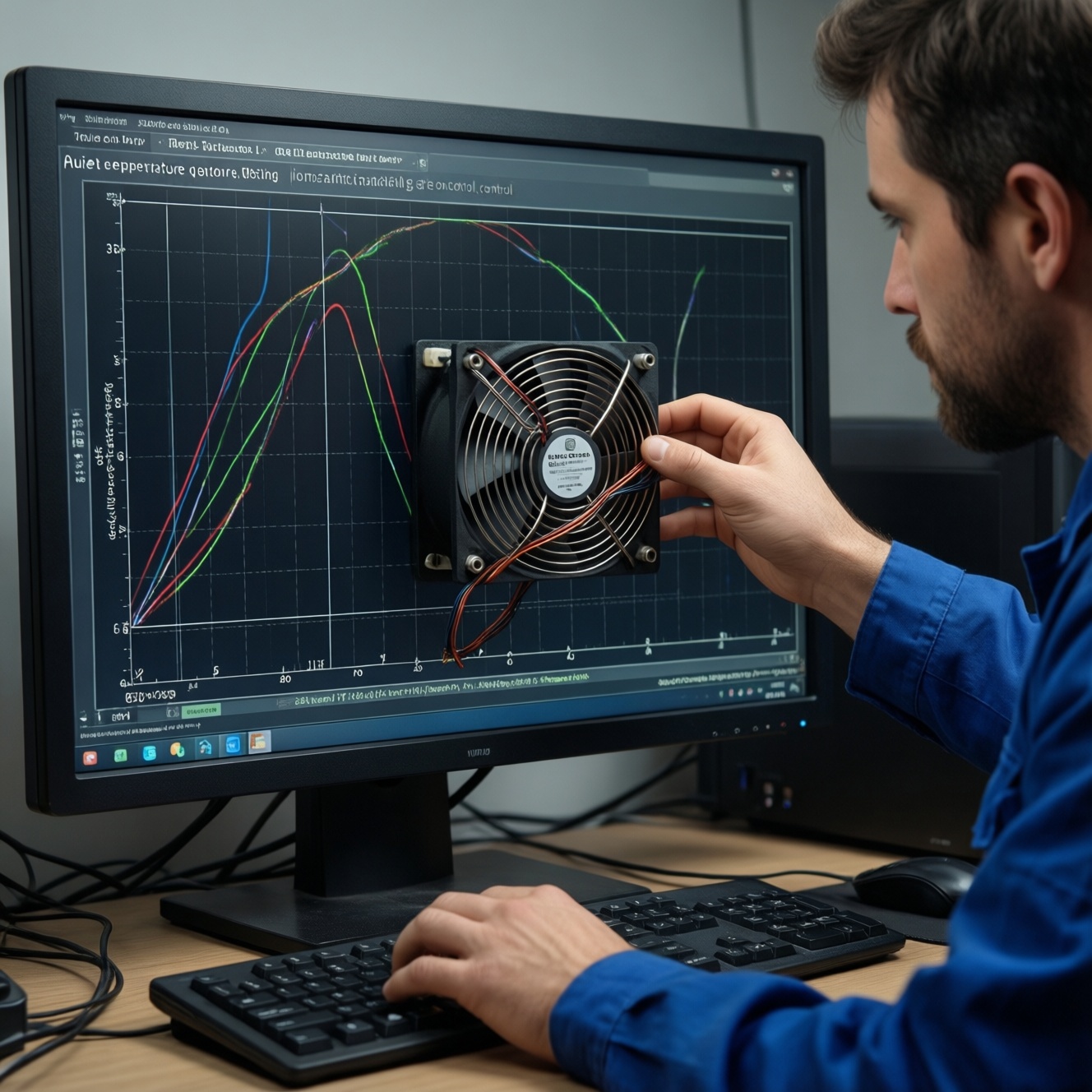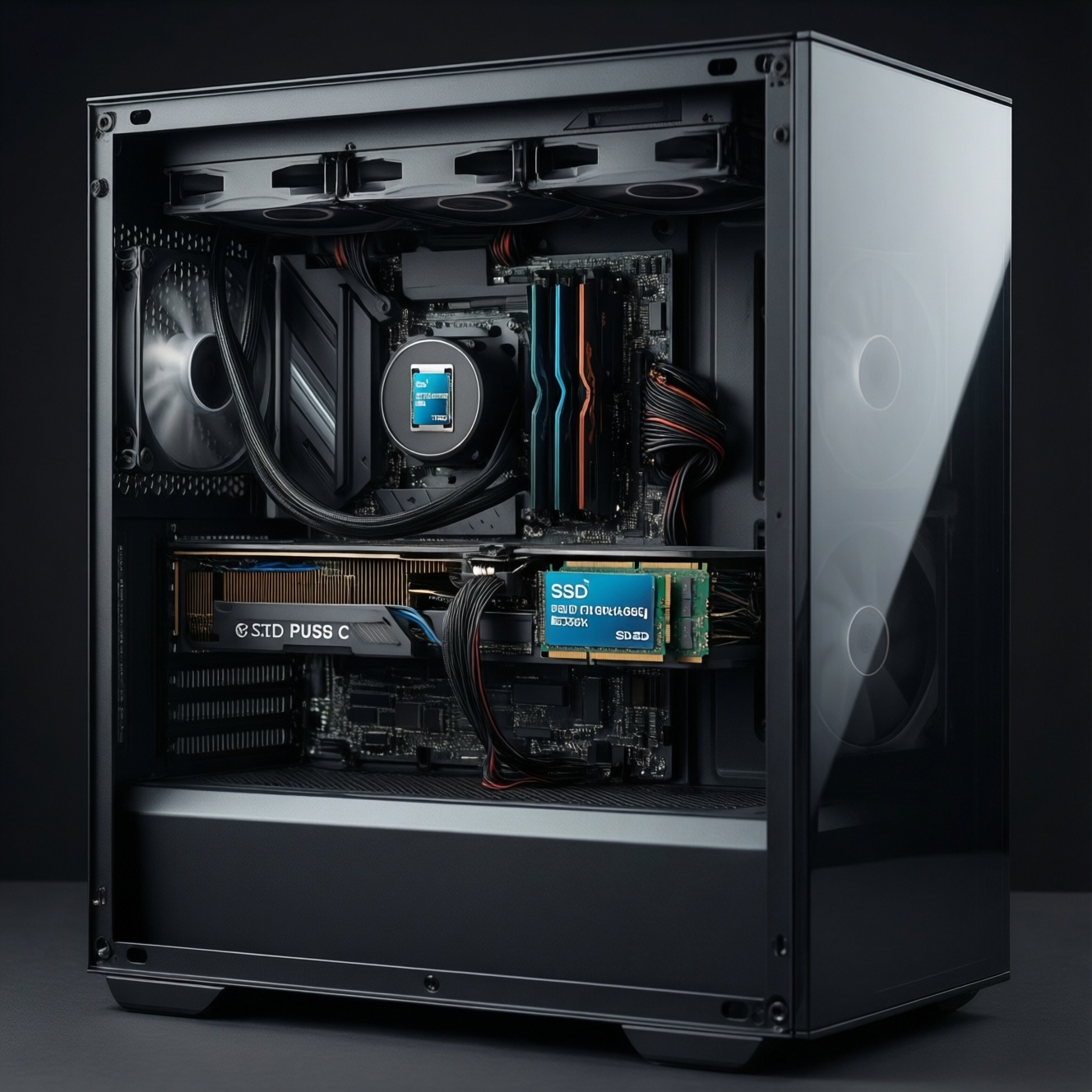
If you want the PC to feel faster immediately, an SSD upgrade usually delivers the biggest day-to-day jump (boot, app launch, loading). Add RAM first when you're hitting memory limits (stutters, heavy multitasking). Upgrade the GPU first when your main pain is low game FPS at your target resolution and settings.
Which upgrade moves performance the most, fastest
- Most "instant responsiveness": move OS + apps to an SSD (especially if you're still on HDD).
- Most "smoothness under load": add RAM when you're paging/swap-thrashing.
- Most "more FPS": upgrade the GPU when you're GPU-bound in games.
- Fastest, lowest-risk win: SSD + clean OS/app migration (or clone) and keep HDD for storage.
- Best "avoid regret" move: measure your bottleneck first (Task Manager/Resource Monitor) before buying.
SSD vs RAM vs GPU: what each changes at the system level
- Primary bottleneck addressed: SSD fixes storage latency; RAM fixes memory pressure; GPU fixes graphics compute/render limits.
- Where you feel it: SSD = loading/launching; RAM = fewer freezes and tab/app switching; GPU = higher FPS and steadier frame pacing.
- Symptoms that point to it: HDD 100% active time (SSD), RAM near full with heavy swap (RAM), GPU usage pegged while CPU isn't (GPU).
- Best-case impact: SSD transforms HDD-based systems; RAM transforms low-memory multitaskers; GPU transforms gaming at higher settings/resolutions.
- Risk of "no change" feeling: SSD won't raise FPS much; RAM won't help if you already have enough; GPU won't fix slow boot or sluggish app launches.
- Dependencies: SSD depends on available M.2/SATA and interface; RAM depends on motherboard/CPU support; GPU depends on PSU, case clearance, and PCIe slot.
- Longevity/transferability: SSD and GPU are often reusable across builds; RAM depends on DDR generation (DDR4 vs DDR5).
- Complexity: SSD install + migration; RAM install + XMP/EXPO stability; GPU install + drivers + power cables.
Workload profiles - when each upgrade matters (gaming, productivity, multitasking)
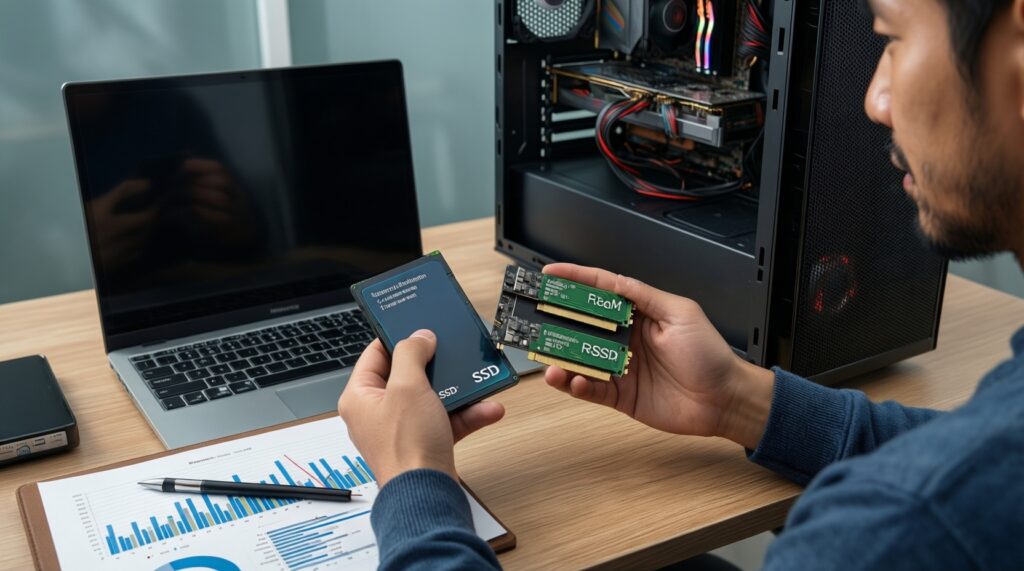
These options cover the common "อัปเกรดคอมให้เร็วขึ้น SSD หรือ RAM" dilemma, plus when a GPU swap is the real answer. Use the table to pick the upgrade that matches your bottleneck, not just the component you want to buy.
| Option | Who it fits | Pros | Cons | Choose it when |
|---|---|---|---|---|
| Add a SATA SSD (2.5") for OS/apps | Older desktops/laptops with no M.2 slot; HDD-based systems | Big "snappiness" boost; easy compatibility; great value | Slower than NVMe in large sequential transfers | Boot, launching apps, and game loading feel slow; HDD is the system drive |
| Add an NVMe SSD (M.2 PCIe) | PCs with an M.2 slot; creators moving large files | Excellent throughput; clean cabling; great for large projects | M.2/PCIe version compatibility matters; can run hot | You ask "ซื้อ SSD แบบไหนดี สำหรับอัปเกรดคอม" and you have an M.2 slot + you move big files often |
| Increase RAM capacity (e.g., 8 → 16 GB; 16 → 32 GB) | Heavy browser users, multitaskers, light creators | Fewer freezes; smoother switching; better minimum performance in some games | Little benefit if you're not memory-limited; DDR generation must match | RAM usage stays high and disk activity spikes while apps are open; you're researching "เพิ่ม RAM ราคา เท่าไหร่ อัปเกรดคอม" |
| Upgrade the GPU | Gamers targeting higher settings/resolution; GPU-accelerated apps | Largest FPS uplift; better visual quality; improved frame-time stability when GPU-bound | Needs PSU headroom; may be CPU-limited; more expensive | You're asking "อัปเกรดการ์ดจอ รุ่นไหนดี เล่นเกมลื่น" and your GPU is the limiter (high GPU usage, lower CPU usage) |
| SSD + RAM "balance" upgrade | HDD system with low RAM; general "everything feels slow" PCs | Best overall usability; reduces paging; improves load times | Costs more than one part; requires checking both compatibility lists | You want the safest answer to "เปรียบเทียบ SSD กับ RAM อัปเกรดอะไรก่อน" and both storage and memory are stressed |
| Platform fix (CPU/motherboard) instead of these upgrades | High-end GPU with weak CPU; specific CPU-heavy workloads | Removes hard CPU bottlenecks; improves 1% lows in CPU-bound games | Highest cost/effort; may require new RAM (DDR4/DDR5) | Your CPU is pinned near 100% in your main apps/games while GPU is underused |
Benchmarks and realistic uplift: latency, throughput and frame rates
- If you still run Windows and apps from a HDD, then moving to an SSD typically delivers the most noticeable latency reduction in boot/app/game loading (the "feels faster" upgrade).
- If you see frequent micro-stutters while alt-tabbing, streaming, or keeping many tabs open, then raise RAM capacity (common stepping stones are 8→16 GB for general use, 16→32 GB for heavier creation/dev).
- If average FPS is low or frame-time spikes happen at higher graphics settings, then a GPU upgrade is the direct path-SSD mostly affects loading screens, not in-match FPS.
- If you upgraded to a strong GPU but FPS barely improves in esports/CPU-heavy titles, then you're likely CPU-limited; lowering resolution won't help much, and a platform/CPU upgrade may beat SSD/RAM/GPU changes.
- If large file copies, project opens, or exports are your pain point, then NVMe helps throughput; add RAM too if your editor/compiler caches heavily.
Cost-per-performance and practical ROI for common budgets
- Identify the pain: loading/launching, multitasking stutters, or low in-game FPS.
- Check live utilization: during the slow moment, note Disk active time, RAM used, CPU %, and GPU %.
- Pick the "first fix": HDD system drive → SSD first; RAM nearly full + swapping → RAM first; GPU pegged in games → GPU first.
- Set a capacity target: SSD size to fit OS + core apps + 2-5 main games; RAM target typically 16 GB baseline, 32 GB for heavier creator/dev workloads.
- Avoid mismatched spend: don't buy a high-end GPU if your PSU/case/CPU can't support it; don't buy ultra-fast RAM if your platform won't run it stably.
- Plan the next step: if you choose SSD now, schedule RAM later if you still swap; if you choose GPU now, schedule SSD if loads still annoy you.
Compatibility and bottleneck checklist before you buy
- SSD form factor: confirm 2.5" SATA bay/cable availability or M.2 slot type (NVMe vs SATA M.2).
- NVMe generation expectations: PCIe version differences can limit peak throughput; it won't break anything, but it can cap speed.
- Thermals: some NVMe drives throttle without airflow/heatsink-especially in compact cases/laptops.
- RAM generation: DDR4 and DDR5 are not interchangeable; match what the motherboard uses.
- RAM mixing: different kits can run at lower common speeds/timings or be unstable; best results usually come from a matched kit.
- Slot population: check how many DIMM slots you have and whether 2× modules is preferable for dual-channel.
- GPU physical fit: measure length/thickness and confirm PCIe slot clearance.
- PSU headroom and connectors: confirm wattage quality and the required PCIe power connectors.
- CPU bottleneck risk: a big GPU upgrade on an older CPU can leave FPS gains on the table (especially at 1080p in high-FPS titles).
- Migration plan: decide clone vs fresh install; back up before changing system storage.
Persona-based upgrade plans: gamer, content creator, developer, everyday user
Gamer: best first upgrade is usually the GPU when you're chasing higher FPS/quality, with SSD next for faster loading. Content creator: best first upgrade is often NVMe SSD for project load/scratch, then 32 GB RAM if apps spill to disk. Developer: best first upgrade is typically RAM (for IDEs/containers) plus SSD for builds. Everyday user: best first upgrade is an SSD, then RAM if heavy browsing/multitasking still stutters.
Answers to frequent upgrade dilemmas
Should I upgrade SSD or RAM first for a faster-feeling PC?
If your OS is on an HDD, SSD first is the fastest way to improve responsiveness. If you already have an SSD, prioritize RAM when you see frequent swapping and slowdowns under multitasking.
How do I know I'm RAM-limited rather than storage-limited?

RAM-limited systems show high memory usage and stutters when switching apps, often with disk spikes from paging. Storage-limited systems feel slow mainly during boot and loading, with high disk active time on the system drive.
Will an SSD increase FPS in games?
Usually not in-match FPS; it mainly reduces load times and texture streaming hiccups in some titles. For consistent FPS gains, a GPU upgrade matters more.
What SSD type should I buy for an upgrade?
If you have an M.2 NVMe slot, NVMe is the cleanest and fastest option; otherwise a 2.5" SATA SSD is still a major upgrade over HDD. Choose capacity based on what you actually keep installed (OS, apps, and your main games).
How much RAM is "enough" today?
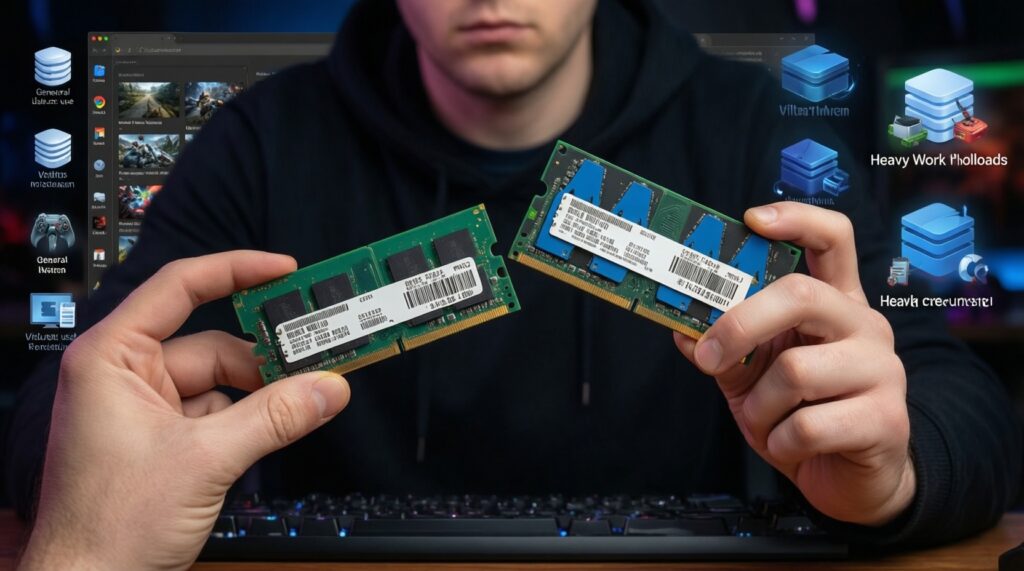
16 GB is a practical baseline for general use and many games. 32 GB makes sense for heavier creation, lots of browser tabs, and development workloads with VMs/containers.
When is a GPU upgrade the wrong first move?
When your main complaint is slow boot/app launch, or when your CPU is already maxed and your GPU isn't fully utilized. In those cases, SSD/RAM or CPU/platform changes can feel more impactful.
Can I upgrade SSD, RAM, and GPU one by one without wasting money?
Yes-start with the part that matches the bottleneck you can observe now, then reassess. A common "safe path" is SSD first for HDD systems, then RAM, then GPU for gaming targets.