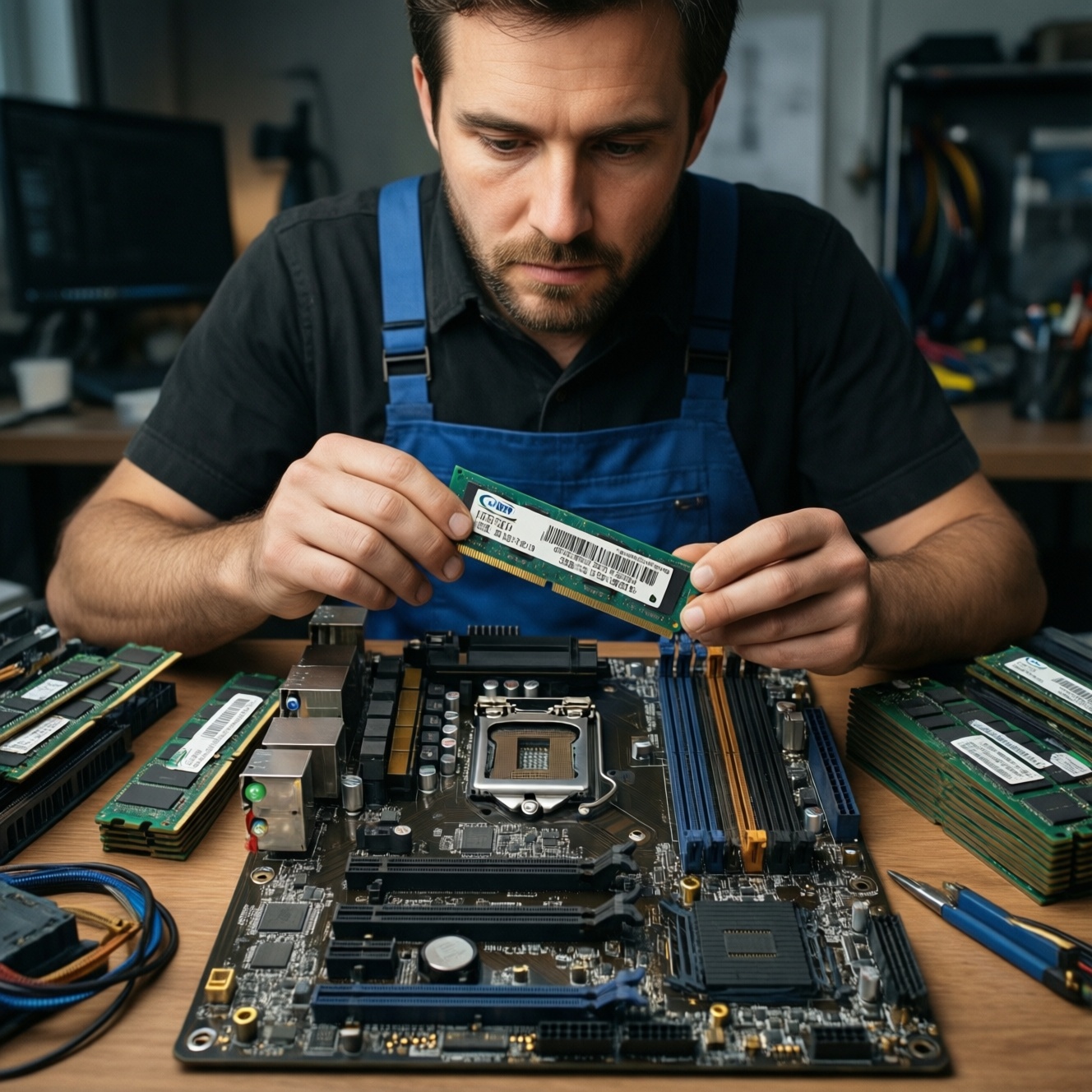
Choose RAM capacity first (8/16/32GB+), then match speed and timings to what your CPU and motherboard can actually run. For most users in Thailand, 16GB is the practical baseline; 32GB pays off for heavy multitasking, creation, and VMs. Bus (MHz) and CL matter, but typically less than moving up a capacity tier.
RAM Quick Reference for Immediate Decisions
- If you're asking "ซื้อ RAM กี่ GB ดี": start at 16GB for a modern Windows PC; go 32GB if you keep many apps/tabs open or do creation/VMs.
- "RAM 16GB หรือ 32GB อันไหนดีกว่า": 32GB is better when you hit stutters from swapping to SSD; 16GB is fine if your usage stays below it.
- "RAM บัส 3200 กับ 3600 ต่างกันไหม": it can, but only if your platform supports it and you're not capacity-limited.
- "RAM CL16 กับ CL18 ต่างกันไหม": it can, but it's a smaller lever than total GB in most real workloads.
- For "แนะนำ RAM สำหรับเล่นเกม ปี 2026": prioritize 16GB dual-channel minimum; consider 32GB if you stream, mod heavily, or run Discord/browser alongside.
How Much RAM for Typical Use Cases and Budget Tiers
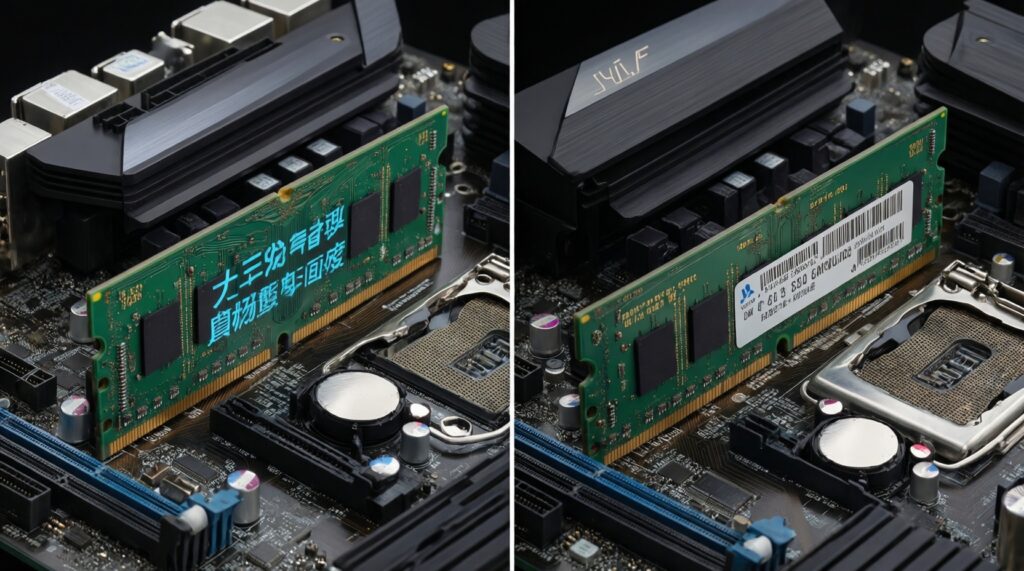
Use capacity as your first decision because it prevents the most disruptive slowdown: running out of RAM and forcing the system to page to storage. Frequency/CL tuning is the second step once you already have enough GB.
| Profile | Typical usage | Recommended capacity | Speed/CL priority | When you should NOT spend on faster RAM |
|---|---|---|---|---|
| Light | Office, study, browsing, streaming | 8-16GB | Low to medium | If you're still on 8GB and feel slowdowns: add GB before chasing MHz/CL |
| Mainstream | Gaming + multitasking, light editing | 16GB (consider 32GB) | Medium | If you game while running many background apps: capacity first |
| Pro | Photo/video editing, large projects, many browser tabs | 32GB | Medium (platform-limited) | If you're already swapping (disk activity spikes): more RAM first |
| Workstation | VMs, data work, heavy creation, long renders | 64GB+ | Medium to high (stability first) | If stability matters more than marginal speed: avoid aggressive OC and prioritize tested kits |
Compact decision checklist (safe and practical):
- Check your current peak RAM usage during your real day (game + browser + chat + tools).
- If you hit near-total usage or see frequent stutters when switching apps, upgrade capacity first.
- Only compare "RAM บัส 3200 กับ 3600 ต่างกันไหม" after you're comfortably above your peak usage.
- Choose 2 sticks (dual-channel) over 1 stick whenever possible for mainstream builds.
- Buy RAM that your motherboard QVL or platform specs can actually run without manual tweaking.
Gaming: When Size Beats Speed and When It Doesn't
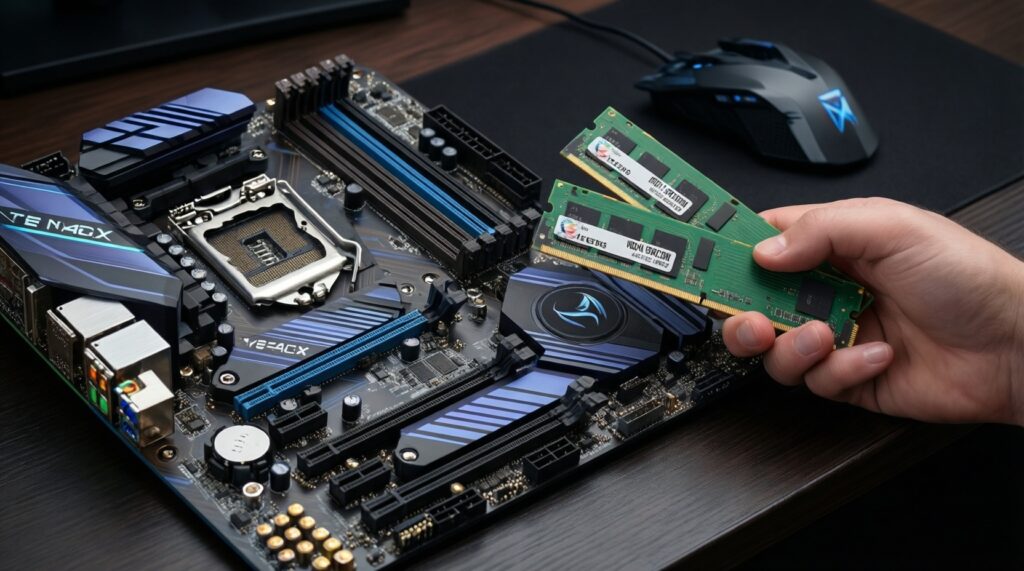
In gaming, capacity prevents hitching; speed/timings mainly affect minimum FPS and frame-time consistency when you're not RAM-limited. If you're choosing between more GB and slightly faster MHz/CL, more GB usually wins first.
What you'll need before deciding:
- Motherboard model (to confirm supported DDR generation, max speeds, and XMP/EXPO support).
- CPU model (some CPUs are more sensitive to memory speed, and may cap stable speeds).
- Your current RAM configuration (1x16 vs 2x8 vs 2x16, current MHz/CL).
- Monitoring tool built into your OS or a trusted system monitor to watch RAM usage while gaming.
Scenario benchmark summary (gaming, practical): if your system is already at or above the game's working set (no swapping), moving from slower to moderately faster RAM can improve lows and smoothness; if you're hitting the limit (e.g., heavy mods + background apps), upgrading 16GB→32GB tends to eliminate stutters more reliably than tuning CL.
Content Creation, VMs and Data-heavy Workloads - RAM Requirements
Preparation mini-checklist (before you change anything):
- Back up important work and create a restore point (safe rollback if a memory profile is unstable).
- Update BIOS/UEFI to a stable release if you plan to enable XMP/EXPO.
- Note down your current BIOS memory settings (photo or written notes).
- Confirm free RAM slots and maximum supported capacity in your motherboard manual.
- Plan your target: capacity first (32/64GB), then speed within your platform's comfort zone.
-
Measure your real peak usage
Open your typical workload (editor + assets, VM(s), browser tabs) and watch total RAM usage during the heaviest moment, not at idle.
- If peak usage frequently approaches your installed RAM, you're capacity-limited.
- If usage is comfortably below installed RAM, you can consider speed/CL tuning for small gains.
-
Pick a capacity tier that avoids swapping
Choose the next tier above your peak so you have headroom for updates, plugins, and bigger projects. This is where "RAM 16GB หรือ 32GB อันไหนดีกว่า" becomes a practical question: 32GB is the safer choice for creators and VM users.
- Light creation: consider 16GB if projects are small and you don't multitask heavily.
- Regular editing + multitasking: 32GB is a common sweet spot.
- VMs/data-heavy: plan 64GB+ if you run multiple VMs or large datasets.
-
Choose the right stick count for bandwidth and upgradability
For most mainstream platforms, 2 sticks (dual-channel) offer better real performance than 1 stick. If you plan to upgrade later, consider leaving two slots open (e.g., 2x16GB now instead of 4x8GB).
-
Set realistic speed/CL targets your platform can sustain
Once capacity is solved, decide whether "RAM บัส 3200 กับ 3600 ต่างกันไหม" for your CPU/motherboard. If your system is picky, prioritize stability at a slightly lower speed.
- Use XMP/EXPO profiles first; manual tuning is optional and riskier.
- If comparing "RAM CL16 กับ CL18 ต่างกันไหม", treat it as a fine-tuning choice after the kit is stable.
-
Validate stability and revert if needed
After enabling a memory profile or changing RAM, stress-test for stability and watch for crashes, WHEA errors, or random app quits. If any appear, step down one profile level or return to default settings.
Scenario benchmark summary (editor/creation, practical): going from insufficient RAM to sufficient RAM usually reduces timeline hiccups, preview lag, and app reloads; speed/CL changes are more noticeable in specific tasks but won't fix out-of-memory behavior.
Scenario benchmark summary (multitask/VMs, practical): the biggest win is avoiding host swapping when multiple VMs and apps run together; prioritize capacity and stability over aggressive memory overclocking.
Interpreting Frequency (MHz) vs CAS Latency (CL): Practical Impact
- Confirm you're not capacity-limited first (no frequent paging/swap activity during your workload).
- Ensure your RAM runs in dual-channel (two matched sticks in the correct slots).
- Enable XMP/EXPO only after a BIOS update and only if your platform supports it.
- Compare like-for-like: same capacity and channels before judging MHz or CL differences.
- If choosing between 3200 CL16 and 3600 CL18, treat it as a platform-compatibility decision, not a guaranteed win.
- Prefer stable settings over marginal improvements; instability costs more time than small performance gains save.
- Check that your memory clock and timings actually applied (BIOS or system info), not just selected.
- Re-test the exact workload you care about (your main game, your editor project, your VM stack), not synthetic scores only.
Compatibility: CPU, Motherboard, Channels and Overclocking Limits
- Buying faster RAM than your CPU/motherboard can run stably, then never achieving the rated speed.
- Mixing different RAM kits (even same brand/model line) and expecting XMP/EXPO to work flawlessly.
- Running single-channel (1 stick) and then trying to compensate by buying higher MHz.
- Filling all slots and assuming the same maximum frequency as with two sticks; more sticks can reduce achievable stable speed.
- Ignoring DDR generation compatibility (DDR4 vs DDR5): they are not interchangeable.
- Not checking cooler clearance for taller heat spreaders, leading to installation issues.
- Turning on XMP/EXPO and forgetting to stability-test, then blaming the OS or GPU for crashes.
- Choosing ultra-tight timings that require voltage increases without understanding heat/stability implications.
Testing and Benchmarks That Reflect Real-world Performance
Use tests that match your bottleneck. If your question is "ซื้อ RAM กี่ GB ดี", prioritize monitoring and real workload behavior over synthetic rankings.
- Real project replay: open the same editor project (or the same VM set), repeat the same actions, and compare responsiveness and memory headroom.
- Game frame-time focus: run the same scene and watch frame-time consistency and stutters; this is where capacity limits show up clearly.
- Long stability run: use a trusted memory stability test approach for a sustained period; use it after any XMP/EXPO or manual change.
- Mixed workload loop: browser + Discord + game/editor simultaneously to replicate your actual day; this reveals if 16GB vs 32GB is the real difference.
Short Answers to Common RAM Questions
ซื้อ RAM กี่ GB ดี for a mid-range PC in 2026?
For a typical Windows PC with modern apps, 16GB is the practical starting point; choose 32GB if you multitask heavily or do creative work/VMs.
RAM 16GB หรือ 32GB อันไหนดีกว่า for gaming plus Discord and a browser?
32GB is better if you see stutters or high memory use while gaming with background apps. If your usage stays well under 16GB, spend on GPU/SSD before RAM speed upgrades.
RAM บัส 3200 กับ 3600 ต่างกันไหม in day-to-day use?
Sometimes, but it's usually subtle compared to adding capacity or fixing single-channel. It matters more when your CPU/memory controller benefits and the system is stable at that speed.
RAM CL16 กับ CL18 ต่างกันไหม for real applications?
Yes, but it's typically a fine-tuning difference. If you must choose, prioritize the kit that's more compatible and stable on your platform.
Is dual-channel always worth it?
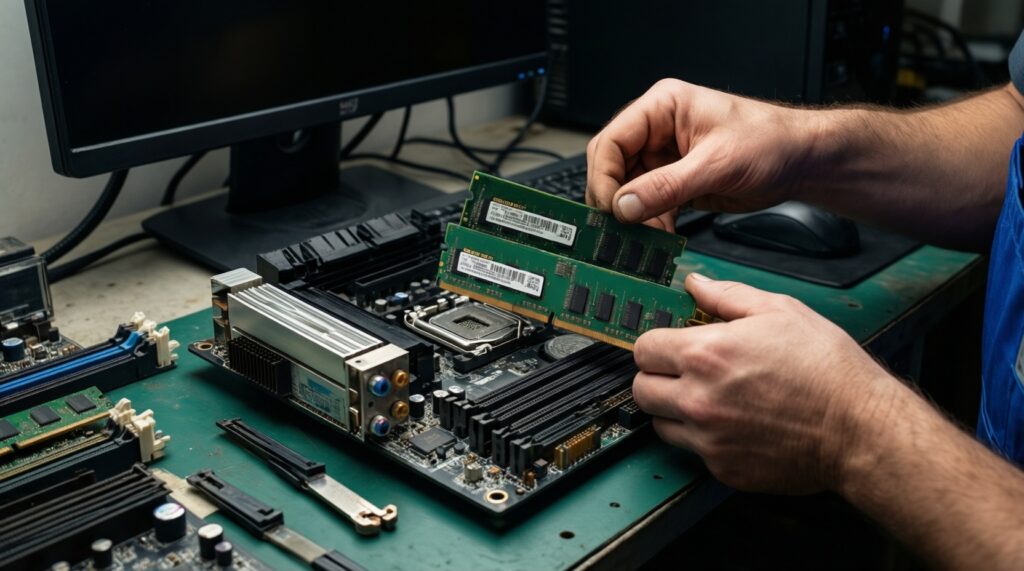
For most mainstream desktops, yes: two sticks in the correct slots often improve real performance more than a small MHz/CL change.
When should I upgrade capacity instead of speed?
Upgrade capacity when you see swapping/paging, stutters while multitasking, or your peak usage is near installed RAM. Upgrade speed only when you have headroom and want incremental gains.
แนะนำ RAM สำหรับเล่นเกม ปี 2026: what's a safe default choice?
A safe default is 16GB in dual-channel from a reputable kit with XMP/EXPO support, or 32GB if you stream, mod heavily, or keep many apps open while playing.