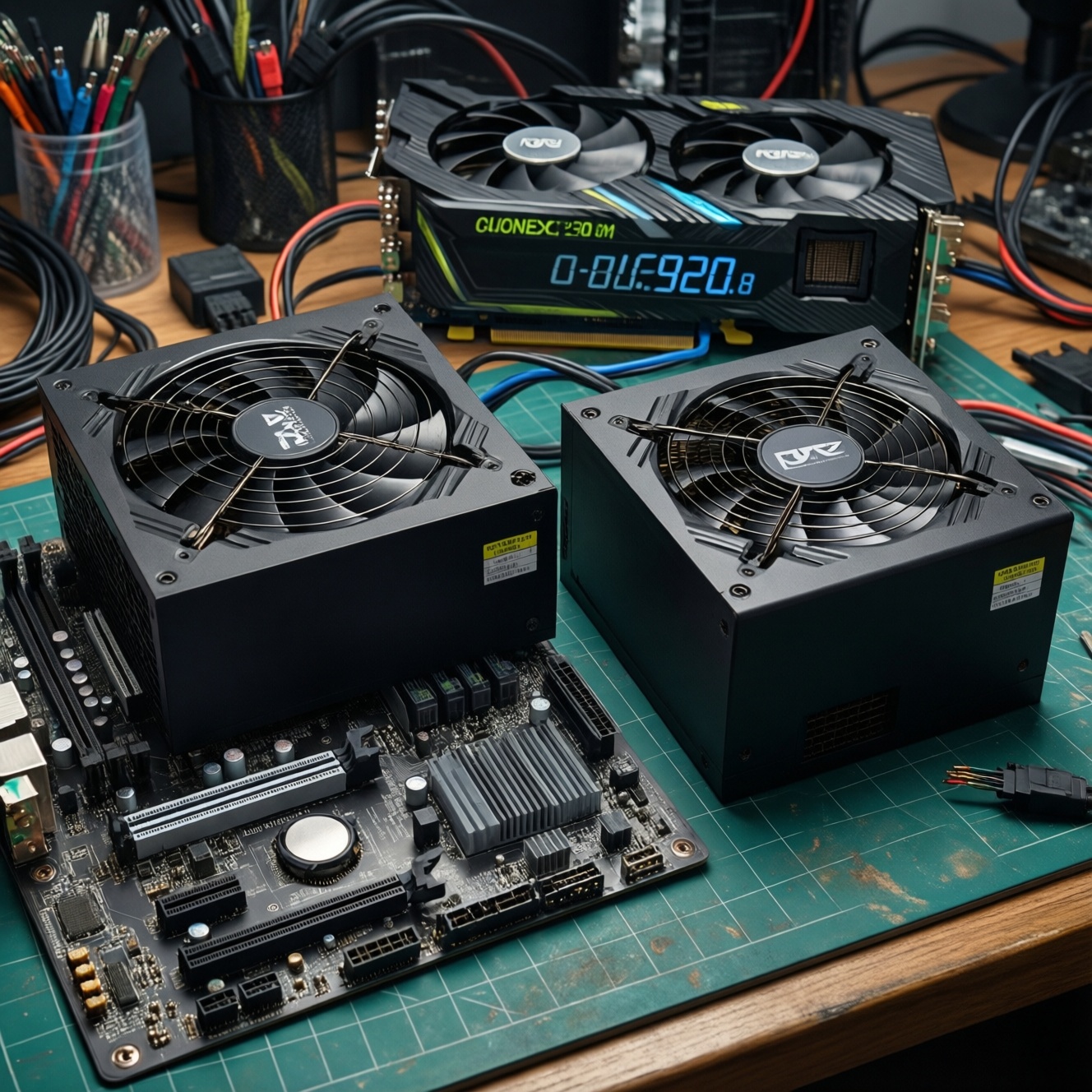
To choose a PSU for a PC build, pick the right wattage with headroom for GPU spikes, then confirm efficiency (80 PLUS), form factor, and the exact connectors your motherboard and GPU require. For most mid-range gaming systems, a quality 650-750W unit is common, but the best choice depends on your parts and case constraints.
PSU selection at a glance: the quick checklist
- Estimate load from CPU + GPU + the rest, then add practical headroom (don't size to the exact peak).
- Match the PSU form factor to the case (ATX, SFX) and confirm cable reach in compact builds.
- Verify connectors: 24-pin ATX, EPS/CPU 8-pin(s), and the correct GPU power (PCIe 8-pin or 12VHPWR/12V-2x6).
- Choose an appropriate พาวเวอร์ซัพพลาย 80 PLUS tier based on heat/noise and your usage pattern.
- Prioritize safety features and platform quality over "more watts": OCP/OVP/UVP/OTP/OPP/SCP, good warranty, reputable reviews.
- Plan cables: modularity helps airflow and serviceability, especially in small cases.
How to calculate the right wattage for your build
This method fits most self-built desktops (gaming, creator, office) where you know the CPU/GPU model. It's less reliable if you plan frequent GPU upgrades, heavy overclocking with elevated power limits, or multi-GPU/compute setups-use a larger buffer and verify connector requirements first.
A practical wattage workflow (what "PSU วัตต์เท่าไหร่" really means)
- Start with GPU power: it usually dominates gaming load.
- Add CPU power (especially for high-core workloads).
- Add "everything else" (fans, drives, pumps, USB devices) as a small buffer.
- Add headroom for transient spikes and future upgrades, then pick the nearest quality tier.
Quick comparison table: wattage tiers vs typical builds
| PSU tier | Typical fit | When it's a good choice | Common pitfalls |
|---|---|---|---|
| 450-550W | Budget gaming / office + midrange GPU | Single-GPU builds with modest CPU power and limited upgrades | Not enough headroom for higher-end GPUs or power-limit increases |
| 650W | 6-core gaming + upper-mid GPU | If you want a balanced build with reasonable upgrade room | Connector mismatch (insufficient PCIe cables) on cheaper units |
| 750W | Strong gaming / compact workstation | Safer buffer for modern GPUs and quieter operation at mid-load; common "ซื้อ PSU 650W 750W" dilemma winner when price gap is small | Buying low-quality 750W instead of a high-quality 650W |
| 850-1000W | High-end GPU + high-core CPU | Better for heavy rendering, sustained all-core load, and future GPU upgrades | Overbuying wattage while ignoring protections/warranty/platform reviews |
Short examples to sanity-check your choice
- 6-core gaming PC: Mid/high GPU + 6-core CPU typically lands well in the 650-750W quality range, chosen for headroom and acoustics rather than "minimum wattage."
- Compact workstation (small case): Wattage may be fine, but SFX limits and cable length become the real constraint; modular SFX often simplifies routing.
- High-end GPU build: Prioritize correct GPU connector standard and transient handling; stepping up to 850W+ can be justified if you raise power limits or plan upgrades.
Why 80 PLUS efficiency grades matter and how to choose
You'll need (1) your local electricity cost sensitivity (heat/noise priorities), (2) basic knowledge of your case airflow, and (3) access to a reputable PSU review for the exact model. Efficiency labels help narrow choices, but they don't replace electrical quality and protections.
How to use 80 PLUS without overpaying
- What it affects: higher efficiency can mean less waste heat, potentially lower fan noise, and slightly lower power draw at the wall.
- What it doesn't guarantee: build quality, voltage regulation, ripple suppression, or good protections. Treat พาวเวอร์ซัพพลาย 80 PLUS as a filter, not a verdict.
- Practical pick: aim for a reputable platform first; choose a sensible efficiency grade that matches your budget and thermal/noise goals.
Form factors, connectors and motherboard compatibility
Prep checklist (before you shop)
- Write down exact CPU and GPU models (and whether you'll raise power limits/OC).
- Check your case PSU form factor support (ATX vs SFX) and maximum PSU length.
- Check how many EPS/CPU power sockets your motherboard has (1×8-pin, 2×8-pin, etc.).
- Check your GPU power input type (PCIe 8-pin(s) vs 12VHPWR/12V-2x6) and how many connectors it needs.
- List your storage count (SATA drives) and any pumps/fan hubs needing SATA/Molex power.
-
Match the PSU to your case (ATX/SFX and length)
Confirm the PSU form factor your case supports and any length limits, especially in compact cases where long ATX PSUs can block cables or radiators.
- ATX is the default for most mid-towers.
- SFX/SFX-L is common for small-form-factor builds; cable management becomes more important.
-
Confirm the motherboard main power (24-pin ATX)
Nearly all modern desktop boards use a 24-pin ATX connector. Make sure the PSU includes it (it always should) and that the cable reaches cleanly.
-
Confirm CPU power (EPS 8-pin, sometimes more than one)
Many boards use 1× EPS 8-pin; performance boards may have 2× EPS 8-pin. A quality PSU should provide enough EPS connectors without adapters.
- Avoid forcing PCIe 8-pin into EPS or using questionable converters.
- If your board has two EPS sockets, check whether your CPU/workload actually benefits from connecting both (but having both available is ideal).
-
Confirm GPU power type and quantity
Match the GPU requirement exactly: multiple PCIe 8-pin connectors or the newer 12VHPWR/12V-2x6. Prefer native PSU cables over adapters when possible.
- If the GPU uses 12VHPWR/12V-2x6, check that the PSU is designed to support it cleanly and that the cable can be routed without sharp bends.
- For multi-8-pin GPUs, ensure the PSU has enough separate PCIe cables (not just split ends) according to reputable guidance for your GPU class.
-
Count peripheral power (SATA/Molex) and plan cable reach
Drives, fan hubs, RGB controllers, and pumps may need SATA or Molex power. Confirm the PSU includes the right number of connectors and that cable runs fit your case layout.
Using this connector-first approach is the safest way to เลือกพาวเวอร์ซัพพลาย PSU because it prevents the most frustrating failure mode: a "powerful enough" unit that can't physically power your GPU/CPU properly.
Modular vs fixed-cable units: trade-offs and cable planning
Use this checklist to confirm your choice is practical in your case and won't create avoidable heat or cable strain.
- Choose fully modular if you want the cleanest routing, easier upgrades, or you build in compact cases.
- Choose semi-modular if you want value while keeping main cables fixed (24-pin/EPS) and optional cables removable.
- Choose fixed-cable if budget is tight and your case has good cable hiding space.
- Verify you will use separate PCIe cables where appropriate; don't assume one daisy-chain fits every GPU scenario.
- Confirm cable length is sufficient for top-mounted EPS routing in larger cases.
- Ensure the GPU power cable can be routed with gentle bends (important for 12VHPWR/12V-2x6).
- Plan for future storage/fans: keep at least one spare SATA power chain if you expect additions.
- Don't mix modular cables across PSU brands/series-even if they "fit," the pinout may differ.
Reliability, protections and lifespan indicators (capacitors, MTBF, warranties)
- Buying by wattage alone: a "bigger number" PSU can be worse than a smaller high-quality unit.
- Ignoring protections: prioritize OCP/OVP/UVP/OTP/OPP/SCP listed in specs and validated by trustworthy reviews.
- Assuming 80 PLUS equals quality: efficiency certification doesn't guarantee low ripple or solid transient response.
- Using unsafe adapters: avoid random Molex-to-PCIe or questionable EPS/PCIe converters for high-load parts.
- Overloading a single cable run: don't rely on daisy-chained PCIe connectors when your GPU class is known to be demanding.
- Mixing modular cables: swapping cables between different PSU models can damage components.
- Neglecting heat: poor airflow or cramming cables can raise PSU temperature and fan noise, reducing longevity.
- Skipping real reviews: model-to-model variation within a "brand" is huge; judge the exact model/platform.
Practical shopping checklist: budget, reviews, and brand considerations
When people ask PSU ยี่ห้อไหนดี, the most reliable answer is: pick by exact model quality (platform, protections, test results, warranty) rather than logo. Use these alternatives depending on your constraints.
Good-fit alternatives depending on your scenario
- Value-first build: choose a well-reviewed mid-tier wattage PSU with solid protections; avoid paying extra for high efficiency if it forces you into a worse platform.
- Quiet/thermals-first build: prioritize a higher-efficiency, better-fan-profile model so it runs cooler and quieter at typical load.
- Small form factor (SFX): pick a high-quality SFX/SFX-L unit with the right connectors and cable length; modular is usually worth it here.
- Upgrade-friendly path: if you're on the fence like "ซื้อ PSU 650W 750W", prefer the higher wattage only when the model quality remains high and the connector set better matches your next GPU.
Final "buy-ready" checklist you can use in a store page
- Form factor matches case (ATX/SFX) and PSU length fits.
- Wattage chosen with headroom for GPU spikes and planned upgrades.
- Connectors confirmed: 24-pin ATX, EPS 8-pin(s), GPU power type/count, enough SATA.
- Protections listed and supported by credible testing/reviews for that exact model.
- Warranty terms are clear for Thailand (local distributor support matters).
- Modularity chosen based on your case space and cable management needs.
- No plan to mix modular cables from other PSUs.
Answers to common PSU concerns and edge cases
If my PC crashes under load, is it always the PSU?
No-GPU drivers, unstable RAM/CPU settings, and thermals can cause the same symptom. Still, sudden shutdowns under GPU load plus a low-quality or overloaded PSU is a common pattern worth checking.
Is 80 PLUS Gold always better than Bronze for gaming?
Not automatically. Gold can run cooler and quieter, but a well-built Bronze unit can outperform a poorly built Gold unit in electrical quality and protections.
Do I need ATX 3.x for a modern GPU?
It helps if your GPU uses 12VHPWR/12V-2x6 or has sharp transient spikes, but "needed" depends on the specific PSU design and connector support. Prefer native support over adapters when possible.
Is it safe to use one PCIe cable with two 8-pin ends (daisy-chain) for my GPU?
For lower-power GPUs it can be acceptable, but for power-hungry models it can increase cable/connector stress. When in doubt, use separate PCIe cables from the PSU to the GPU sockets.
My motherboard has two EPS 8-pin sockets-must I plug both?
Many systems run fine with one, but connecting both can improve stability for high-power CPUs or heavy all-core workloads if your PSU provides proper EPS connectors. Avoid adapters.
Can I reuse modular cables from my old PSU?
No. Even within the same brand, pinouts can differ by series, and the result can damage your components immediately.
What's the simplest way to answer "PSU วัตต์เท่าไหร่" if I'm upgrading only the GPU?
Check the new GPU's required connector type/count, then choose a PSU tier that adds headroom beyond your current unit and workload. If your existing PSU is older or low-tier, replacing it proactively is often safer than pushing it harder.