To choose between a new, used, or refurbished GPU in Thailand, prioritize verifiable performance per baht, remaining warranty, and predictable reliability. New cards reduce risk but cost more; used cards can be great value if you can validate history and thermals; refurbished sits in between if the shop offers real testing and returns.
Critical checklist snapshots before buying a GPU
- Confirm target workload and FPS/resolution (or CUDA/AI needs) before looking at การ์ดจอใหม่ ราคา or การ์ดจอมือสอง ราคา.
- Only compare cards using the same benchmark suite/settings you will run (same API, same resolution, same game build).
- Set a minimum warranty rule: prefer official warranty; for used, avoid "no warranty/no return".
- Validate power and fit: PSU connectors, PSU headroom, case length, and PCIe slot clearance.
- Demand proof of condition: stress test, temperatures, fan behavior, and no artifacting.
- Check provenance: receipt/serial match, RMA status, and seller return terms-especially when picking a ร้านขายการ์ดจอมือสอง น่าเชื่อถือ.
Performance and Price: Real-world benchmarks vs resale value
If you're doing เปรียบเทียบการ์ดจอใหม่กับมือสอง, use criteria that stay stable across marketing cycles. Evaluate these before you decide what to pay.
- Your actual workload profile: raster gaming, ray tracing, creator apps, AI/compute, VR-each shifts the "best value" point.
- Performance consistency: not only peak FPS, but 1% lows and frametime stability under long sessions.
- VRAM capacity and memory bus: avoid "barely enough" VRAM if you mod, use high-res textures, or do creator work.
- Efficiency (perf/W): higher efficiency can reduce PSU needs, noise, and long-term heat stress.
- Cooling design margin: larger heatsinks and quality fans matter more on used cards (wear) and compact cases (thermals).
- Warranty value: remaining manufacturer warranty changes the effective risk-adjusted price.
- Resale liquidity: popular SKUs are easier to sell later; niche models can trap budget.
- Driver maturity: older architectures may lose optimizations sooner; check stability for your apps.
- Total platform impact: a GPU upgrade that forces PSU/case upgrades can erase the "cheap" advantage.
Reliability Profile: Assessing wear, warranty and firmware risks
Reliability differences are usually about unknown history (mining, high heat, bad maintenance), not "used" by itself. Treat warranty + return policy as part of the product.
| Option | Who it fits | Pros | Cons | When to choose |
|---|---|---|---|---|
| New (official retail) | Anyone prioritizing stability, long use, clean support path | Full warranty; lowest firmware/BIOS tampering risk; best return/RMA clarity | Highest upfront cost; early-cycle pricing can be inefficient | When you need predictable uptime or you can't test hardware deeply before committing |
| Used (consumer-to-consumer) | Value seekers comfortable with diagnostics and negotiation | Best value potential; good for short-to-mid upgrade cycles | Unknown wear; higher chance of prior OC/mining; returns often weak | When you can run stress tests in-person and you have a strict walk-away checklist |
| Used (shop-checked) | Buyers who want used pricing but need basic safeguards | Some screening; may include short return window; easier logistics | Testing quality varies; may hide issues that appear only under longer load | When the shop provides test logs and a written return policy (your "minimum safety net") |
| Refurbished (vendor refurbished) | Balanced buyers seeking lower price with controlled risk | Should include standardized testing; often clearer documentation than random used | Warranty can be shorter than new; parts history can be opaque | When the warranty terms are explicit and you can confirm what was repaired/replaced |
| Open-box / customer return | Buyers chasing "almost new" deals | Often near-new condition; sometimes full accessories; may keep strong return rights | Reason for return may be performance/coil whine/compatibility; stock is inconsistent | When you can test for noise/coil whine and confirm full warranty registration rules |
Compatibility and Bottlenecks: PSU, case, drivers and platform fit
- If your PSU lacks the required PCIe power connectors or is borderline on capacity, then prioritize a more efficient GPU tier or budget for a PSU upgrade before buying.
- If your case is compact or airflow is limited, then avoid thick triple-slot coolers that choke intake, and prefer proven cooler designs with lower hotspot behavior.
- If your CPU is mid/older and you play esports/low settings, then you may be CPU-limited-choose a GPU based on your target resolution or plan a platform upgrade.
- If you rely on specific software stacks (creator apps, compute, capture), then check driver branch stability and required feature support before choosing "best FPS per baht".
- If you use older motherboards with older PCIe versions, then confirm the GPU's lane configuration and whether your workload is sensitive to reduced bandwidth.
Hidden Costs: Power draw, cooling upgrades and potential repairs
- Estimate platform extras: list required PSU wattage/connectors, case clearance, and any cable/adapter needs. If you must use risky adapters, skip the deal.
- Plan for cooling margin: if the card runs near thermal limits, assume you may need case fans, repaste, or pad work-price that in upfront for used units.
- Set a noise/coil-whine tolerance: treat it as a compatibility constraint (especially for open-box/used) and test in your typical FPS range.
- Quantify downtime cost: if you can't afford troubleshooting, prioritize new or refurbished with clear exchange terms.
- Use warranty months as a hard gate: if used has very low or no warranty, require a stronger discount and stricter test evidence.
- Reserve a repair buffer: fans and bearings are common wear points; if fan replacement is hard/expensive for that model, lower your acceptable price.
Seller and Provenance Signals: Verifying history, receipts and return options
If you're asking ซื้อการ์ดจอมือสอง ต้องเช็คอะไรบ้าง, these are the mistakes that cause most "looks fine at pickup, fails later" outcomes.
- Buying without verifying the exact model and VRAM shown in a system info tool (don't trust just the shroud sticker).
- Skipping a 15-30 minute stress test with monitoring (core temp, hotspot, fan RPM stability) and a quick game run to check for artifacts.
- Not checking for BIOS/firmware tampering (especially on cards that may have been mined or heavily undervolted).
- Accepting "no returns" for used without compensating discount and without testing on-site.
- Ignoring physical red flags: missing screws, stripped heads, bent backplate, corrosion, sticky residue, uneven fan wobble.
- Not confirming serial/receipt consistency and whether warranty is transferable; keep a photo of serial for your records.
- Overpaying because การ์ดจอมือสอง ราคา looks "close to new" while การ์ดจอใหม่ ราคา includes full warranty and better return rights.
- Assuming a shop is safe without reading the written policy; even a ร้านขายการ์ดจอมือสอง น่าเชื่อถือ should provide clear terms, not vague promises.
- Not verifying accessories that affect safety: correct PSU cables, included adapter type, and whether the card was previously used with unsafe adapters.
Decision flow: When to choose new, refurbished or used based on goals

- Do you need predictable uptime (work/streaming deadlines)? Yes → choose New or vendor Refurbished with written warranty. No → continue.
- Can you test the GPU under load before paying (and return it if it fails)? No → avoid consumer-to-consumer Used; prefer New / shop-checked Used with returns. Yes → continue.
- Is there meaningful warranty remaining (or a real shop warranty)? No → require a deeper discount or skip. Yes → continue.
- Is your PSU/case ready with no risky adapters and enough airflow? No → factor upgrade cost; if it erases savings, move to a more efficient GPU or buy New with fewer surprises. Yes → continue.
- Does the card pass stress + quick game test with stable temps/fans and no artifacts? No → skip. Yes → buy the best risk-adjusted value among the options.
Best fit for most users who want minimal troubleshooting is a new GPU from official retail. Best fit for value-focused upgraders who can verify condition is a used GPU with on-site testing and clear return terms. Best fit for a middle path is refurbished or shop-checked used when documentation and warranty are specific and enforceable.
Practical doubts and quick fixes when choosing a GPU
How do I compare "new vs used" fairly without getting misled by marketing?
Use the same benchmark settings you will run and normalize by total cost (GPU + any PSU/cooling upgrades). Treat warranty and return rights as part of the value, not a bonus.
What's the fastest way to screen a used GPU before paying?
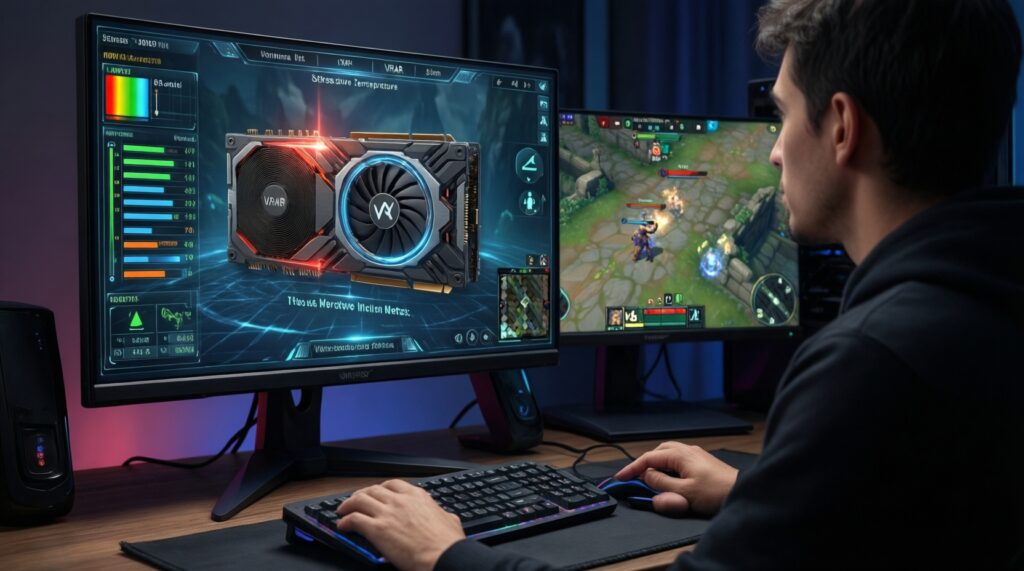
Verify model/VRAM in a hardware info tool, then run a sustained stress test while watching temperatures and stability, and finish with a real game test to spot artifacts or driver crashes.
Is refurbished always safer than used?
Only when the refurb source offers clear warranty terms and documented testing. "Refurbished" without written coverage can be riskier than a well-tested used card with remaining manufacturer warranty.
What should I do if the GPU requires a power adapter I don't have?
Prefer a native-connector PSU cable solution; avoid questionable adapters. If adapting is unavoidable, treat it as a sign to choose a different GPU or budget a PSU upgrade.
How much warranty is "enough" to justify a higher price?
More is better, but the key is enforceability: confirm it's transferable and that you can actually claim it. If warranty status is unclear, value it close to zero in your pricing.
Why does a used GPU sometimes look fine but fail after a week?
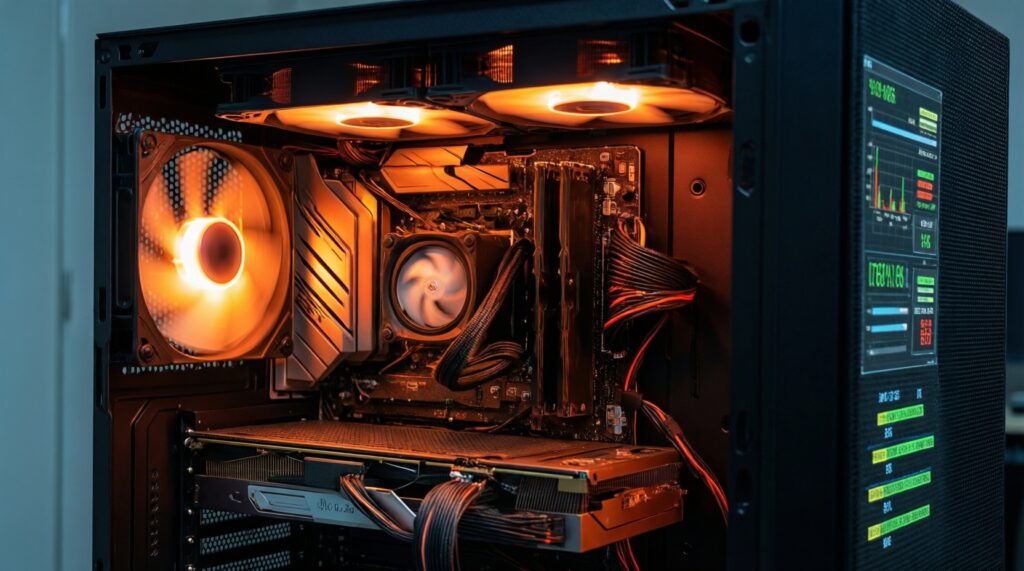
Intermittent faults often appear only under heat soak or specific loads. That's why sustained testing, stable fan behavior, and a real return window matter more than a quick boot test.